> At a Glance
> – Google lets you permanently blur your home on Street View in a few steps
> – The tool is desktop-only and takes minutes to complete
> – Once approved, the blur can’t be reversed
> – Why it matters: Keeps your exact address and exterior out of public view
Google’s Street View cameras have photographed millions of front doors, driveways, and yards. If that makes you uneasy, you can ask Google to blur the image of your property. The process is free, takes under five minutes, and-once approved-can’t be undone.
How to Submit a Blur Request
Open maps.google.com on a computer and search for your address. Click the photo that appears above your address to enter Street View. Look for the tiny “Report a Problem” link in the bottom-right corner.
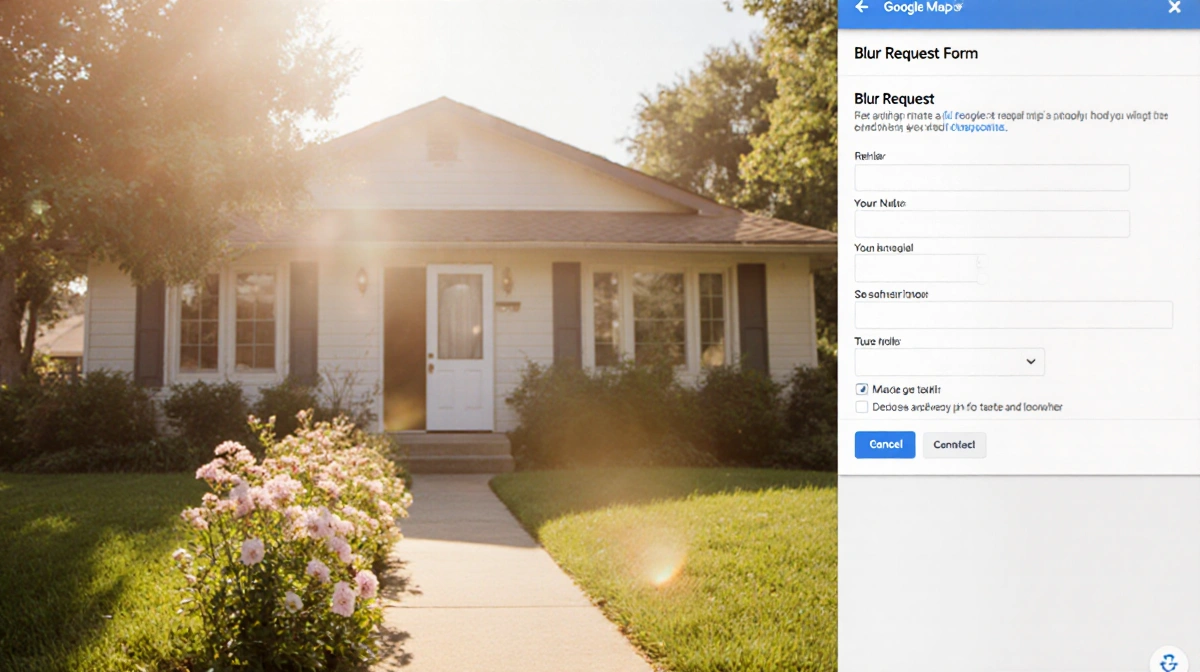
Drag and zoom until your house sits inside the red-and-black box. Choose “Your home” from the menu, add a short description, and enter your email. Hit Submit; Google will email you when the decision is made.
What You Can and Can’t Blur
You may request blurring for:
- A face
- Your home
- Car or license plate
- Any other object
Important: the change is permanent. Google warns that once something is blurred, the company won’t reverse it even if you later change your mind.
Timeline and Next Steps
Google doesn’t publish processing times. After submission, watch your inbox-staff may ask for extra details. If approved, the blurred version replaces the original across all Google Maps and Street View embeds.
Quick Checklist Before You Start
- Use a desktop browser; mobile browsers work but are awkward
- Double-check the red box contains everything you want hidden
- Have your email ready; it’s mandatory
Key Takeaways
- Blurring is desktop-only and irreversible
- Approval emails can arrive within days or weeks
- The same tool works for faces, cars, or other objects
- Once live, the blur appears on every device that calls up your address
Take five minutes now if you’d rather strangers not see your front door with a simple search.