> At a Glance
> – iPhones hide seven built-in tools that track sleep and block late-night distractions
> – Features like Wind Down, Sleep Focus, and Night Shift cut blue light and silence alerts
> – Health app charts Apple Watch data-heart rate, oxygen, wrist temp-to reveal sleep trends
> – Why it matters: No extra gadgets required; your phone can replace the sleep-deprivation cycle with a science-backed bedtime routine
Your iPhone already owns the hardware and software to flip the script from sleep enemy to sleep coach. Instead of battling 2 a.m. notifications, let the same device guide you into deeper rest and steadier mornings.
Built-In Sleep Trackers
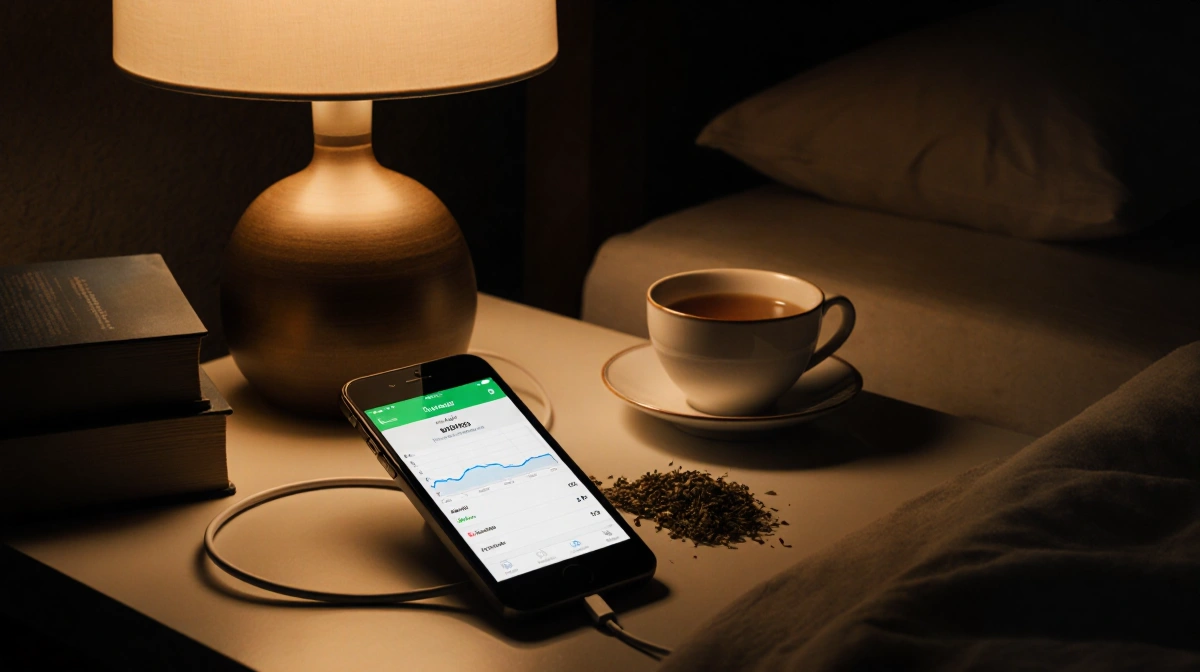
Pair an Apple Watch with the Health app and you unlock a dashboard of nightly metrics: time asleep, blood-oxygen level, wrist temperature, heart rate, and sleeping respiratory rate. Interactive charts show how habit tweaks move the numbers over weeks.
Wind Down & Sleep Focus
Wind Down (iOS 15) gives you a 15-minute-to-three-hour buffer before bed. Pick presleep actions-tea, music, bath-and the phone flips on Do Not Disturb until you rise. Sleep Focus (iOS 16) goes further, trimming the lock screen to essentials and letting only chosen contacts or apps break the silence.
Schedule & Limits That Stick
- Sleep Schedule pings you when it’s time to hit the pillow and when to wake, keeping the body clock consistent
- App Limits under Screen Time caps TikTok, Instagram, or any app that keeps you scrolling past midnight
- Downtime restricts daytime use so excess screen hours don’t spill into night fatigue
Night Shift Against Blue Light
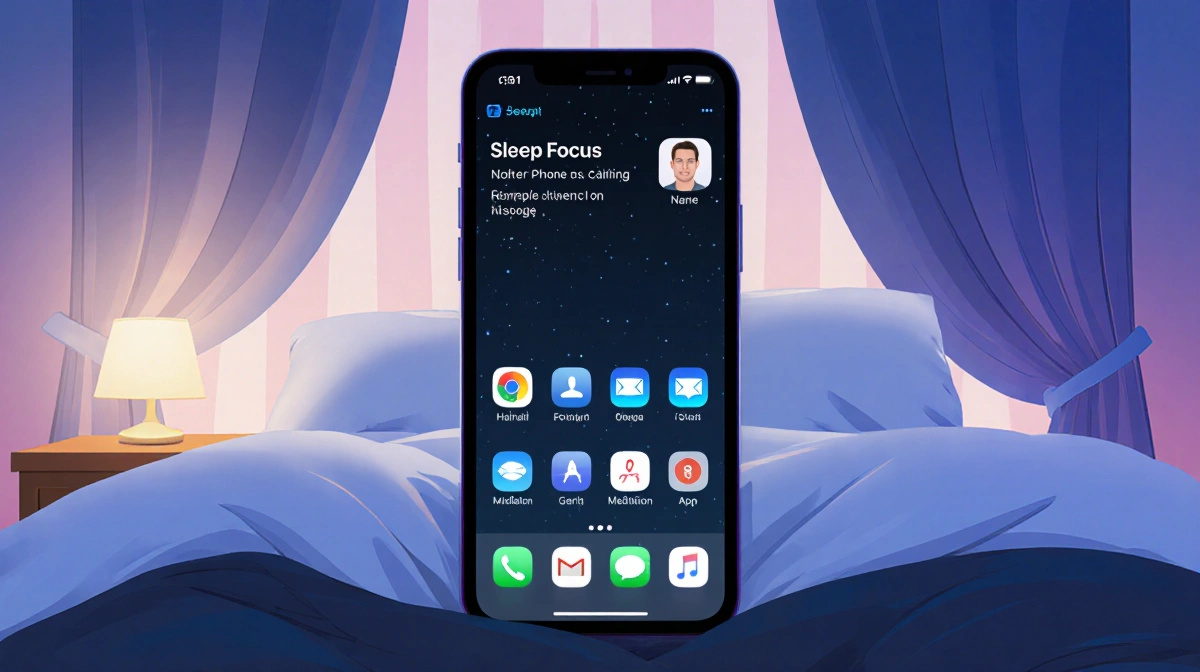
Night Shift warms the display at sunset, lowering melatonin-suppressing blue light. One toggle in Settings > Display & Brightness sets it and forgets it.
| Feature | What It Does | iOS Needed |
|---|---|---|
| Health + Watch | Tracks sleep metrics | iOS 15+ |
| Wind Down | Curates presleep routine | iOS 15+ |
| Sleep Focus | Auto Do Not Disturb | iOS 16+ |
| App Limits | Caps app time | iOS 15+ |
| Night Shift | Cuts blue light | iOS 15+ |
Bedroom Phone Rules
Charging outside the room or switching to a smartwatch alarm kills the temptation to answer 3 a.m. pings. If the phone must stay, park it face-down in Sleep Focus so only true emergencies light the room.
Key Takeaways
- Seven native iPhone tools combine into a free, full-coverage sleep system
- Apple Watch feeds granular data to Health; no third-party tracker necessary
- App Limits plus Downtime curb both bedtime and daytime overuse
- Night Shift and Wind Down protect melatonin and ease the brain into rest
- A consistent schedule plus Do Not Disturb equals fewer 2 a.m. notification jolts
Stop letting the screen wreck your rest; start letting the same device orchestrate deeper, data-driven sleep tonight.