> At a Glance
> – iOS 26.3 beta adds one-tap “Transfer to Android” tool
> – Notifications can now ping non-Apple smartwatches like Galaxy Watch 8
> – Public release expected early 2026
> – Why it matters: Apple loosens its walled garden, making cross-platform moves less painful
Apple’s first iOS 26.3 beta, dropped in December, quietly introduces two user-requested exits from the ecosystem: a native iPhone-to-Android data mover and notification forwarding to third-party wearables.
How to Jump Ship to Android
Settings > General > Transfer or Reset iPhone now hosts a “Transfer to Android” button. Tap it and the phone walks you through moving photos, messages, apps and more without the usual cable dance or disabling FaceTime first.
The current Android-switch workflow demands:
- Turning off iMessage and FaceTime
- Physically connecting both phones
- Following five separate prompts
Apple’s new tool collapses those steps into one menu and on-screen guide.
Non-Apple Watch Support Arrives
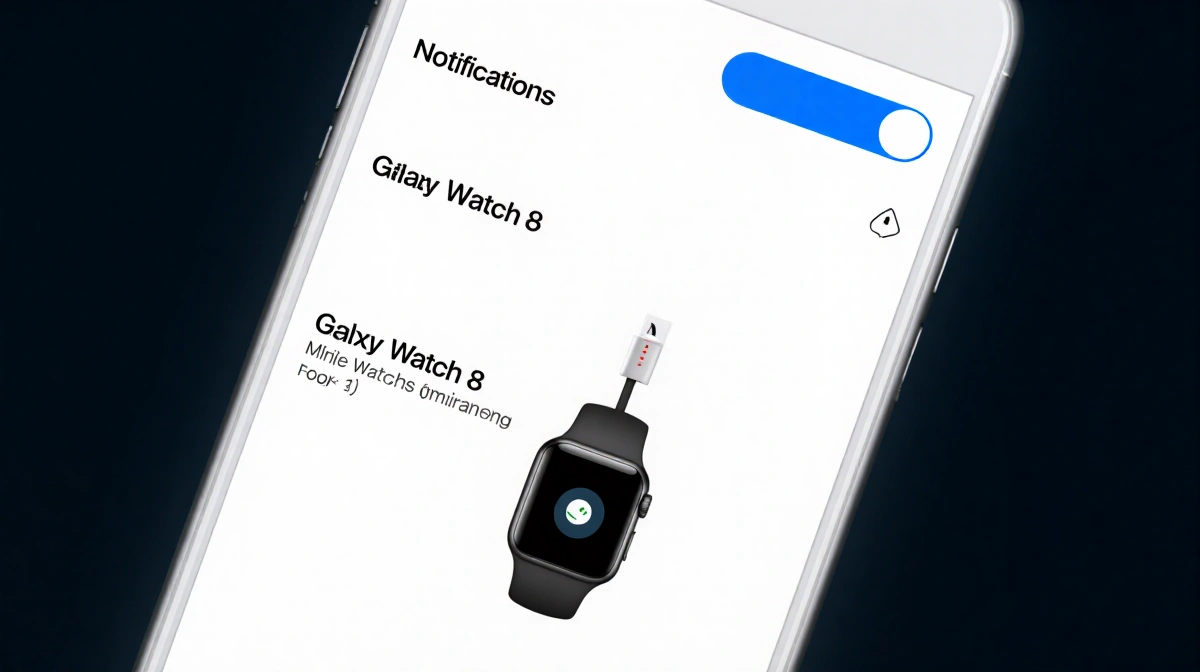
Notification Forwarding, found under Settings > Notifications, can redirect alerts to a single non-Apple wearable at a time. During beta, Galaxy Watch 8 pairing is confirmed; Apple warns that Apple Watch mirroring stops while the feature is active.
| Feature | iOS 26.2 | iOS 26.3 Beta |
|---|---|---|
| Android transfer | Manual steps | One-tap wizard |
| Third-party watch alerts | Not supported | Supported (one device) |
| Apple Watch mirroring | Always on | Paused when forwarding |
Beta Safety Reminder
Because this is an early build, testers should load it on a secondary device. Apple notes potential battery drain and instability ahead of the wider early-2026 release.
Key Takeaways
- iOS 26.3 beta streamlines leaving iPhone for Android
- Non-Apple smartwatches can finally display iPhone notifications
- Final update slated for early 2026; more betas expected
- Beta users should avoid installing on primary hardware
With these additions, Apple signals a rare willingness to ease lock-in, letting users experiment beyond its ecosystem without losing their data-or their notifications.