
> At a Glance
> – Spotify is rolling out Listening Activity and Request to Jam inside its Messages tab on iOS and Android
> – Listening Activity shows friends what you’re playing in real time; Request to Jam lets you start a shared queue
> – Both features land for users 16+ by early February 2025
> – Why it matters: You can now discover and listen together without leaving the chat screen
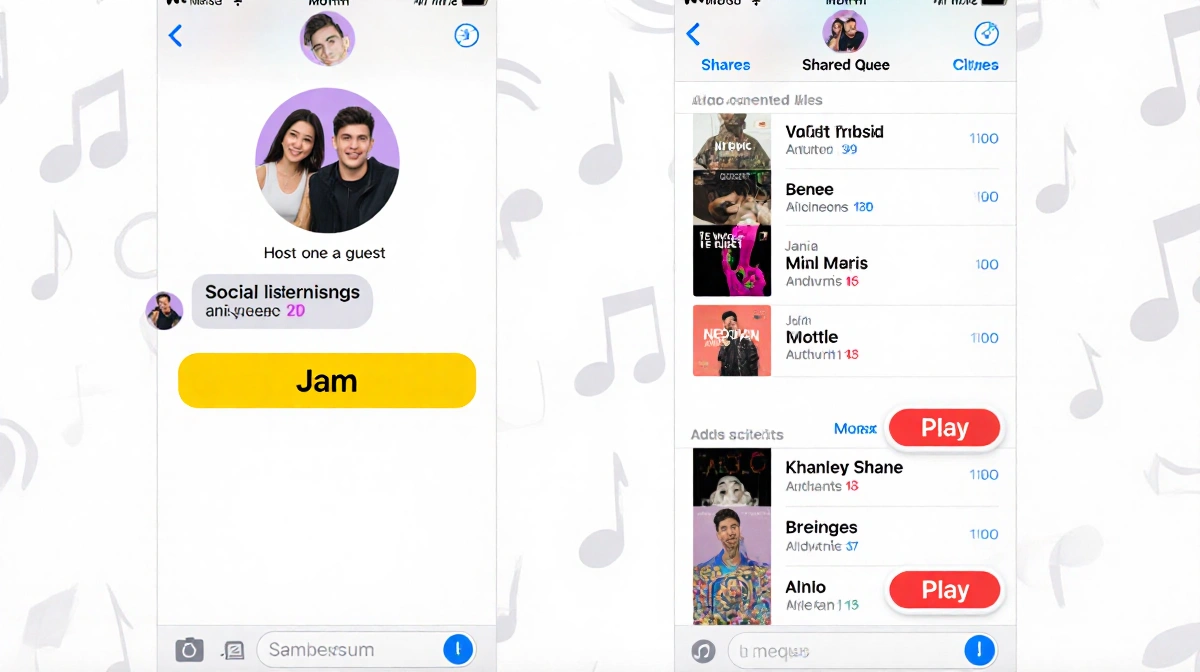
Spotify’s mobile app is getting more social. Starting this week, you can see what friends are playing-and jump into a joint listening session-right inside Messages.
Listening Activity Goes Mobile
Previously stuck on desktop, Listening Activity now lives inside the Messages tab. Opt in via Privacy and social settings and your current track (or last played) appears at the top of every chat.
- Visible only to people already in your Messages list
- Others can see your status even if you haven’t enabled it
- Toggle off anytime
Tap a friend’s activity to:
- Play the same song
- Add it to your library
- React with an emoji
Request to Jam-How It Works
Think of Request to Jam as a private, chat-based version of Spotify’s group Jam. Premium users can fire off an invite; free users can join but not host.
- Tap the Jam button inside any Messages chat
- Wait for the recipient to accept (requests expire after a few minutes)
- The accepter becomes host; both sides can add songs to a shared queue
| Feature | Free Account | Premium Account |
|---|---|---|
| Start a Jam | ❌ | ✅ |
| Join a Jam | ✅ | ✅ |
| See Activity | ✅ | ✅ |
Rollout is under way and finishes globally by early February.
Key Takeaways
- Listening Activity is opt-in and can be switched off instantly
- Request to Jam requires Premium to initiate, but anyone can accept an invite
- Both tools live inside Messages, keeping discovery and conversation in one place
Spotify’s move keeps its 100-million-plus mobile users connected without extra apps or screens.