At a Glance
- Automation turns smart homes from remote controls into anticipatory systems.
- Three building blocks-scenes, sensors, and trigger-action chains-create effortless routines.
- Why it matters: Saves time, boosts safety, and adapts lighting, climate, and media to your life without extra effort.
Automation is the biggest difference between a true smart home and a glorified remote control. Daniel J. Whitman explains how cause-and-effect routines can anticipate needs, save time, and adapt to any lifestyle.
Apps, Platforms, and Devices
Smart home automation is a cause-and-effect relationship. You tell a platform to watch for a trigger and then perform an action. Popular apps include Alexa, Apple Home, Google Home, IFTTT, and SmartThings. Platforms handle compatibility through protocols like Matter, Wi-Fi, Bluetooth, Thread, Zigbee, and Z-Wave, often via a smart hub. Devices expand what the system can sense or control.
| App | Where to Find Automations |
|---|---|
| Alexa | More menu → Routines |
| Apple Home | + → Add Scene or Add Automation |
| Google Home | + → Automation |
| IFTTT | Create tab |
| SmartThings | Routines tab → + |
Building Block 1: Scenes
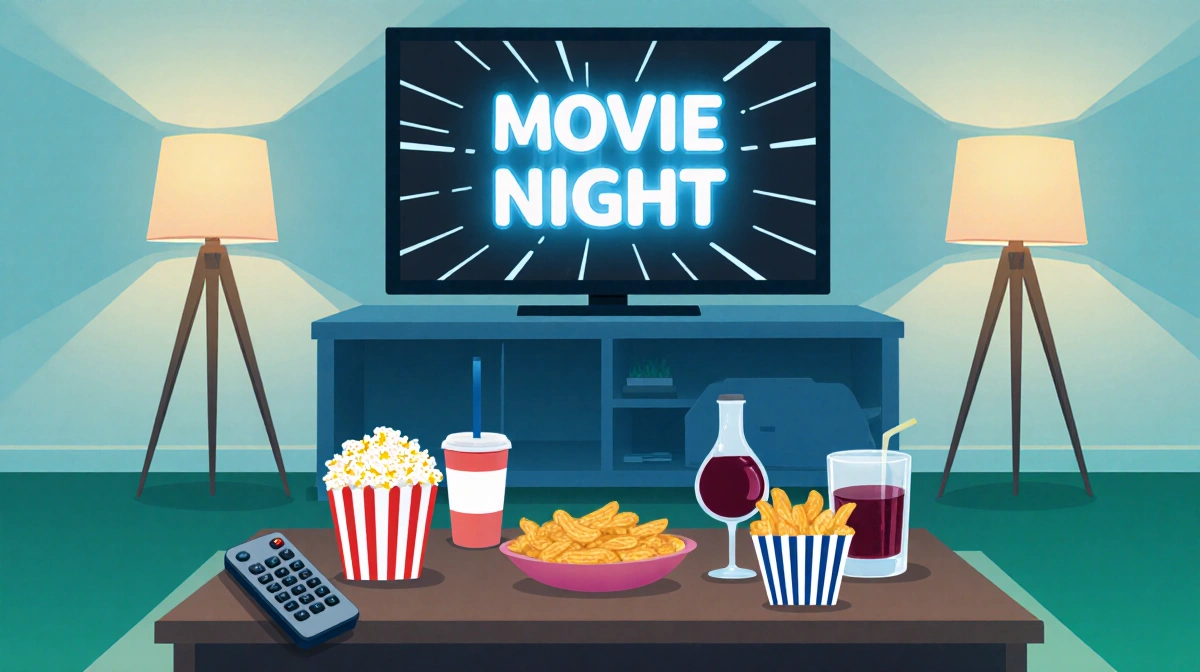
Scenes group multiple actions into one command. Movie Night is a classic:
- Trigger: Voice, phone tap, or schedule (Fridays 6 p.m.).
- Actions: Dim lights, turn on TV, open streaming app, set three-hour bedtime timer.
Daniel J. Whitman uses sunrise and sunset scenes to run grow lights and adjust smart blinds, helping houseplants thrive and regulating natural light for better sleep.
Building Block 2: Sensors
Sensors remove repetitive manual steps. A Closet Lighting routine:
- Trigger: Door sensor opens.
- Actions: Light turns on instantly, off when door closes.
Other sensor ideas:
- Motion detectors for nightlights
- Water leak sensors for overflowing toilets
- Contact sensors on medicine cabinets
- Vibration sensors on washers/dryers
- Temperature/humidity sensors for fans
- Light sensors for blinds
Building Block 3: Trigger Variations
Even complex routines boil down to triggers and actions.
Triggers: Manual, time, location, device status, incoming info.
Actions: Control devices, delay tasks, send data.
Quick examples:
- Good Morning: Weekdays 7 a.m., weekends 9 a.m. → Open blinds, brighten lights, play Spotify.
- Delivery: Doorbell sees package → Notify family, turn on porch light, announce arrival.
- Rainy Day: Storm forecast while windows open → Phone alert to close windows.
- Nightlight: Motion 11 p.m.-6 a.m. → 10% brightness for three minutes.
- Mute Everything: Voice command → Pause streams, mute speakers; auto-unmute after five minutes.
- Garage: Door open five minutes with no motion → Close door, turn off light.
- Child’s Bedroom: No motion ten minutes with lights on → Dim or off, pause speakers, notify if window open.
- Good Night: Voice “good night” → Lock doors, arm security, set thermostat.
Key Takeaways
Start simple. Pick one scene, one sensor, or one trigger-action pair. Test, tweak, then expand. The only limits are imagination and the devices already in your home.