
Your GPS freezes on a road trip and the signal bars vanish. You blame the carrier or the remote location, but the phone itself is often the culprit.
At a Glance
- Toggle Airplane Mode for ten seconds to force a fresh tower scan
- Remove thick cases, step away from metal or concrete, and keep the battery charged
- If the quick reset fails, restart the phone, check the SIM, update carrier settings, or reset network settings
- Why it matters: A five-second trick can restore maps and calls without waiting for a tower fix
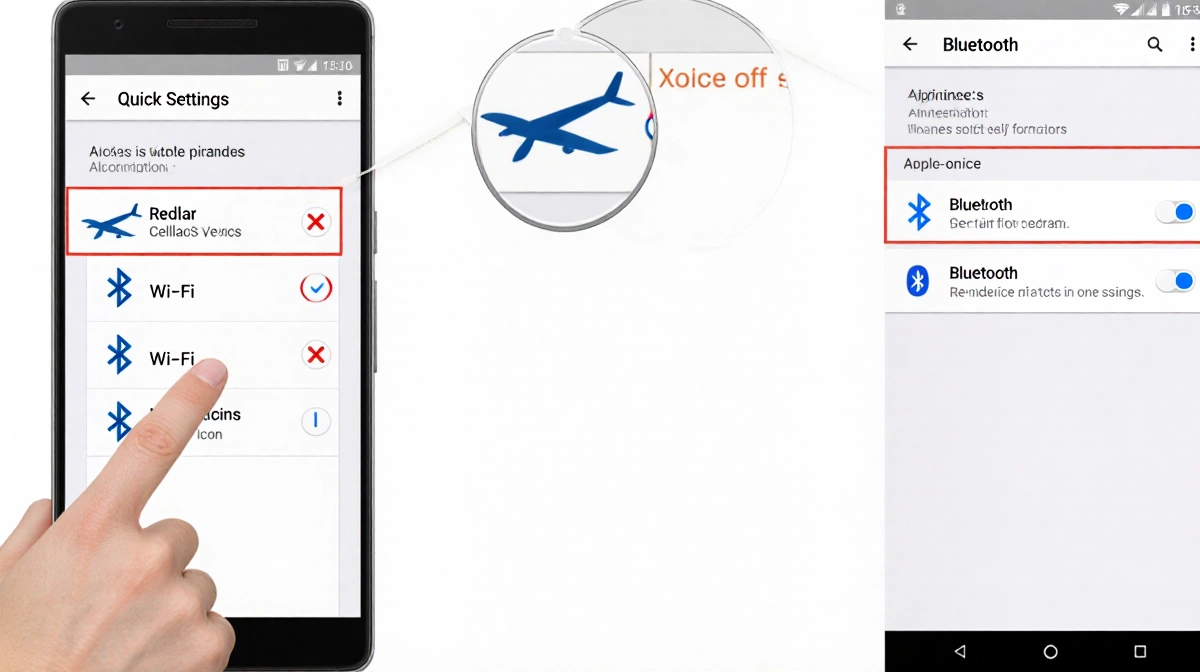
The phenomenon is called “tower clinging.” Phones stubbornly stay locked to a distant, fading tower instead of grabbing the stronger one you’re passing. Turning Airplane Mode on for a slow count of ten and then off again drops the dying link and triggers a new search; the strongest nearby signal usually returns within seconds.
Quick Hardware Tweaks
Before diving into menus, try these no-swipe fixes:
- Move to a window or step outside-metal objects and concrete walls block radio waves
- Slip off bulky cases that can muffle the internal antenna
- Top up the battery; a low charge limits the phone’s ability to search for and hold a signal
Step-by-Step Airplane Mode Reset
Android: Swipe down twice (or once, depending on skin) to open Quick Settings and tap the airplane icon. Wait a full 15 seconds-the cellular, Wi-Fi and Bluetooth radios must fully shut down-then tap again to reconnect.
iPhone X or newer: Swipe down from the top-right corner for Control Center and tap the airplane icon; on older models swipe up from the bottom. Again, wait 15 seconds before tapping to restore service.
If the Toggle Fails
Restart the handset:
- Android: Hold power (or power + volume down) and choose Restart; if no restart option exists, power off and turn back on
- iPhone X and newer: Hold side + volume button, slide to power off, then press side button to reboot. For a force reset press volume up, volume down, then hold the side button until the Apple logo appears. Models with a Home button use sleep/wake + volume or Home + sleep/wake depending on generation
SIM Card Check
Phones with physical SIM trays:
- Power on, eject the tray with the supplied tool or a paper clip, remove the card, inspect for dirt or damage, wipe gently, reseat firmly and re-insert
- Defective cards may need carrier replacement
eSIM devices lack a removable module; a restart is the only hardware-level reset available.
Carrier Settings Update
Carriers push small configuration files that improve call, text and data hand-offs.
iPhone: Go to Settings > General > About; if an update waits, a pop-up appears. Install when prompted.
Android: Not every model exposes carrier settings. Search “carrier settings” inside the Settings app. On supported Pixels: Settings > Network & internet > Internet, tap the gear beside your carrier name, then Carrier settings versions to check for updates.
Nuclear Option: Reset Network Settings
This wipes saved Wi-Fi passwords, VPN profiles and custom access-point names but can cure stubborn registration glitches.
Android: Search Settings for “reset network settings” (Pixel: Reset Wi-Fi, mobile & Bluetooth) and confirm.
iPhone: Settings > Transfer or Reset iPhone > Reset > Reset Network Settings; the phone reboots automatically.
Re-join home and work Wi-Fi networks afterward.
When to Call the Carrier
Persistent dead zones can stem from a down tower, cut fiber back-haul or local coverage gaps. After exhausting self-help steps, contact support; they can verify outages or dispatch a new SIM if hardware failure is suspected.
Last Resort: Signal Booster
If coverage is weak but a faint outdoor signal exists, a booster captures and amplifies it indoors. Wilson models start at $349 for single-room range and climb to $999 for whole-home coverage. The company provides a 30-day money-back guarantee and a two-year warranty; News Of Los Angeles has not lab-tested the units.
Key Takeaways
- Tower clinging is normal phone behavior, not a carrier conspiracy
- Airplane Mode toggle is the fastest, most reliable five-second fix
- Hardware tricks-uncasing, moving near a window, charging-cost nothing
- Restart, SIM reseat, carrier update and network reset escalate in that order
- If none work, carrier support or a booster may be the only remaining paths