At a Glance
- After Google Photos stopped offering free unlimited storage, the author had to consider a Google One subscription.
- The cost of a yearly subscription reaches $1,200 after 10 years.
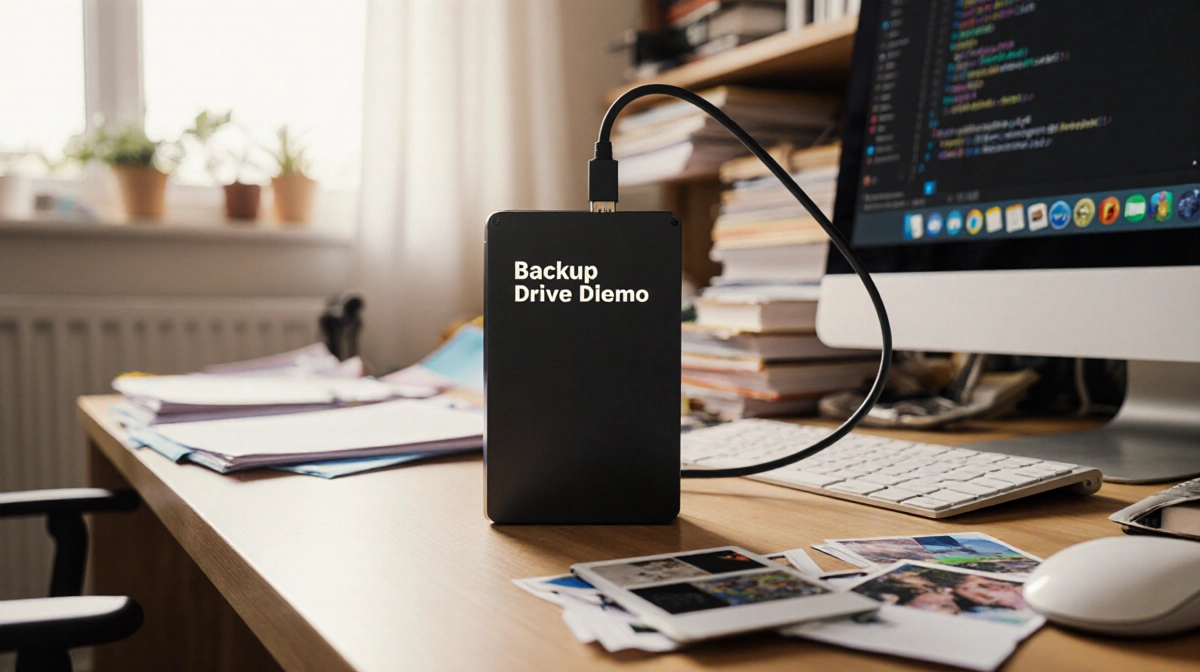
- Using an external SSD can keep photos for less than $100 and lasts at least five years.
- Why it matters: Free cloud storage is gone, and a DIY backup gives ownership and long-term savings.
The shift from free to paid cloud storage forced many users to rethink how they preserve memories. After Google Photos stopped offering free unlimited storage, the author had to consider a Google One subscription. The price-$10 a month-adds up to $120 a year and $1,200 after 10 years. Faced with that, a manual backup strategy emerged.
The Cloud Cost Problem
Google Photos originally promised unlimited free storage when it launched in 2015. The author happily uploaded all photos and videos, knowing they were safe in the cloud and accessible from anywhere. But in 2021, the free tier was replaced with a 15GB limit. Every new picture started chipping away at that space, forcing a subscription.
The author felt the sting of paying for space on someone else’s servers. The monthly fee felt like a rental, not a purchase. If the subscription was canceled, new uploads would stop and older files could become inaccessible after two years. That risk prompted a search for a permanent, self-owned solution.
Why an External Drive?
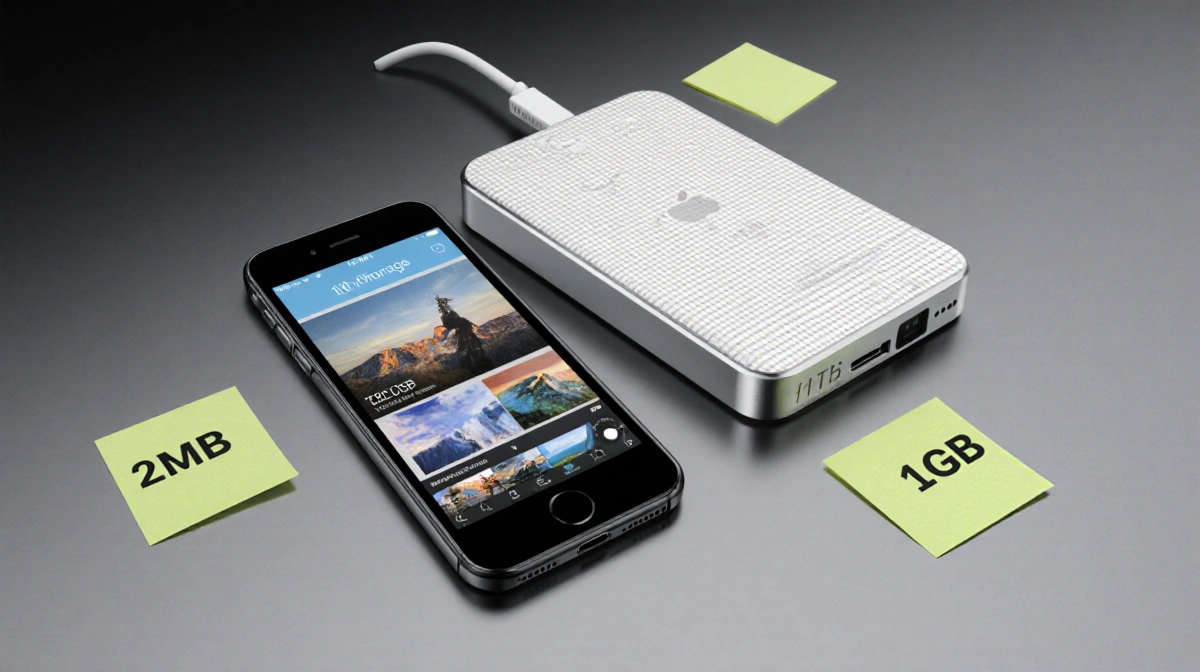
A high-capacity phone is a short-sighted fix. Even a 1TB device eventually fills up as image file sizes grow. Apple’s iPhone 17 series starts at 256GB, and a 12-megapixel photo averages 2MB. A minute of 4K video can exceed 1GB.
| Device | Capacity | Approx. Photos (12MP) | Approx. 4K Video (1 min) |
|---|---|---|---|
| iPhone 17 (256GB) | 256GB | ~128,000 | ~256 |
| External SSD (1TB) | 1TB | ~512,000 | ~1,024 |
An external SSD or HDD can be purchased for under $100. Apple’s 1TB iPhone costs $1,399, a $400 premium over the 256GB model. HDDs last three to five years; SSDs last a minimum of five.
Setting Up a Backup Routine
The author now backs up photos at least once a month or after a special event. The process involves two copies: one to the laptop, one to the external drive.
- Transfer to laptop – The Photos app on macOS can delete items after upload.
- Select batch – Using Shift to grab a range of photos.
- Drag to drive – If over 500 photos, split into 200-300 chunks to avoid interruptions.
- Delete from phone – Free up space for new images.
- Create dated folders – Label by month or event.
- Duplicate on a second drive – Protect against failure.
This routine turns a tedious task into a ritual that marks the end of one period and the beginning of another.
Managing Access vs. Ownership
A drawback of external drives is limited accessibility. The author keeps only essential photos on the phone-screenshots of insurance, family reunion snapshots, and a few favorites. The rest live on the drives, which the author feels a physical ownership over. If Google were to change its policy again, the author would not be forced to pay.
The author also notes a psychological benefit: the manual backup process encourages intentional photography. “I realize I don’t have to take a picture of everything I see,” the author says.
Bottom Line
While a cloud subscription offers convenience, it comes with recurring costs and dependence on a corporate server. A DIY backup on an external SSD costs less over time, provides physical ownership, and allows for intentional curation of memories. For anyone tired of monthly fees, the author’s method offers a practical, long-term alternative.
Key Takeaways
- Google Photos’ free tier ended in 2021; a Google One subscription costs $10/month.
- Long-term storage on an external SSD can be under $100 and lasts at least five years.
- A monthly backup routine with two copies and a second drive protects against loss.
- Ownership of physical media reduces dependence on corporate policies.
—
FAQ
Q: Can I use a cloud backup instead?
A: Yes, but it adds recurring costs and relinquishes ownership.
Q: Is an SSD necessary?
A: An HDD works too, but SSDs are faster and more durable.
Q: How often should I back up?
A: Monthly or after significant events works well.
Q: What about video?
A: Video files are larger-plan for 1GB per minute of 4K footage.
Q: Can I share the drive?
A: Yes, but ensure you keep a backup copy elsewhere.