At a Glance
- Smart home control can be achieved without voice assistants.
- Programmable buttons, presence sensors, and touchscreens let you automate routines.
- Emerson Smart devices offer voice control without Wi-Fi or data collection.
Why it matters: Users who value privacy or dislike speaking to devices now have practical, non-voice alternatives for managing their connected environments.
If you’ve ever been annoyed by voice-assistant prompts or worried about your data, you’re not alone. There are several ways to keep your smart home running smoothly without speaking aloud or relying on cloud services. Below we outline practical options-from portable switches to touch-enabled hubs-that let you control lights, blinds, thermostats, and more with minimal fuss.
Programmable buttons and switches
Programmable buttons let you trigger any action or routine with a single press. They work with most ecosystems, so you can keep using your existing smart devices while adding a physical interface.
| Brand | Model | Price |
|---|---|---|
| Aqara | Smart switch | $15 |
| Govee | Smart switch | $12 |
| SwitchBot | Smart switch | $25 |
These buttons are portable and often don’t need a separate hub, but double-check whether a companion device is required before buying. Most models support multiple programming options, so you can assign different functions to one button or create complex sequences that involve lights, blinds, humidifiers, or motion sensors. They also allow you to keep a tactile control in rooms where voice commands are inconvenient.
Presence-sensing and motion detection
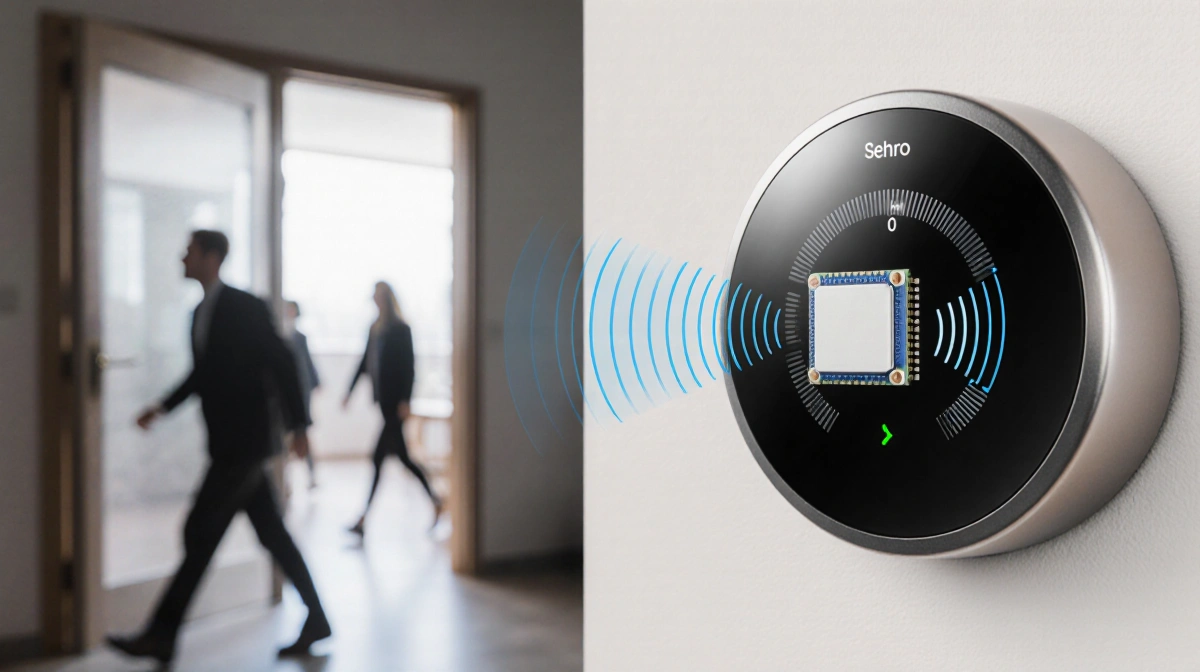
Presence sensors are becoming a staple of modern smart thermostats, but they can also drive a wide range of other automations. They use Wi-Fi disturbances and millimeter-wave radar to detect people without cameras, allowing you to set rules based on who’s in the room.
- Ecobee integrates presence sensing into its thermostat line.
- Philips Hue‘s MotionAware™ technology can turn lights on or off based on the number of people detected.
- Aqara‘s new Multi-Sensor, unveiled at CES, can identify how many people are present and their positions, and it connects to Apple Home and Google Home.
If you already have a home-security system, its motion detectors can often be wired to other devices, giving you another way to trigger automations without a voice command. Presence detection also lets you create rules that only activate when a room is occupied, saving energy and enhancing comfort.
Built-in voice assistants with no Wi-Fi needed
Some manufacturers are offering voice control that stays entirely on-device. Emerson Smart’s line of appliances includes a tower fan, a smart plug, and an air fryer, all of which respond to voice commands without an internet connection.
| Device | Voice commands | Price |
|---|---|---|
| Tower fan | Hundreds of commands | $90 |
| Smart plug | Hundreds of commands | $25 |
| Air fryer | Hundreds of commands | $129 |
Because the assistant is embedded, you can use any wake word you prefer-there’s no proprietary phrase required. This removes the privacy concerns that come with cloud-based voice assistants and eliminates the need for Wi-Fi or an accompanying app. The devices are easy to set up, and the voice interface works even when your network is down.
Home routines that use time of day or geofencing
Geofencing lets your devices react to your location. When you leave or arrive, the system can lock a door, turn on a light, or arm a security system. If you don’t want to share your location, you can set up similar automations that trigger on the time of day instead.
Setting up a geofence is straightforward in most smart-home apps, and the same logic can be applied to time-based schedules. For example, you can program your lights to turn on at sunset or your thermostat to adjust at 7 p.m. without ever speaking a command. These routines work with any device that supports the app’s automation engine, so you can combine lights, blinds, and sensors into a single “evening” scene.
A touchscreen hub or smart display
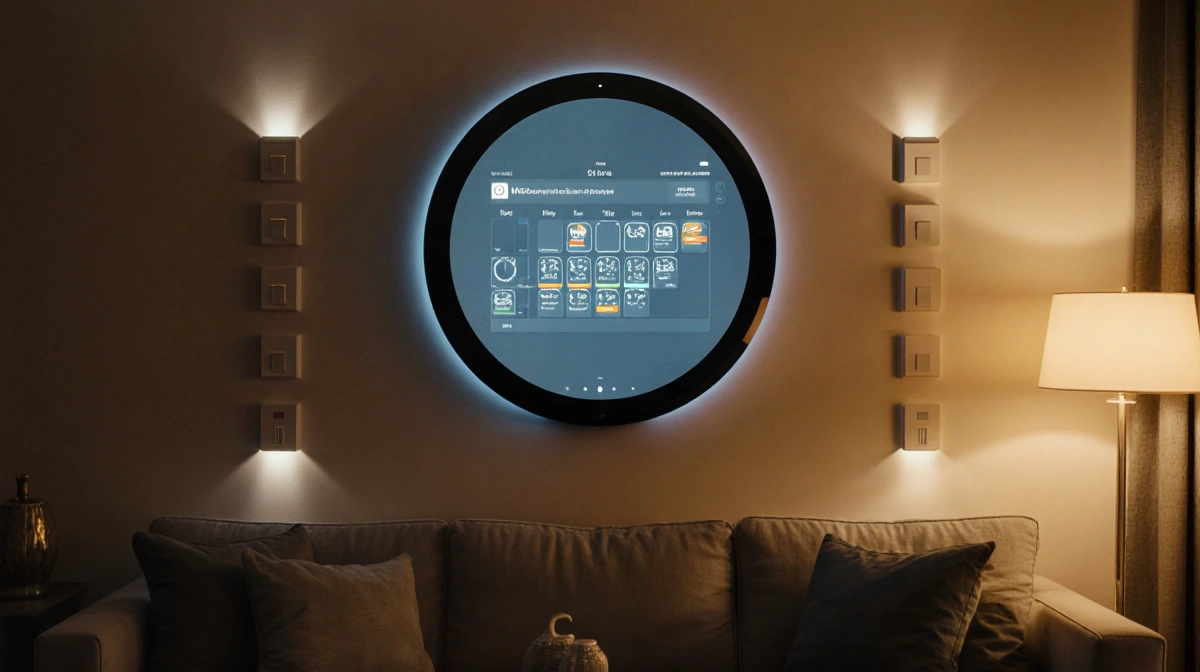
If you prefer tapping over talking, a touchscreen hub can act as a central control panel. Amazon’s Echo Show 21 offers full smart-home compatibility while allowing you to mute the Alexa microphone for privacy.
| Device | Price | Touch control |
|---|---|---|
| Echo Show 21 | $400 | Yes |
| Nest Hub (Gemini) | – | Limited |
| Control4 hub | – | Yes |
| Hunter Fan panel | – | Yes |
| Moes smart panel | $150 | Yes |
These displays let you manage lights, fans, and other devices with a few taps. They’re also useful for viewing camera feeds, calendars, or media without voice input. The Echo Show 21 is a large display that can be mounted on a wall or placed on a table, and you can manually mute the mic to keep conversations private. Other touchscreens, such as the Control4 hub or the Hunter Fan panel, offer similar functionality with different price points.
Choosing the right control method
When deciding between buttons, sensors, or touchscreens, consider budget, existing devices, and how you like to interact. If you already own a hub or a smart-home platform, a button or sensor that plugs into that system can be inexpensive. Touchscreens offer a visual interface but cost more. Emerson Smart devices sit between the two: they give voice control without cloud dependence.
Privacy and data security
Cloud-based assistants record every wake word and may store recordings for training. Emerson Smart devices keep all voice processing inside the appliance, so no data leaves the room. The lack of Wi-Fi and app support means there is no channel for eavesdropping or accidental data sharing.
Setup and integration tips
Before buying, check whether the switch or sensor needs a companion hub. Many Aqara or Govee switches pair directly with Zigbee or Wi-Fi, while some SwitchBot models require a bridge. For Emerson Smart devices, simply plug them in and follow the on-screen prompts. For touchscreens, download the manufacturer’s app, connect the device to your Wi-Fi, then create routines in the app.
Key Takeaways
- Physical buttons, presence sensors, and touchscreens give you full control without voice assistants.
- Emerson Smart devices offer on-device voice control that keeps your data local.
- Geofencing and time-based schedules let you automate routines without sharing location.
- Touchscreen hubs provide a privacy-friendly alternative to mic-enabled displays.