Intro
A new pop-up warning from 1Password now alerts users whenever they paste login credentials on a site that isn’t linked to a saved login. The move follows a survey that found 89% of Americans have faced a phishing attempt, with 61% falling victim.
At a Glance
- 1Password introduces pop-up alerts for pasted logins on unlinked sites.
- 89% of Americans have experienced phishing; 61% have been successfully phished.
- Enable the feature in Settings > Notifications → Warn about pasted logins on non-linked websites.
- Why it matters: It forces users to pause before sending sensitive data to potentially malicious sites.
Why Phishing Is on the Rise
Phishing attacks have grown alongside advances in artificial intelligence. According to a survey by 1Password, 62% of Americans have received suspected AI-driven scams, and 66% have noticed an increase in scams since AI tools became more accessible. Email and text-message phishing remain the most common vectors, followed by social media and phone calls. These numbers underscore the need for additional safeguards.
| Metric | Value |
|---|---|
| AI scam reports | 62% |
| Increase in scams since AI growth | 66% |
| Phishing attempts experienced | 89% |
| Successful phishing | 61% |
How 1Password’s New Feature Works
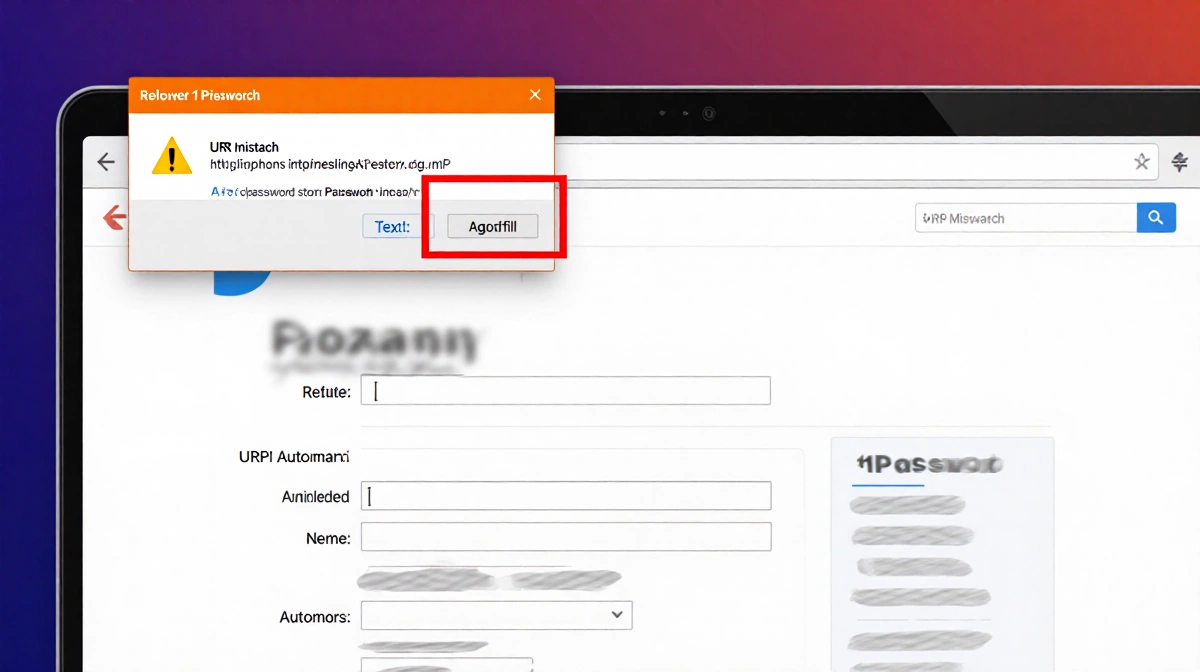
When a user clicks a link whose URL doesn’t match the saved login, 1Password refuses to autofill credentials. In those cases, the user must copy and paste the username and password. The new pop-up warning appears only when the user attempts to paste credentials on a site that isn’t linked to the stored login.
Steps to enable the feature
- Open the 1Password browser extension.
- Go to Settings ► Notifications.
- Toggle Warn about pasted logins on non-linked websites.
- When pasting on an unlinked site, a message will read: “This website you’re on isn’t linked to a login in 1Password. Make sure you trust this site before continuing.”
The alert forces a pause, giving users a chance to verify the site’s legitimacy.
Real-World Scenarios
The pop-up is especially useful when logging into services that have separate mobile and desktop URLs. For example:
- Streaming apps that redirect from a mobile-friendly URL to a desktop-specific login page.
- Banking sites that offer multiple login portals.
- Third-party services that embed login forms on partner pages.
In each case, a mismatch between the URL and the saved login can trigger the warning, helping users avoid accidental credential leakage.
Limitations and Best Practices
The feature is not a silver bullet. Users still need to exercise judgment:
- Some legitimate services have different URLs for login pages; the warning may appear even though the site is safe.
- Phishing sites can mimic legitimate URLs closely, making visual cues hard to spot.
A layered security approach remains essential:
- Antivirus software to detect malware.
- A VPN to encrypt traffic.
- Consider switching to passkeys where available.
- Keep the 1Password browser extension up to date.
Setting It Up
Enabling the pop-up is quick and free. The toggle is found in the extension’s settings, and the warning appears automatically once activated. Users can disable the feature at any time by reversing the toggle.
Takeaways
- 1Password‘s new pop-up alert adds an extra step before credentials are pasted on unlinked sites.
- Surveys show that phishing remains a pervasive threat, especially with AI-driven scams.
- The feature complements other security tools but does not replace good judgment.
- Enabling the warning is a simple process that can help prevent accidental credential exposure.
Conclusion
With phishing tactics evolving rapidly, 1Password‘s pop-up warning offers a practical, user-friendly safeguard. By forcing a pause before credentials are shared, it gives users a chance to verify the legitimacy of the site they’re on, thereby reducing the risk of accidental data leaks.