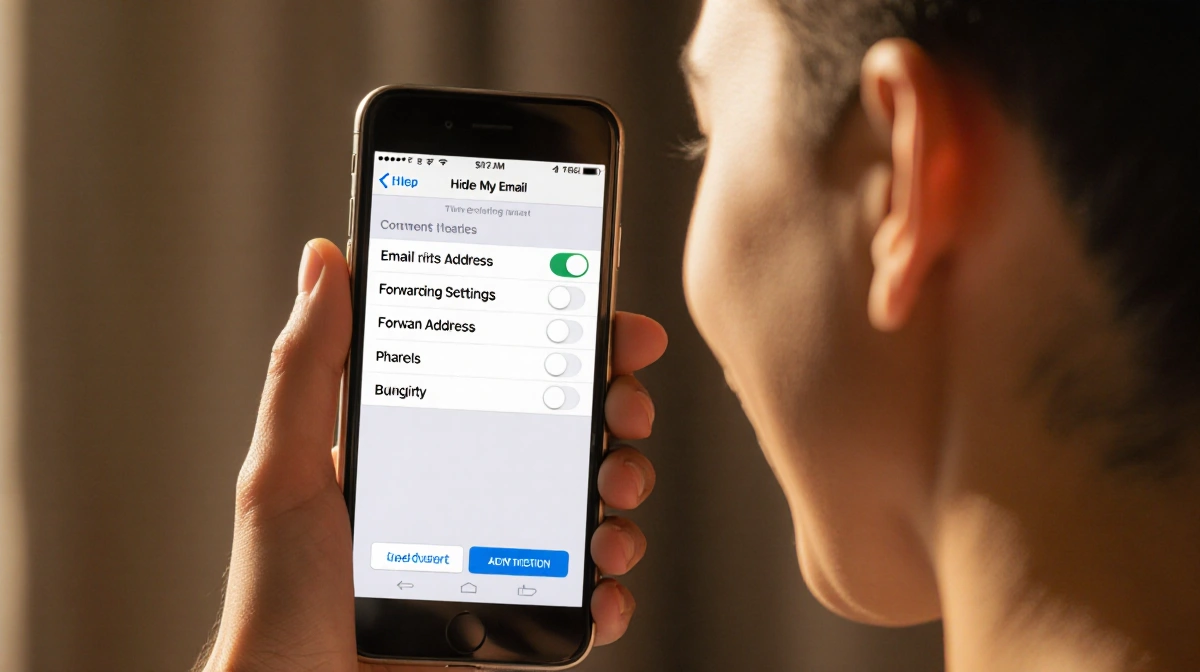
Apple’s Hide My Email is a hidden gem for anyone who spends time online. It lets you create a random email address that forwards to your inbox, keeping your real address private.
At a Glance
- A single Apple feature can stop spam and protect your primary email.
- iCloud Plus users can generate aliases for free with each plan.
- Deactivating or deleting an alias is quick and reversible.
Why it matters: Your primary email is a gateway for hackers and marketers. Using a random alias can stop unwanted messages and reduce the risk of data breaches.
The Problem with Sharing Your Email
Sharing an email address for discounts, newsletters, or returns has become routine. Yet, the risk of oversharing is often underestimated. Chester Wisniewski, director and chief information security officer at Sophos, explained:
> “Most of us use one primary email address. Once criminals know it’s real, it opens up many opportunities for them to try to get into other accounts,” he said.
When you give a retailer your real address, they may share it with third parties, adding to the volume of marketing emails you receive. Wisniewski added:
> “It’s enlightening what you find when you start using unique emails [for different companies]. You start noticing how many companies are selling your information because all the marketing goes to the address you used with them.”
What Hide My Email Offers
Apple’s Hide My Email lets you generate a random alias for online shopping, returns, and other short-term needs. The alias forwards to your main inbox, but the retailer never sees your real address. If the alias starts getting spammed or you no longer need it, you can shut it off in seconds.
Hide My Email is only available to iCloud Plus subscribers:
- Plans start at $1 a month for 50GB of cloud storage.
- The most expensive plan is $60 a month for 12TB.
- Every plan includes Hide My Email, Apple’s Private Relay, and the ability to customize your email domain.
Setting Up Hide My Email on iPhone
- Open Settings and tap your name at the top.
- Select iCloud and scroll down to Hide My Email under iCloud Plus Features.
- Tap Create New Address. Apple will generate a random alias.
- Add a clear label, such as “Holiday Shopping 2025” or “Target Returns,” to keep track of where the alias is used.
- Ensure the alias forwards to your main inbox so you receive all messages without checking a separate app.
Once the alias is set up, you can use it anywhere you need to enter an email address.
Using Hide My Email Effectively
- Manage returns and customer service: Use one alias for all holiday returns. It keeps all updates in one place and prevents marketing emails from cluttering your primary inbox.
- Create one-time accounts: When buying gifts or signing up for temporary mailing lists, a burner address lets you receive updates and turn it off when you no longer need it.
- Protect your primary address: Your main email is tied to banking, social media, and essential subscriptions. Keeping it private reduces the chance of phishing attacks.
Wisniewski said:
> “Despite the number of data breaches being really high, there are still things in your life that are more sensitive, and it’s worth doing what you can to protect yourself.”
Cleaning Up After the Holidays
When you’re done with an alias, you can deactivate or delete it.
- Open Settings and tap your name.
- Select iCloud → Hide My Email.
- Find the label you created (e.g., “Holiday Shopping 2025”) and tap it.
- At the bottom, tap Deactivate Email Address. The alias stops receiving mail immediately.
- If you’re sure you’ll never need it again, tap Delete Address. Deletion is permanent.
Deactivation keeps the label and message history, letting you reactivate if needed. Deleting removes the alias entirely.
Making It a Habit
Setting up a few aliases can lead to a quieter, more secure inbox. While it won’t eliminate every risk, it is a solid first step against data breaches and spam. By treating Hide My Email like a standard practice for online sign-ups, you protect your personal email, reduce clutter, and improve long-term security.
Key Takeaways
- A single Apple feature can shield your primary email from marketers and hackers.
- iCloud Plus plans, starting at $1 a month, include Hide My Email.
- Deactivating or deleting an alias is simple and reversible.
- Using unique emails for different services helps you see where your information is shared.
- Wisniewski urges that protecting your email is essential, even amid high breach rates.
By integrating Hide My Email into your routine, you gain control over who sees your address and keep your inbox free of unwanted marketing.