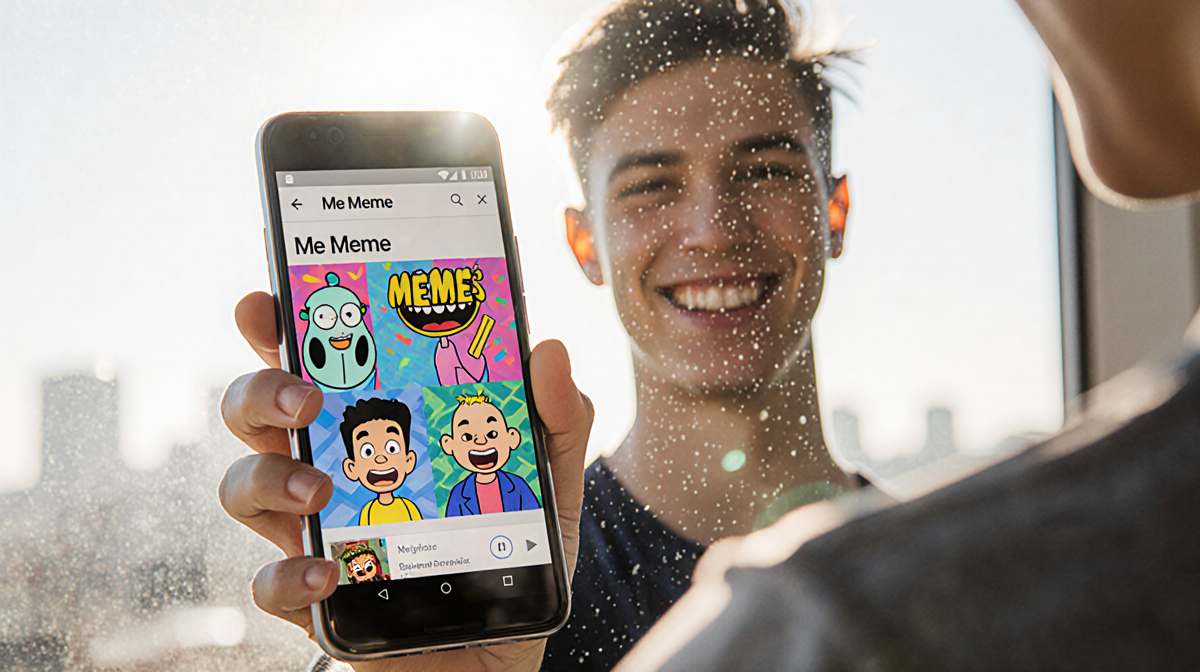
At a Glance
- Google unveiled a new AI tool called Me Meme that turns photos into meme-style captions.
- The feature was announced at CES 2026 by executive Sameer Samat.
- A user with a Google Pixel 9 could not find the option as of Friday.
- The tool can be accessed via the Google Photos app on Android.
- No official comment from a Google representative was received.
The new Me Meme feature turns ordinary photographs into instantly shareable memes. It was revealed during the 2026 Consumer Electronics Show, where Google’s executive Sameer Samat highlighted the company’s intent to make its AI tools more useful. This article walks through how the feature works, the steps to use it, and what the company said about its future.
About Me Meme
Me Meme is a built-in AI capability inside the Google Photos app. It lets users select a photo, pick a template, and let the AI generate a captioned meme. The result can be saved, regenerated, or shared to social media. The feature is part of Google’s broader push to integrate AI across consumer products.
How to Use Me Meme
The process is straightforward. Below is a step-by-step guide that mirrors the instructions given by the app:
| Step | Action |
|---|---|
| 1 | Open the Google Photos app on your device. |
| 2 | Tap Create at the bottom of the screen. |
| 3 | Select Me Meme from the options. |
| 4 | Choose a template that matches the style you want. |
| 5 | Tap Add photo and pick the image you wish to meme. |
| 6 | Tap Generate to let the AI create the meme. |
| 7 | After generation, you can: |
| • Tap Save to keep the meme on your device. | |
| • Tap Regenerate to create a new caption. | |
| • Tap Share to post it to other platforms. |
These steps are designed to be intuitive for users who are familiar with the Photos app. The AI automatically adds a caption that matches the mood or content of the photo.
What Google Said
At CES 2026, Sameer Samat told the press that Google was focused on making its AI tools more useful. He mentioned that Me Meme is one example of how the company is applying AI to everyday tasks. Samat also referenced other AI initiatives such as Nano Banana and Gemini, indicating a broader strategy to embed AI across products.
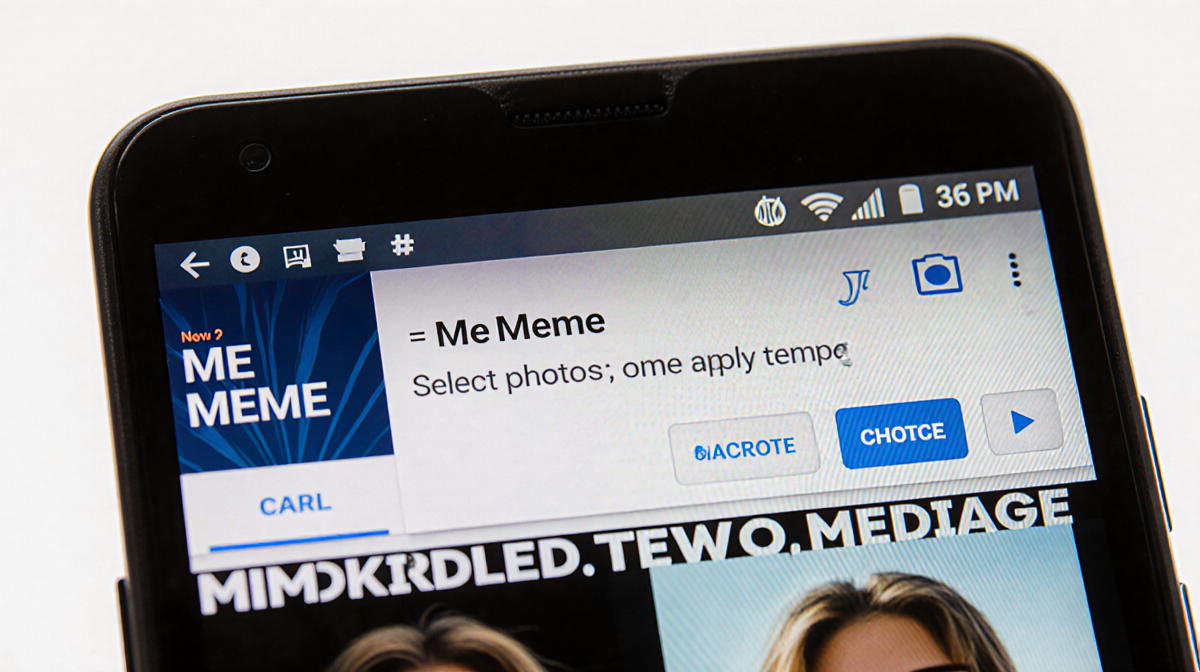
A representative for Google did not immediately respond to a request for comment about the feature’s rollout or availability. As of the last update, the Me Meme option was missing from the Google Photos app on a Google Pixel 9.
The Journalist Behind the Review
The review was written by a seasoned tech writer who joined the Australian branch of the brand in 2006 and moved to New York in 2011. The writer has covered home entertainment since 2004, testing TVs and audio equipment, and is known for reviewing the latest gadgets. In addition to tech, the writer enjoys playing Call of Duty, sampling diverse cuisines, and collecting records.
A personal anecdote mentioned that the writer’s cat is named after one of the best TVs ever made. The writer was also nominated for Best New Journalist at the Australian IT Journalism awards, though only one award has been secured to date. As a youth, the writer received a free photography studio session at a local supermarket.
Key Takeaways
- Me Meme is a new AI meme-generator inside Google Photos.
- It was announced at CES 2026 by Sameer Samat.
- The feature is accessed via the Create menu in Photos.
- Users can save, regenerate, or share the generated meme.
- Availability may vary; the option was not visible on a Google Pixel 9 as of Friday.
- Google’s broader AI strategy includes tools like Nano Banana and Gemini.
The feature offers a quick way to turn everyday photos into shareable content. While it may not be the most practical AI use, it demonstrates Google’s commitment to making AI tools accessible and fun for consumers.