At a Glance
- Cleaning your phone can be done safely with a microfiber cloth and a 70% isopropyl alcohol solution.
- Apple, AT&T, and Samsung all endorse 70% alcohol wipes or cloths for daily disinfection.
- Avoid harsh chemicals, paper towels, and compressed air to protect screen coatings.
- Why it matters: Regular cleaning reduces bacteria transfer and keeps your device safe from scratches and water damage.
Cleaning your phone is a daily habit that many people overlook, yet the device can become a germ magnet in just a few days. The FCC recommends daily cleaning, but many users fear damaging the screen. This guide shows how to keep your phone clean without risking its protective coatings.
Why Cleaning Matters
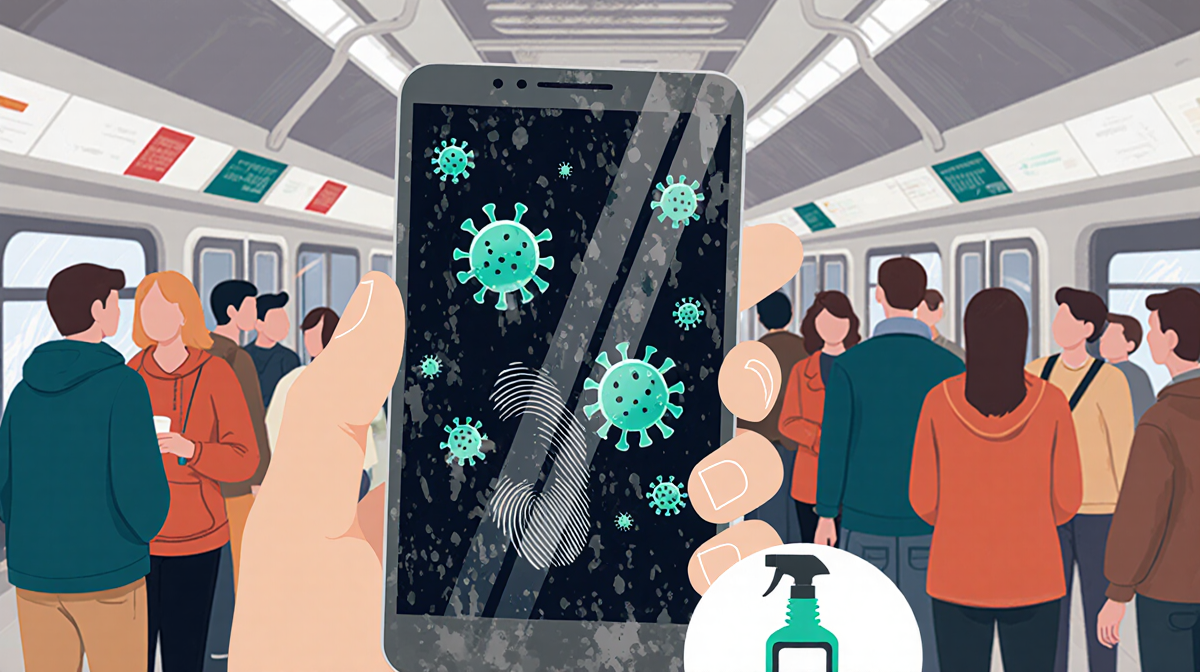
Every time you pick up your phone, fingerprints, oils, and microbes settle on the screen. In crowded places-door handles, public transport seats, grocery carts-your phone can pick up a lot of germs. A study by the American Cleaning Institute found that a smartphone can hold more bacteria than a public toilet seat. If you rarely clean it, you’re essentially handing that load to friends and family.
Cleaning also protects the phone’s hardware. Water resistance ratings like IP67 let you submerge a device for a short time, but routine submersion or using the wrong cleaner can erode the protective coating, making the screen more prone to scratches and water damage.
Recommended Cleaning Products
| Product | Alcohol % | Effectiveness | Notes |
|---|---|---|---|
| Disinfectant wipes (70% isopropyl) | 70% | High | Safe for most screens, wipes off easily |
| PhoneSoap UV light | 0% | 99.99% of germs | Requires charging, good for travelers |
| Clorox wipes | 70% | Safe on approved screens | Apple now approves these for iPhones |
| Distilled water | 0% | Mild | Use with microfiber for deep cleaning |
What to Avoid
- Rubbing alcohol or straight alcohol solutions: can strip screen coatings.
- Hand sanitizer: fragrances and ethyl alcohol can damage screens.
- Window or kitchen cleaners: harsh chemicals strip protective layers.
- Paper towels: rough texture can scratch the display.
- Dish soap: requires water, which should be kept away from ports.
- Vinegar: acidic, strips coatings.
- Compressed air: can force dust into mic or speaker.
Step-by-Step Cleaning Guide
- Turn off the phone and unplug any accessories.
- Choose a clean, lint-free microfiber cloth.
- Moisten the cloth with a 70% isopropyl alcohol solution or distilled water.
- Wipe the screen in a circular motion, keeping the cloth damp but not dripping.
- For the back and sides, repeat the same motion.
- Use tape (Scotch or packing tape) to pull sand or lint from ports: press the tape along the creases, roll it up, and discard.
- Dry with a dry microfiber cloth, patting ports and speaker holes.
### Deep-Clean Tips
- Makeup residue: use an alcohol-free screen-safe remover like Whoosh, or dampen the cloth slightly and wipe.
- Stubborn stains: let a wet cloth sit on the spot for 30 seconds, then wipe.
- Speaker holes: a toothpick or small vacuum tool can help remove debris.
Daily vs. Occasional Cleaning
| Frequency | Method | Best For |
|---|---|---|
| Daily | 70% alcohol wipe or damp cloth | Quick surface disinfection |
| Weekly | UV sanitizer or deep wipe | Removing built-up grime |
| After beach trip | Tape and damp cloth | Removing sand and grit |
Apple’s guidance now includes Clorox wipes as acceptable, whereas before the pandemic they were considered too abrasive. AT&T and Samsung both recommend a 70% alcohol solution with a microfiber cloth. The key is to keep the phone powered off and avoid spraying directly on the screen.
Special Considerations for Waterproof Phones
Even phones rated IP67 or higher should not be submerged regularly. A damp cloth is preferable to submersion, followed by a quick dry with a soft cloth. Water can still enter ports, causing charging delays or audio issues.
Frequently Asked Questions
- Can I use a spray cleaner? No, spraying can drip into ports.
- Is a microfiber cloth enough? Yes, it removes fingerprints and is gentle on coatings.
- Do I need a UV sanitizer? Not for daily use, but helpful for travelers or high-risk environments.
- What if my phone is cracked? Avoid harsh chemicals; use a damp cloth and gentle pressure.
Key Takeaways
- Cleaning your phone is essential for hygiene and device longevity.
- Stick to 70% isopropyl alcohol wipes or a damp microfiber cloth; avoid harsh chemicals.
- Use tape for ports and a gentle dry cloth for final drying.
- Even waterproof phones benefit from careful cleaning-avoid submersion.
- Follow brand-specific guidelines from Apple, AT&T, and Samsung for best results.
By incorporating these steps into your routine, you keep both your phone and your hands truly clean.