At a Glance
- The U.S. State Department now lets you renew a US passport online.
- Eligible travelers can get a new passport in four to six weeks.
- The online process takes about 40 minutes and costs the same as the mail-in fee.
The move to digital renewal cuts out long lines at post offices and allows you to complete the whole process from your couch. Below is a step-by-step guide, eligibility checklist, and the fast-track option if you need a passport sooner.
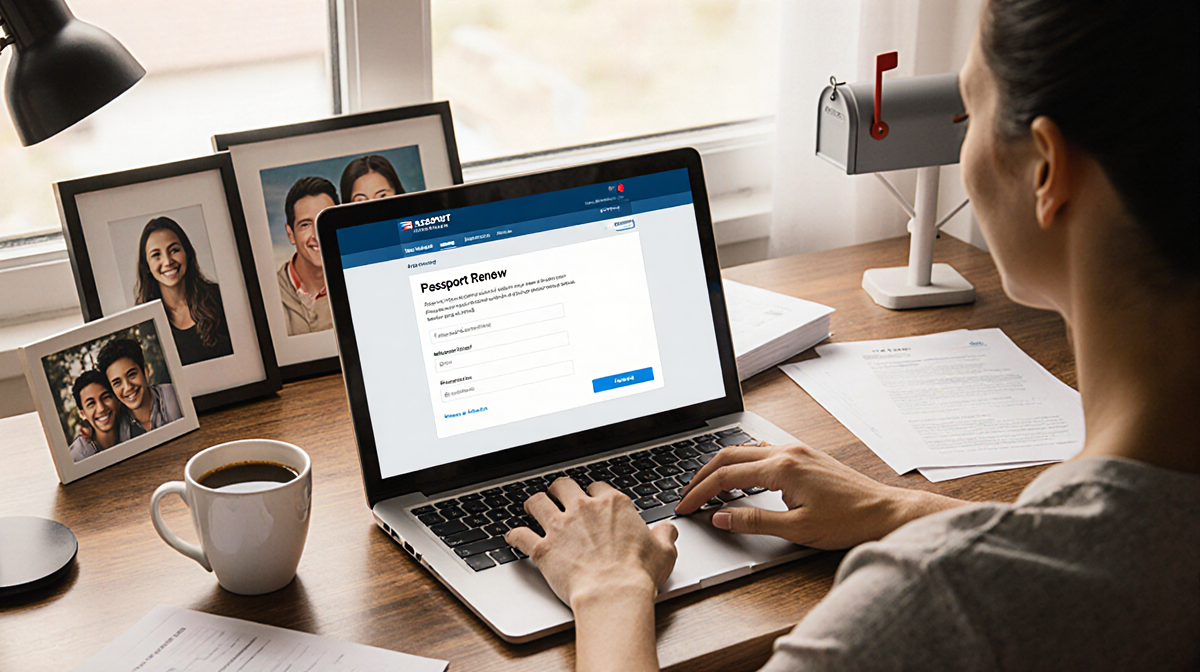
The online renewal system is part of the State Department’s effort to modernize travel documents. It uses the MyTravelGov portal, which relies on the government’s login.gov system. The process is straightforward, but you need to meet specific eligibility criteria and have the right documents ready.
How the Online Renewal Works
The first step is to create a MyTravelGov account. If you don’t already have a login.gov account, you can start at the MyTravelGov site and click Sign In. From there, choose Create an account, enter your email, pick a language, and verify your address. After verification, you set a password and choose a multifactor authentication method.
Once logged in, you’ll see a Start button at the bottom of the page. Click it to begin the online application. The State Department estimates the process will take about 40 minutes, but most users finish faster than ordering a pizza. You’ll need the following items ready:
- Your current US passport (not damaged or mutilated)
- A digital passport photo that meets the government’s specifications
- Payment via credit card, debit card, or ACH transfer
The application asks for basic information about your current passport, your legal name, and whether you want a passport book, passport card, or both. After uploading your photo, you enter payment details. MyTravelGov will send two email confirmations: one for the pending payment and another once the payment is received.
Eligibility Requirements
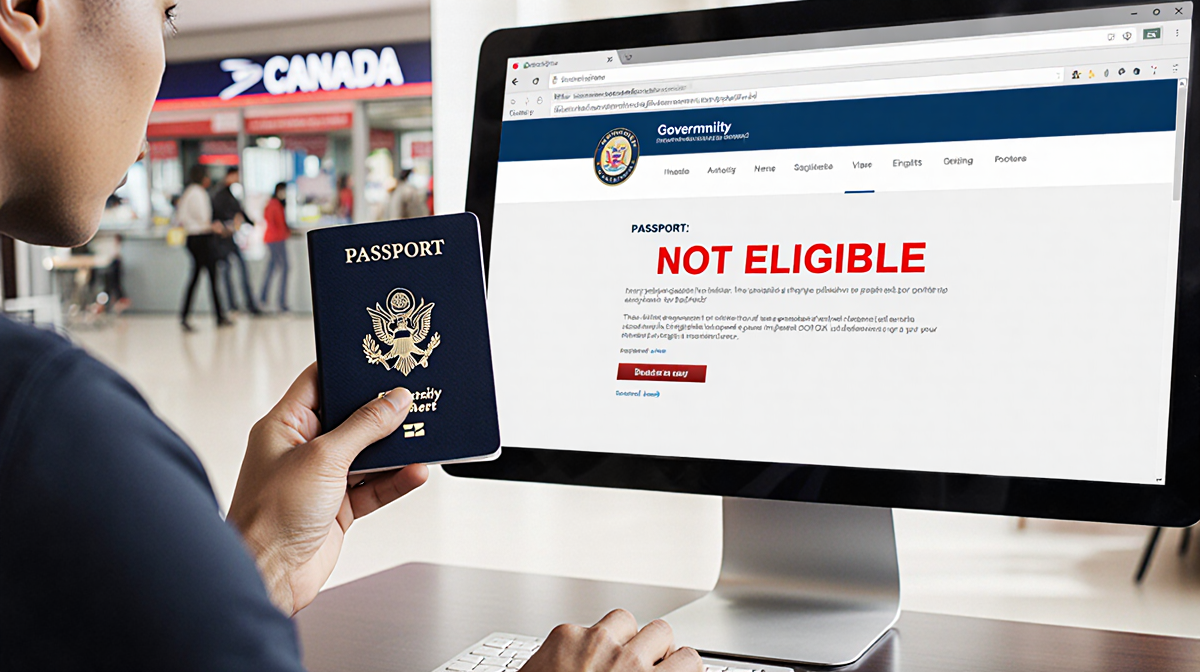
Not everyone can renew online. The main qualifying factors are:
- You’re at least 25 years old.
- You live in the U.S. (state or territory).
- Your current passport is valid for 10 years or was issued within the last 15 years.
- Your passport is at least 9 years old.
- You still have the passport and it isn’t damaged.
The State Department also lists additional restrictions:
- Only regular passports are eligible; diplomatic, official, or service passports cannot be renewed online.
- You can’t change name, gender, place of birth, or date of birth.
- You must be able to pay with a credit card, debit card, or ACH transfer.
- You must upload a new passport photo.
- You cannot travel internationally for 8 weeks after submitting the application. This rule is important because your existing passport will be canceled once the renewal is accepted.
If you don’t meet these criteria, you’ll need to renew by mail or in person at a passport agency.
Step-by-Step Guide
- Create a MyTravelGov account using login.gov. Verify your email and set up multifactor authentication.
- Start the application by clicking the blue Start button on the renewal page.
- Enter passport details: current passport number, expiration date, and legal name.
- Choose document type: book, card, or both.
- Upload a digital photo that meets the government’s size and quality requirements.
- Enter payment information: credit card, debit card, or ACH details.
- Submit the application. You’ll receive two email verifications.
- Track status: one week after submission, you can sign up for email updates through the State Department’s passport status system.
- Receive your new passport: it arrives by mail within six to eight weeks.
The type of passport you renew (book or card) depends on what you currently hold. If you have both a book and a card, you can renew them together.
Renewing a Passport Card
Passport cards are wallet-sized documents that allow land or sea travel to Canada, Mexico, and the Caribbean. They are not valid for international air travel. The online system lets you renew both passport books and cards. If you hold a passport card, you can renew it online; if you hold only a passport book, you can’t renew a card, and vice versa. If you have both, you can renew them simultaneously.
Fast-Track Options
The online renewal does not speed up processing; you’ll still receive your passport in four to six weeks. If you need a passport sooner, you have two options:
- Expedited service by mail: Pay an additional $60 and the State Department will process your application faster. Processing time is typically 2-3 weeks.
- In-person appointment: For urgent travel, you can book an appointment at a passport agency. The agency can issue a passport in a single day if you meet the emergency criteria.
Both fast-track options require you to submit a physical passport application and pay the extra fee. They are separate from the online renewal.
Key Takeaways
- The State Department’s online renewal portal saves time and eliminates lines.
- Eligibility is strict: age, passport age, and passport condition matter.
- The process takes about 40 minutes and costs the same as the mail-in fee.
- Processing time remains four to six weeks unless you opt for expedited service.
- You can renew both passport books and cards online, but only if you hold the specific document type.
With this guide, you can confidently navigate the online system and have your new passport in the mail without leaving your home.