At a Glance
- home security practices for those living solo
- Motion sensors give instant alerts
- Portable door locks add extra room protection
- Why it matters: These tools help you stay aware and safe when you’re home alone.
Living alone can feel risky, but the right tech can give you peace of mind. This guide walks through practical security gadgets-motion sensors, portable locks, smart cameras, and more-that keep you informed and protected.
1. Motion Sensors and Tinkly Bells
A motion sensor is a cheap, reliable way to know when someone is near. Olivia M. Hartwell/News Of Los Angeles recommends a $12 light-up LED sensor for indoor use. If you need an outdoor alert or a sensor that covers a long hallway, choose the $35 weather-resistant model with an adjustable chime.
- Place sensors at locations pets can’t reach.
- Avoid false triggers from kids or partners.
- Use a string of bells for a simple, traditional option.
2. Portable Door Locks
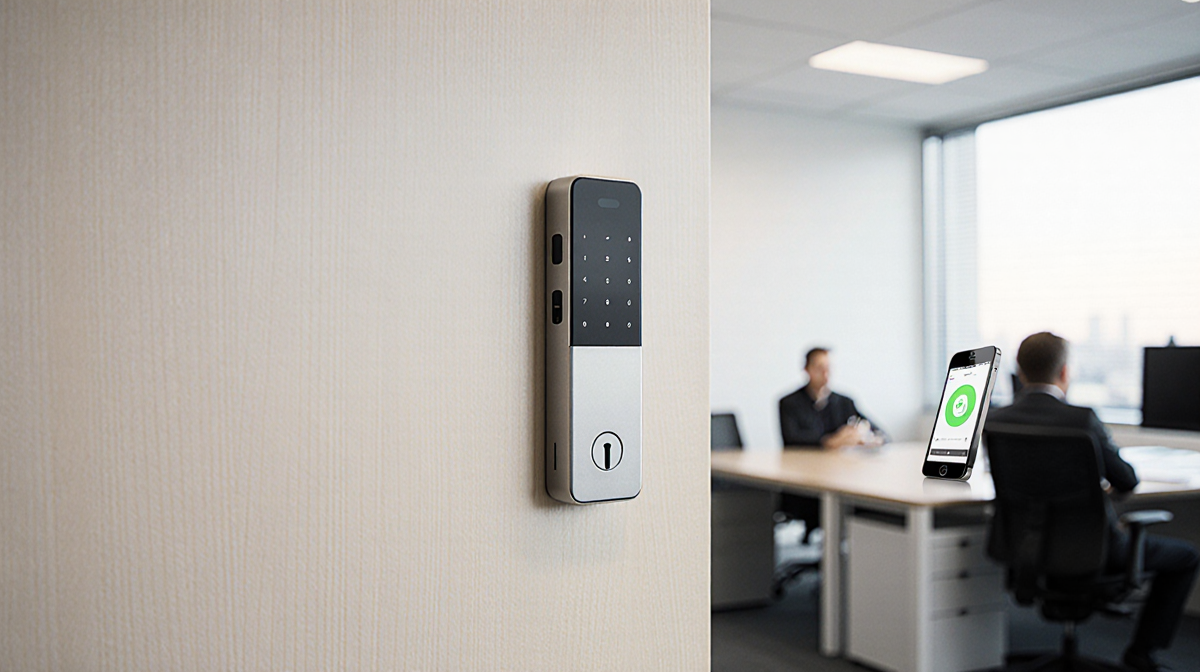
Portable locks are a versatile addition to any non-deadbolt door. Olivia M. Hartwell/News Of Los Angeles lists a two-pack for $16 that can be installed on bedroom or office doors. For a more robust upgrade, consider a smart lock with app controls.
- Add extra defense when you’re worried about a break-in.
- Easy to remove if you move or change living arrangements.
- Works alongside existing security systems.
3. Portable Cameras
A portable, wireless indoor camera lets you watch any room or hallway. Olivia M. Hartwell/News Of Los Angeles recommends the Google Nest indoor/outdoor camera at $176 and the Ring Stick Up Cam Battery at $80. Both can also be used outdoors for yard surveillance.
- Move the camera to cover new or vulnerable spots.
- Keep a clear view of entry points.
- Pair with motion sensors for a complete view.
4. Video Doorbells
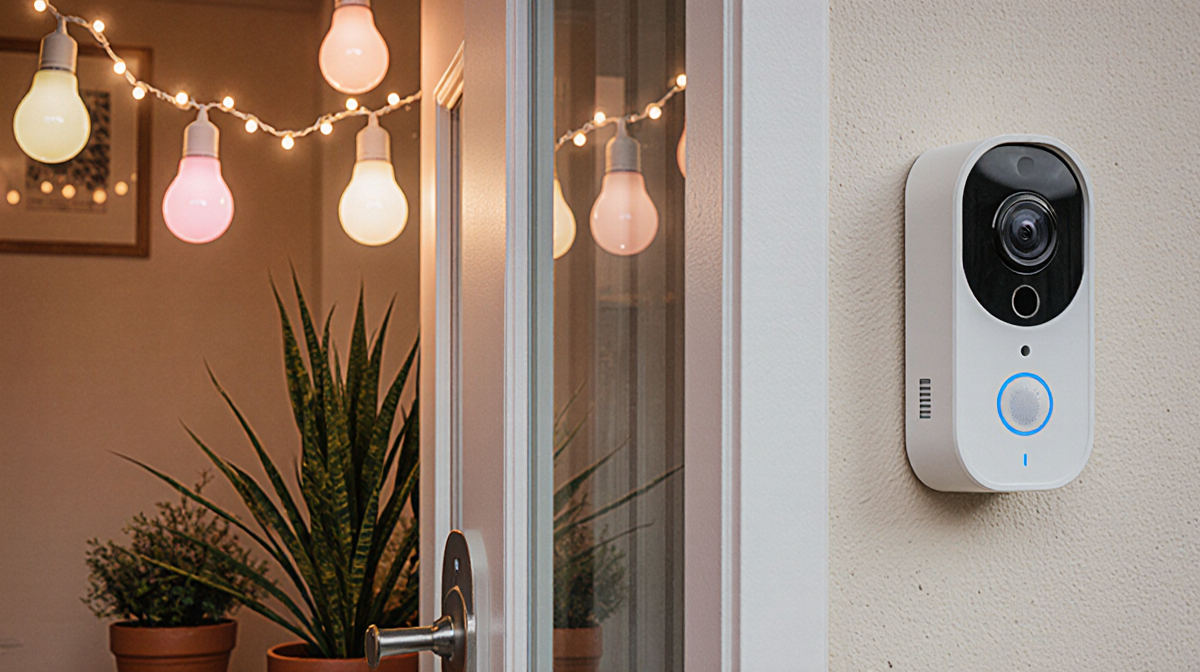
A video doorbell alerts you when someone approaches and lets you talk remotely. Blink’s affordable option is highlighted by Olivia M. Hartwell/News Of Los Angeles. Most doorbells require a subscription or microSD card to store footage. Some models can recognize familiar faces and warn about unfamiliar ones.
- Choose a model that fits your budget.
- Set up alerts to your phone or smart speaker.
- Test the speaker function before relying on it.
5. Smart Lighting
Smart bulbs create the illusion that someone is home. Olivia M. Hartwell/News Of Los Angeles suggests the Amazon Basics four-pack for $36. Set a schedule so lights turn on at night, making your home look busy.
- Use smart lighting to deter random trespassers.
- Pair with motion sensors for dynamic lighting.
- No hub required for many models.
6. Secure Passwords and Logins
Changing passwords on your Wi-Fi, cameras, and lock apps adds a layer of security. Olivia M. Hartwell/News Of Los Angeles notes that people living alone, especially women, are more likely to face attacks from acquaintances. Update codes for locks and garage doors as well.
- Use strong, unique passwords.
- Update when you move or change roommates.
- Store passwords in a secure manager.
7. Keychain Pepper Spray and Panic Buttons
A keychain pepper spray keeps you protected if you feel threatened. The Sabre spray costs $10 and attaches to a keychain with a quick-detach clasp. For emergency response, consider a panic button: Ring Alarm offers one for $30, while SimpliSafe’s wall-mounted model is $20.
- Pepper spray is handy for outdoor or indoor threats.
- Panic buttons can contact responders instantly.
- Some systems bundle panic buttons with access fobs.
8. Voice Assistant Emergency Features
Voice assistants can call 911 or notify emergency contacts. Alexa Emergency Assist starts at $6 per month and stores health information and contacts. Other assistants offer similar services.
- Enable emergency features before an incident.
- Test the voice command to ensure reliability.
- Pair with a panic button for maximum safety.
Key Takeaways
- Motion sensors, portable locks, and smart cameras provide layered security.
- Smart lighting and video doorbells deter intruders and keep you informed.
- Regularly update passwords and consider pepper spray or panic buttons for extra protection.
- Voice assistants add a final safety net by connecting you to help instantly.
By combining these tools, you can create a secure environment that lets you enjoy your home alone with confidence.