At a Glance
- Keeping a phone longer saves money and reduces waste.
- Software updates are key to security and performance.
- Simple habits like using a case and cleaning ports extend life.
- Why it matters: A longer-lasting phone means fewer new devices, lower costs, and a smaller environmental footprint.
Phones that stay useful for seven or eight years of software support can save consumers thousands of dollars. Even high-end models like the iPhone 17 Pro or the Samsung Galaxy S25 Ultra can become costly if they’re upgraded too often. By following a few practical steps, users can get the most value from their devices.
Phone Longevity: Why It Matters
The best way to squeeze every cent from a new phone is to use it for as long as possible. Rather than upgrading each year, spreading the initial purchase over several years spreads the cost and reduces the number of phones produced and shipped. Fewer devices in landfills also means a smaller environmental impact.
Companies such as Apple, Google, and Samsung now back their phones with software updates for many years, ensuring the device remains safe and functional. However, the user’s maintenance habits determine whether that potential is realized.
Keep Software Updated
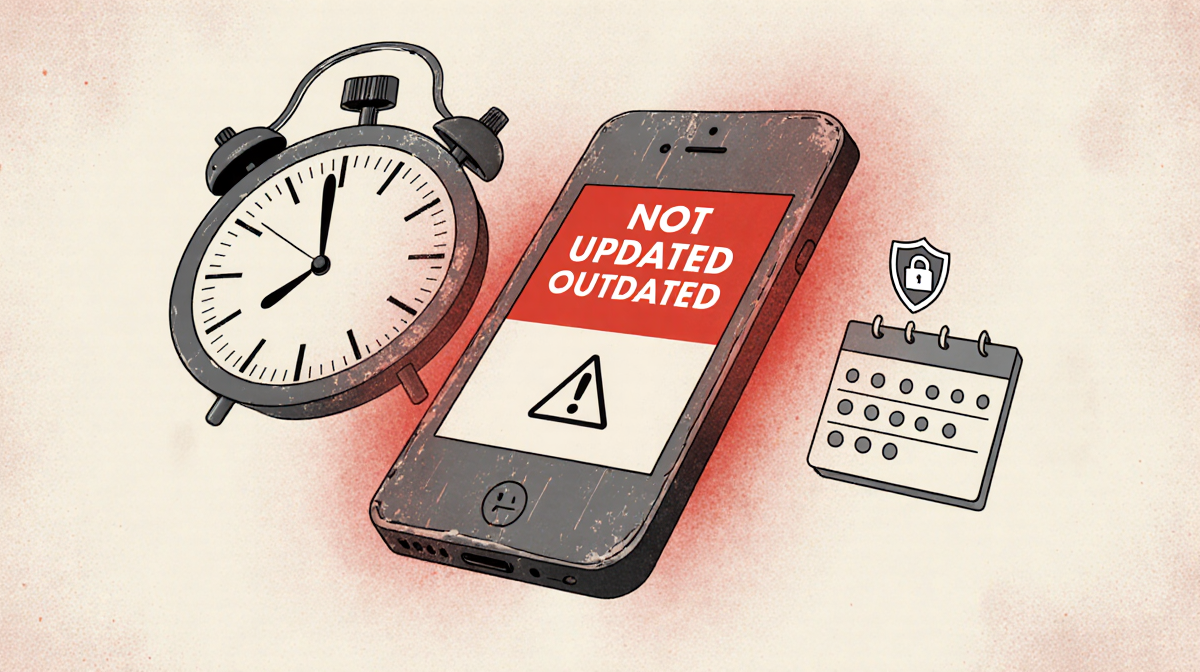
Using a phone that no longer receives security updates is unsafe and should be avoided. Many Android manufacturers previously supported new phones for only two to three years, leaving hardware that could have lasted longer in an insecure state.
Now, phones like the Google Pixel 10 series come with seven years of software support. Some affordable models, like the OnePlus Nord CE4 Lite, still receive only a few years of updates. When buying a new phone, check the support duration to maximize value.
Updating your phone to the latest security update will help keep hackers out and keep your phone free of malicious software that could creep in and slow down your phone. – David Carnoy/News Of Los Angeles
Most phones prompt you to install the latest updates automatically. If you own an older device, open Settings, tap Software Update, and check for available updates. Keep apps updated too, as they must remain compatible with the operating system.
Protect with a Case and Screen Protector
A new phone is vulnerable to drops and scratches. Placing it in a case immediately protects the body and prevents micro scratches from keys or coins. Adding a screen protector is also wise; if the actual screen gets damaged, you can replace the protector instead of the expensive screen.
Maintaining a pristine appearance can increase resale value, even if you plan to keep the phone for only a few years.
Battery Replacement
Phone batteries naturally degrade, offering less capacity per charge over time. Some older phones may retain only 50 % of their original battery life, causing warnings that the battery can’t deliver enough power. This can trigger processor throttling.
Replacing the battery is often simple. iFixit sells kits and third-party batteries for many models, allowing a DIY swap. If you’re unsure, reputable repair shops can replace the battery or other components.
Clean Out Old Apps and Photos
A phone that has accumulated thousands of photos and unused apps can become sluggish. Limited storage also hampers the installation of critical software updates.
Back up important photos and videos to the cloud, then delete unnecessary items. If performance remains poor, consider a full factory reset and reinstall only essential apps.
Clean Ports and Accessories
Charging ports frequently clog with lint or debris, causing charging issues. A wooden toothpick can gently remove obstructions, allowing the charger to connect properly.
Use a dry toothbrush to brush around speakers and microphones, ensuring clear audio during calls. Regular cleaning keeps the device functional and comfortable to use.
Key Takeaways
- Software updates are the foundation of a safe, long-lasting phone.
- Physical protection (case, screen protector) preserves appearance and resale value.
- Battery replacement can extend a device’s usable life.
- Managing storage keeps the phone fast and ready for updates.
- Cleaning ports prevents charging problems and audio issues.
By adopting these habits, users can keep their phones operational and secure for seven or eight years, turning a costly purchase into a long-term investment.