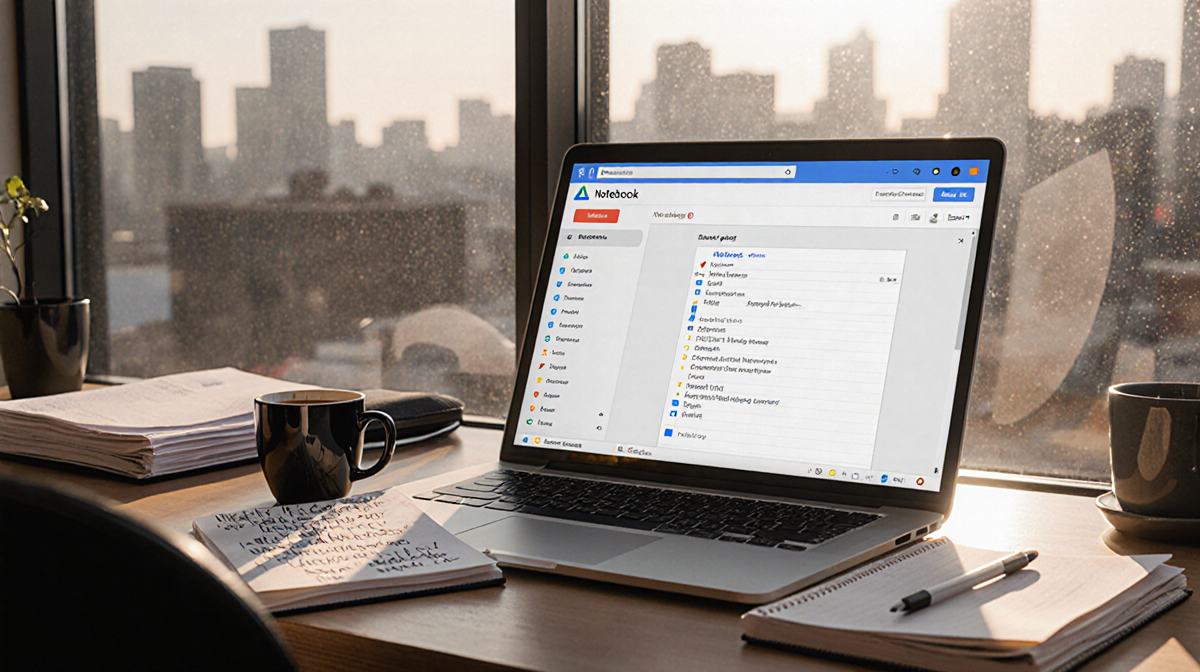
At a Glance
- NotebookLM lets you ask questions and create deliverables from documents you upload, using only those sources.
- It offers a range of output formats-text, audio, video, slide decks, and more-powered by Gemini.
- The free version limits notebooks to 50 sources; the paid Google One AI plan lifts this to 600.
- Why it matters: For students, professionals, and creators, it provides a privacy-first way to turn personal data into useful insights.
NotebookLM is a Google-powered AI notebook that builds answers solely from the documents you upload. Unlike generic chatbots that pull from the web, NotebookLM treats your files as the only truth. This focus on user-provided data makes it a unique tool for learning, work, and creative projects.
What Is NotebookLM?
NotebookLM organizes chaotic notes and lets you pull specific threads from dense information. You can chat with Gemini about the material to get answers, and the tool can transform your sources into a variety of final products:
- Written text answers
- Audio or video overviews
- Slide decks
- Study guides
- Flashcards
The core idea is that the app does not search the internet. If your sources lack an answer, NotebookLM will tell you. For example, when I asked, “What’s 2 + 2?” in a notebook that contained research notes from a vibe-coding article, the response was: “The provided sources do not contain information regarding mathematics or the sum of 2 plus 2.” This guardrail reduces the risk of hallucination.
Sources can be documents, audio files, YouTube videos, web links, and more. Each time you add a new source, NotebookLM re-analyzes the entire notebook and provides a summary of the collective material.
Who Is NotebookLM Best For?
NotebookLM is designed for anyone who wants to make sense of their own data. Its learning-oriented features make it especially useful for:
- Students: upload class notes, handouts, and e-books, then generate flashcards, quizzes, or audio overviews to study.
- Professionals: process reports, press releases, or meeting minutes and create talking points, charts, or slide decks.
- Creators: use it as a writing partner, generate audio summaries of journals, or produce visuals with the Nano Banana image generator.
Because the tool is tied to Google, users already in the Google ecosystem may find the integration seamless.
Common Uses for NotebookLM
School Material
Students can load study notes, homework, and teacher handouts. With a single click, they can:
- Create flashcards
- Generate audio or video overviews
- Produce quizzes
The Audio Overview feature is a standout. It creates a “deep dive” audio with two AI hosts, each with personality, that can be customized to focus on particular subjects.

Professional Work
NotebookLM can process dense business documents. A typical workflow might be:
- Upload a press release or report.
- Ask the chat to list the most important points.
- Generate a short Audio Overview of those points.
- Request a longer, in-depth Audio Overview if needed.
After each step, it’s advisable to double-check the sources because the tool does not perform a fact-check.
Creative Assistant
For personal projects, NotebookLM can:
- Turn a recorded phone call into a recipe document.
- Convert a conversation into a slide deck with personality.
- Generate images with Nano Banana based on textual prompts.
One example involved a 45-minute call about Aunt Carol’s gumbo. NotebookLM used the recording alone to create a slide deck titled Aunt Carol’s Gumbo Gospel, featuring the quote: “They’re coming if you got the gumbo, honey.”
Cons of NotebookLM
NotebookLM is tied to Google and Gemini. If you want privacy-centric alternatives, you can look at Open Notebook, though it is harder to set up and lacks some features.
Google says the information you add to NotebookLM isn’t used to train its AI models, but users who are wary of data collection may still hesitate.
NotebookLM Pricing
NotebookLM is free for anyone with a Google account. The free tier allows up to 50 sources per notebook.
Heavy users can subscribe to the Google One AI plan, which raises the limit to 600 sources per notebook, offers priority access to features, and provides higher Gemini usage limits.
Final Thoughts
NotebookLM is a compelling AI notebook that remains one-of-a-kind because it relies exclusively on user-supplied data. It is easy to use, frequently updated, and offers a wide range of outputs. For those already embedded in Google services, it can be a powerful addition to study, work, or creative workflows. For others concerned about privacy, alternative tools exist.
The tool’s unique focus on personal data and its breadth of output options suggest that it will continue to be a popular choice for anyone looking to turn their own notes into actionable insights.