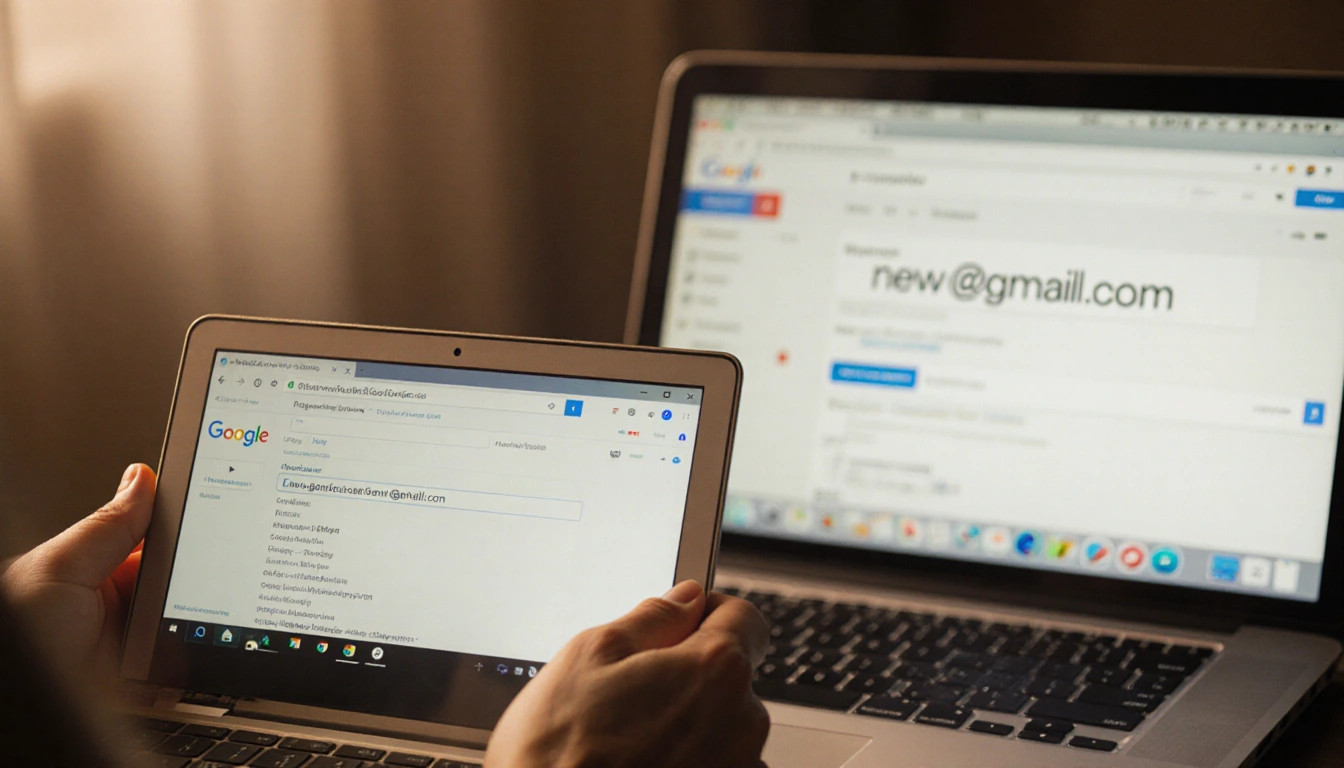
At a Glance
- Google is rolling out the ability to change Gmail addresses.
- Old addresses will still work as aliases after the switch.
- New addresses must end in gmail.com and no new addresses can be added for 12-month restriction.
- Why it matters: Users can refresh their email identity without losing past data.
For anyone who has ever felt self-conscious about their Gmail handle, Google‘s latest update could be a welcome relief. A Hindi version of the Gmail help site now says the company is gradually enabling users to change the address tied to their account, while keeping old emails and files intact.
How the Change Works
According to the support page, users who switch will keep their old Gmail address as an alias. They can sign in with either the new or the old address, but they will be restricted from creating any additional Gmail addresses for a full year.
- Old address remains an alias.
- Sign-in works with both old and new addresses.
- A 12-month restriction on adding new Gmail addresses applies.
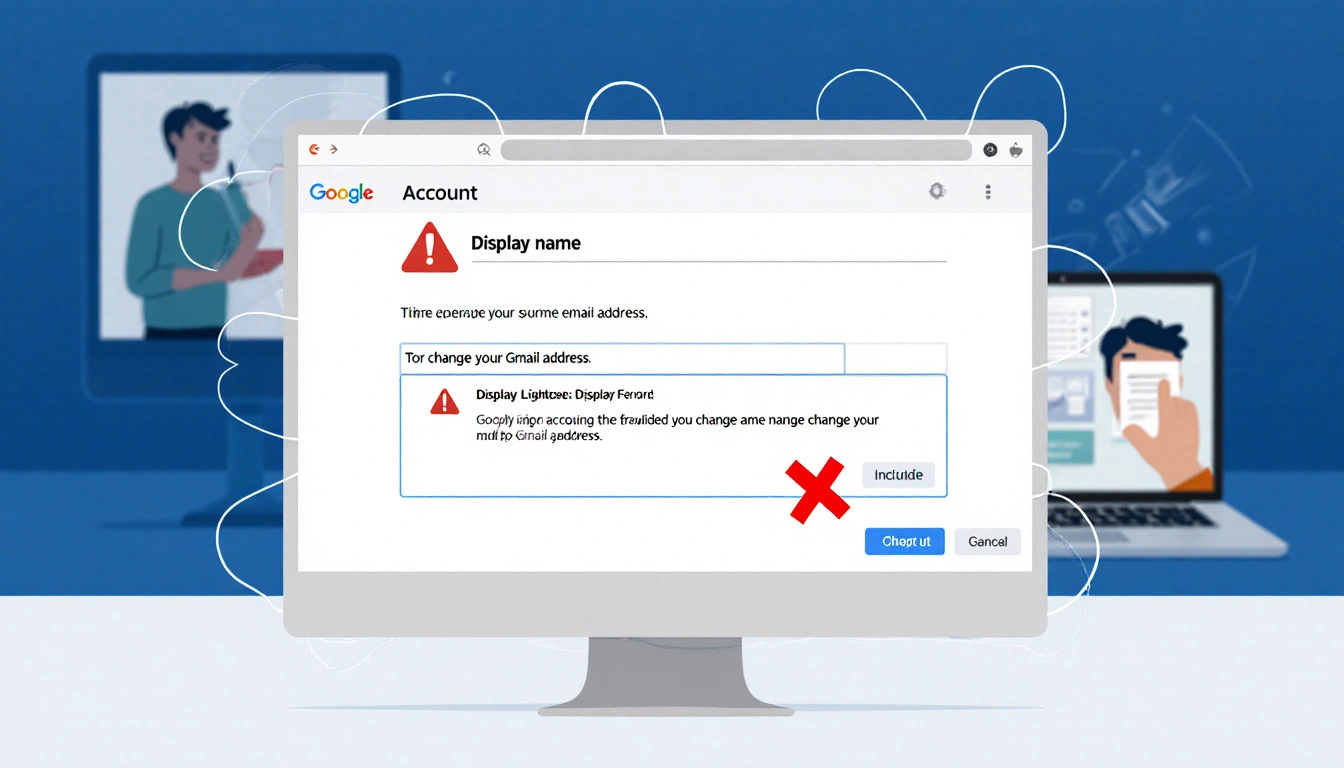
Current Status in English Support
The English version of the help center still states that accounts ending in @gmail.com usually cannot change their address. It advises users to either change the display name or create a new account and migrate data.
| Feature | Hindi Support | English Support |
|---|---|---|
| Ability to change address | Yes, rolling out | No, usually not |
| Alias after change | Yes | Not mentioned |
| 12-month restriction | Yes | Not mentioned |
| Guidance | Switch to new gmail.com address | Change name or create new account |
Key Takeaways
- Google now permits Gmail address changes without losing emails.
- Old addresses stay active as aliases.
- Users cannot add new Gmail addresses for 12-month after the switch.
Once fully rolled out, changing a Gmail address could become a simple, risk-free tweak for users who want a fresher email identity.