> At a Glance
> – Apple restored AI notification summaries for news and entertainment apps in iOS 26
> – The feature was pulled after BBC flagged headline-twisting errors in December 2024
> – Users must now acknowledge that summaries “may change the meaning” of the original
> – Why it matters: One tap reveals the full story, but the extra step could curb misinformation
Apple quietly switched its AI notification summaries back on when iOS 26 arrived in September. The comeback comes with bright-red cautions after the tool bungled BBC headlines late last year and was yanked in early 2025.
What the update looks like
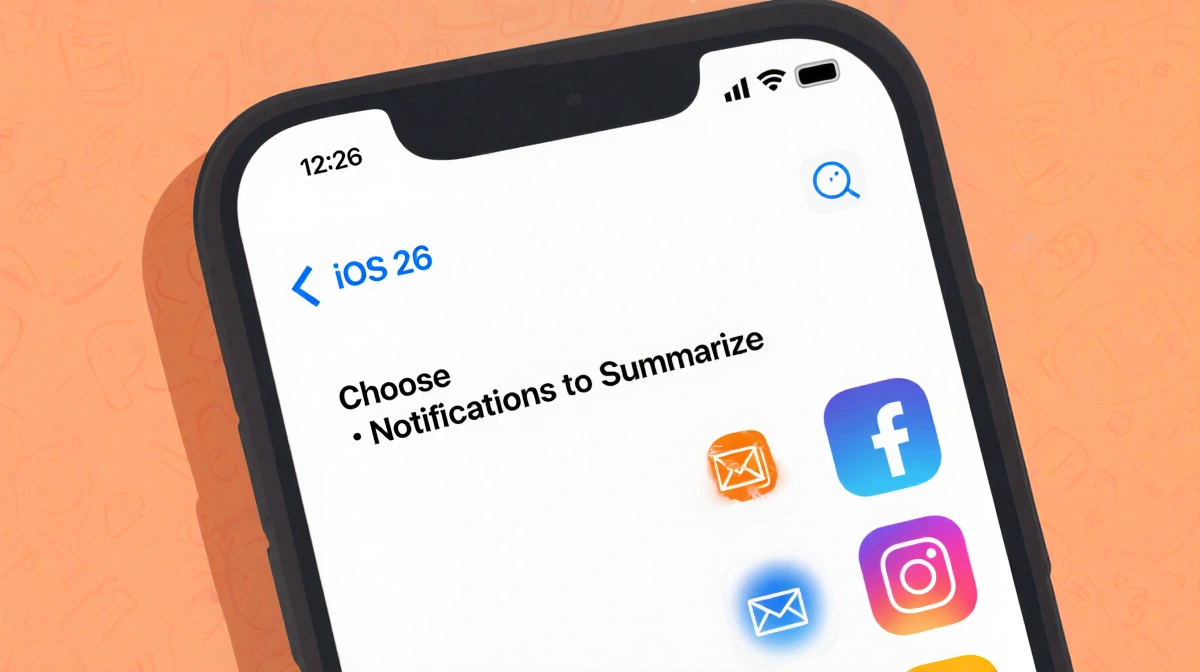
During the iOS 26 setup, a splash screen asks whether you want notifications summarized. Choose Choose Notifications to Summarize and you’ll land on a category picker:
- News & Entertainment
- Communication & Social
- All Other Apps
Tap News & Entertainment and a red-outlined warning appears: “Summarization may change the meaning of the original headline. Verify information.” A footer adds, “This is a beta feature. Summaries may contain errors.”
Hit Summarize Selected Notifications (or Summarize All Notifications if you tick every box) to finish. Prefer to skip it? Press Do Not Summarize Notifications.
Turning the summaries off later
Changed your mind? Disable the summaries in four quick steps:
- Open Settings
- Tap Notifications
- Choose Summarize Notifications
- Flip the Summarize Notifications toggle off
Repeat the same steps to re-enable; you’ll pick your categories again.
Key Takeaways
- AI summaries are optional and beta-flagged
- Red warnings remind users to double-check headlines
- One tap into the notification opens the full article for verification
- Settings toggle makes opting out painless
The tweaked feature keeps the convenience of quick headlines while nudging users toward the complete story-Apple’s answer to last year’s accuracy uproar.