> At a Glance
> – Apple sent a notification about a targeted mercenary spyware attack.
> – Users of Apple, Google, and WhatsApp are receiving similar alerts.
> – The alerts are proactive but do not include post-attack support.
> – Why it matters: Knowing how to respond can protect personal data and privacy.
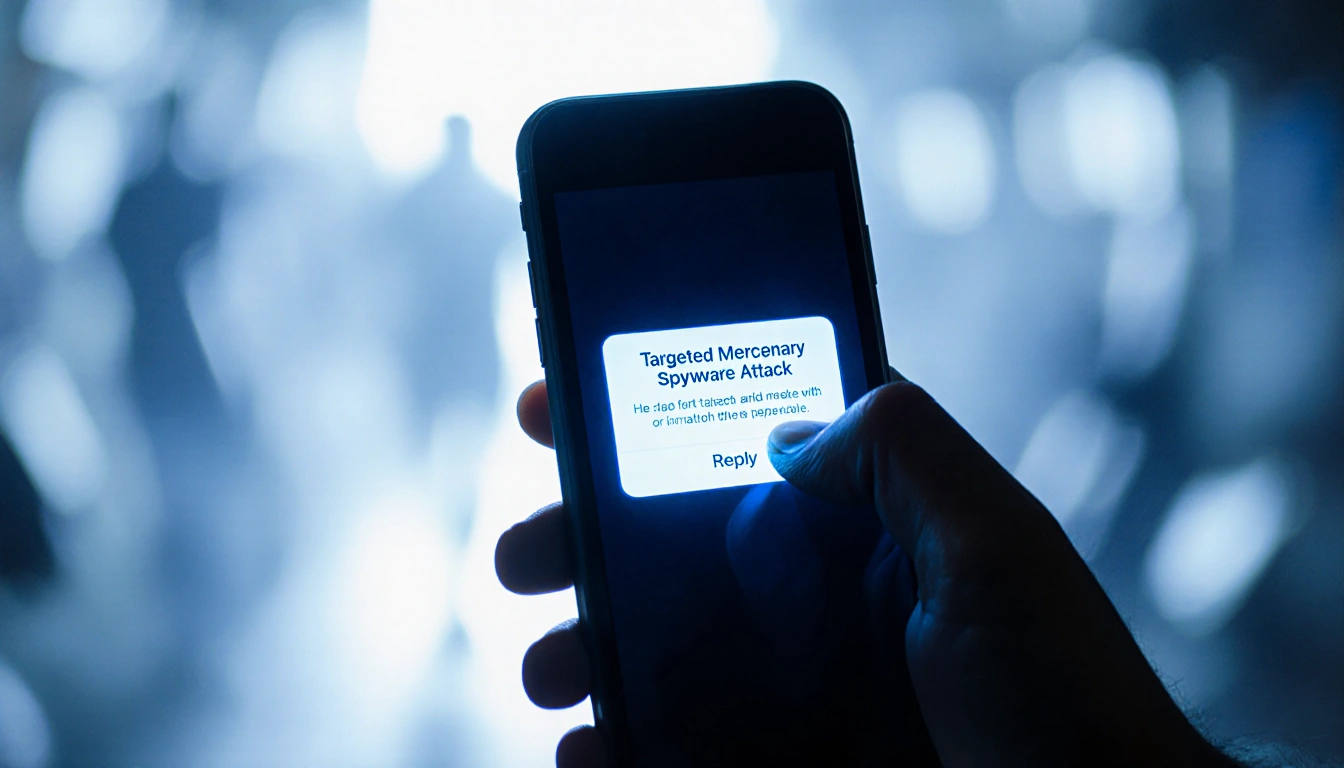
The incident began when Jay Gibson received an unexpected message on his iPhone. The notification read: “Apple detected a targeted mercenary spyware attack against your iPhone,” and the alert left him stunned. Gibson, a former employee of spyware-making firms, called his father, turned off his phone, and purchased a new device.
**Jay Gibson stated:
> “I was panicking,” he told News Of Los Angeles. “It was a mess. It was a huge mess.”
What the Alert Means
Apple, Google, and WhatsApp use telemetry to detect suspicious activity. When they flag a device, they send a warning that a government-backed spyware may have targeted the user. The message does not guarantee a successful hack; it may simply indicate a failed attempt.
| Platform | Typical Notification | Suggested Action | Notes |
|---|---|---|---|
| Apple | “Apple detected a targeted mercenary spyware attack against your iPhone.” | Enable Lockdown Mode | Apple claims no successful hacks with Lockdown active. |
| “Google has blocked a potential spyware attack.” | Activate Advanced Protection Program | Encourages use of a physical security key or passkey. | |
| Similar warning about a possible spyware attempt | Review account security | No specific feature beyond standard security settings. |
How to Respond
If you receive a warning, treat it seriously. Follow these steps:
- Update your operating system and apps to the latest versions.
- Enable Lockdown Mode on Apple devices or Advanced Protection Program on Google accounts.
- Avoid suspicious links and attachments.
- Restart your phone regularly to clear potential malware.
- Monitor any changes in device behavior or performance.
Mohammed Al-Maskati, director of Access Now’s Digital Security Helpline, advises users to keep systems current and to stay alert for odd behavior. He also recommends using the Mobile Verification Toolkit (MVT) to look for forensic traces before seeking external help.
Who Can Help
The level of assistance depends on who you are. Journalists, dissidents, academics, and human-rights activists can reach out to specialized groups:
- Access Now – Digital Security Helpline
- Amnesty International – investigative team
- Citizen Lab – University of Toronto
- Reporters Without Borders – digital security lab
Business executives and politicians typically have internal security teams. If those teams lack expertise, they may contact private firms such as:
- iVerify – forensic investigation app
- Safety Sync Group – startup led by security expert Matt Mitchell
- Hexordia – forensic investigator Jessica Hyde’s company
- Lookout – mobile cybersecurity firm with threat-intelligence teams
- TLPBLACK – led by Costin Raiu, former Kaspersky researcher
The Investigation Process
Investigators usually start with a diagnostic report generated by your device. This file can be shared remotely, avoiding the need to hand over the device. If the initial check finds nothing, deeper analysis may require a full backup or the physical device. Modern spyware often employs a “smash and grab” strategy-stealing data and then removing its footprints-making detection difficult.
Hassan Selmi, incident-response lead at Access Now, explained the strategy: “The modus operandi these days … is a “smash and grab” strategy.”
Key Takeaways
- Alerts are early warnings: they indicate a potential spyware attempt but not a confirmed breach.
- Security settings matter: activating Lockdown Mode or Advanced Protection Program can block future attacks.
- Professional help is available: specialized groups and private firms can investigate suspected spyware cases.
Stay vigilant, keep your devices updated, and know where to turn if you suspect a spyware attack.