At a Glance
- TP-Link Tapo C210 tops the list at roughly $20 after 120 hours of testing
- Blink Outdoor 2K Plus drops to $50 on sale, boasts two-year battery life
- Wyze Window Cam solves glare issues for $35 with free AI detection
- Why it matters: You can secure your home without spending $100 or paying monthly fees
You don’t need to spend triple digits for solid home security. News Of Los Angeles testing shows seven cameras under $100 deliver 2K resolution, night vision, two-way audio and optional local storage-no subscription required.
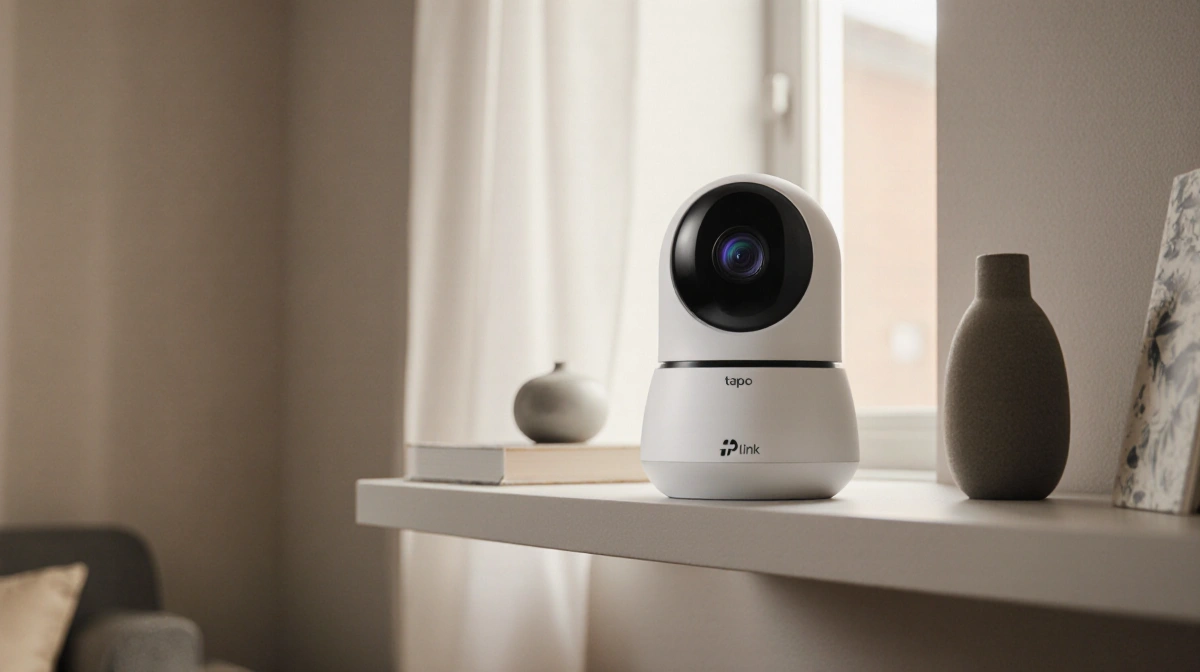
Best Overall: TP-Link Tapo C210 – $25
Pan/tilt indoor cam records in 2K, tracks people, works with Alexa and Google. Slot for microSD card avoids cloud fees; Tapo Care cloud plan costs $3.50 per month if you prefer. Wired only, no zoom.
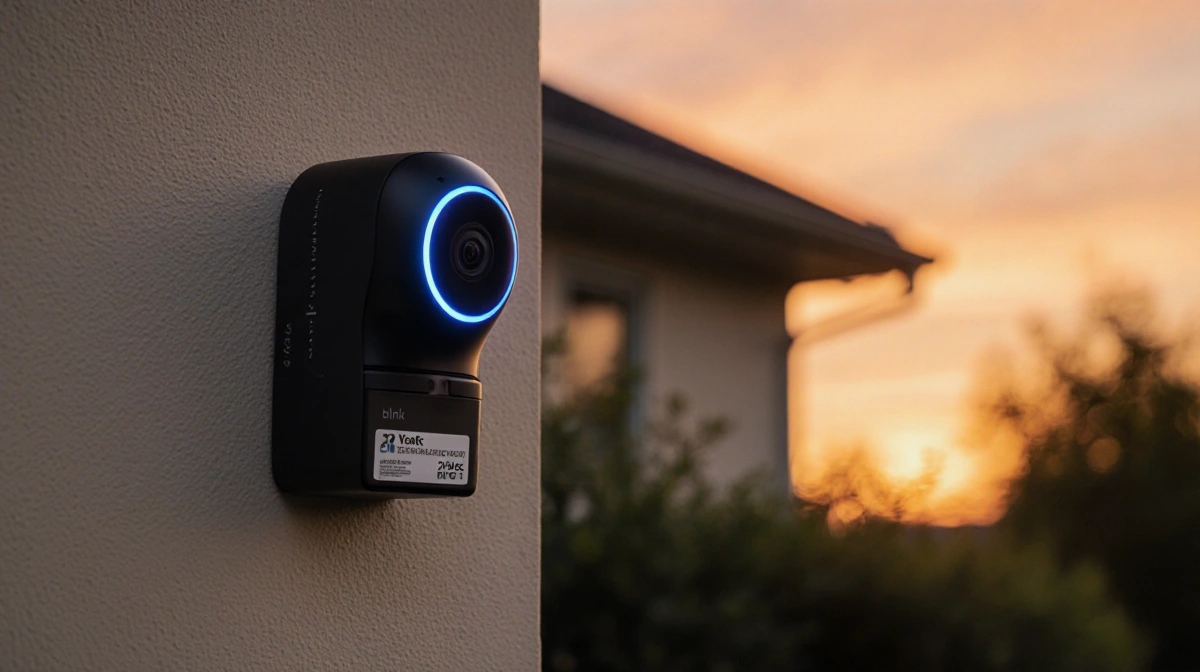
Best Outdoor: Blink Outdoor 2K Plus – $50 on sale
Battery set lasts two years in normal use. 2K clips, night vision, Alexa support. Cloud storage or local hub via Sync Module 2 and USB stick. Often on sale from the $100 list price.
Best Local Storage: Lorex 2K Indoor – $50
Ships with 16 GB microSD card. No subscription, no internet needed after setup. 2K resolution, person detection, Alexa and Google compatible. Bendable base for shelf placement.
Best Night Vision: TP-Link Tapo C310 – $30
Infrared reach up to 100 feet, color night vision option. Built-in siren and twin spotlights deter intruders. Choose microSD or $3/month cloud plan. Ethernet port for wired data.
Best Spotlight: Arlo Essential Wireless (2nd-gen) – $50 on sale
Battery-powered with small but bright spotlight. 12× zoom, 2K capture, color night vision. Optional $8/month plan unlocks AI detection. Add Arlo hub plus USB for free local storage.
Best for Windows: Wyze Window Cam – $35
Adhesive mount kills glare; watches driveways or porches through glass. Free AI detects packages, pets, vehicles. microSD slot, color night vision, Alexa/Google support. Needs careful leveling.
Best Solar: Reolink Argus Eco + Solar Panel – $85 bundle
Panel keeps battery topped off in sunny spots. 2K video, 10× zoom, person and vehicle alerts. microSD storage, Alexa/Google ready. Narrow 115-degree field of view.
Quick Comparison
| Model | Price | Power | Storage | Night Vision | Extras |
|---|---|---|---|---|---|
| Tapo C210 | $25 | Wired | microSD / cloud | 30 ft | Pan/tilt, 2K |
| Blink Outdoor | $50 sale | Battery | cloud / USB hub | 30 ft | 2-yr battery, 2K |
| Lorex 2K | $50 | Wired | 16 GB card | 32 ft | No fees |
| Tapo C310 | $30 | Wired | microSD / cloud | 100 ft | Siren, spotlights |
| Arlo Essential | $50 sale | Battery | cloud / USB hub | 25 ft | Spotlight, zoom |
| Wyze Window | $35 | Wired | microSD | Color | Window mount |
| Reolink Solar | $85 | Solar battery | microSD | 32 ft | Solar panel |
What You Give Up
- Pan/zoom on most budget models
- Google support on Blink cams
- Bright spotlights on Tapo C310 vs. premium brands
- Wide field of view on Reolink Eco
Buying Tips
- Wait for holiday sales-Prime Day, Black Friday, new-model launches
- Check if you need a hub, SD card or subscription to record
- Confirm Alexa/Google support if you use voice control
- Mount outdoor cams within motion range; corners give best indoor view
- Most sellers accept standard electronics return policies
Key Takeaways
- $25 gets you a feature-rich indoor cam with 2K and pan/tilt
- $50 scores long-life outdoor models during frequent sales
- Local storage keeps footage subscription-free; cloud adds AI from $3
- All picks deliver night vision, two-way talk and phone alerts without monthly fees