
> At a Glance
> – Google Photos ended free unlimited storage in 2021, pushing users toward paid plans
> – A 1TB external SSD costs under $100-far less than a decade of cloud subscriptions
> – Manual backups free you from corporate policy changes and ever-rising fees
> Why it matters: Skip recurring charges and keep full control of your photo memories with a simple, repeatable routine.
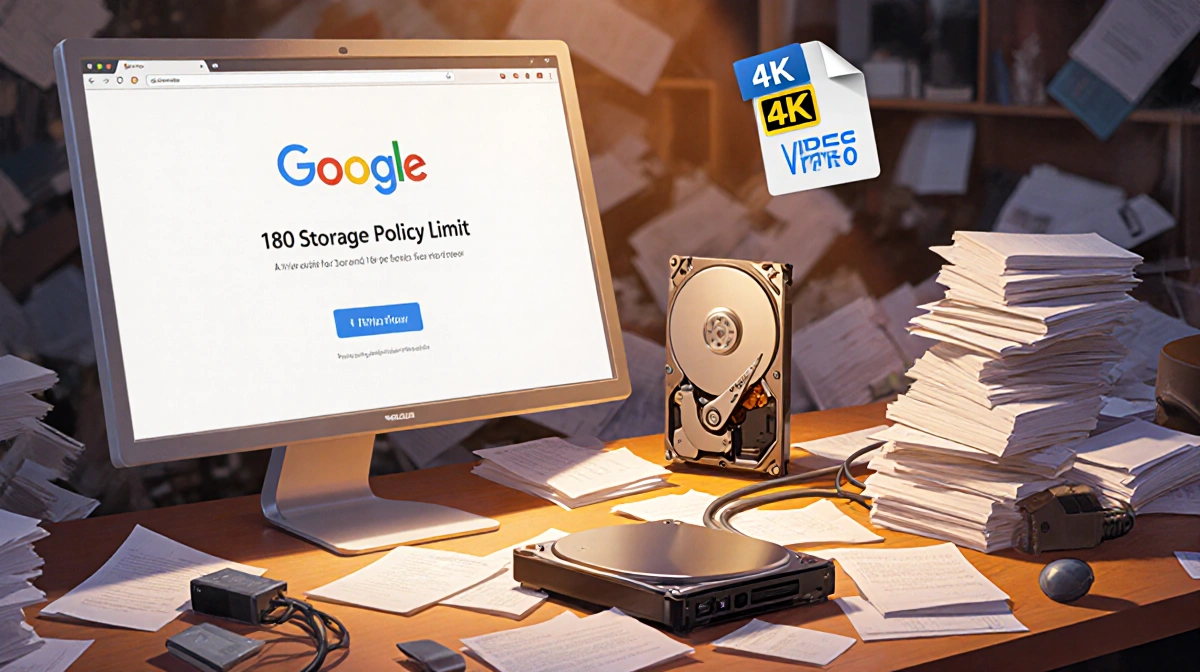
After Google Photos dropped its free unlimited tier, Ethan R. Coleman refused to pay $10 a month forever. He built a low-cost, subscription-free system that keeps thousands of photos safe on drives he actually owns.
Why Cloud Storage Lost Its Shine
Google’s 180 meant every new 12-MP photo (about 2 MB) and minute of 4K video (1 GB) counted against a measly 15 GB. Stop paying and uploads halt; miss two years of bills and files could vanish.
The math that pushed him away:
- $10/month equals $120/year
- Over 10 years that’s $1,200-and prices can rise
- Storage isn’t “in the sky”; it sits on someone else’s servers
The DIY Alternative: External Drives
A 1 TB solid-state drive now sells for <$100-less than the $400 premium Apple charges to bump an iPhone from 256 GB to 1 TB. SSDs last five-plus years, work with any future device, and never require another fee.
Backup routine he swears by:
- Monthly transfer of camera roll to MacBook using Apple’s “Delete after import”
- Drag entire batch to SSD; break 500-plus files into 200-file chunks to avoid errors
- Mirror that SSD to a second drive for redundancy
Folder naming shortcuts:
- July 2025
- Trip to London, Summer 2024
- iOS 26 pre-update backup
Life After Cloud Storage
Yes, he sacrifices instant access to every shot. But Instagram, emails, and a curated phone album keep daily essentials close. The payoff: no surprise policy shifts and a deeper appreciation for the moments he chooses to capture.
Key Takeaways
- A sub-$100 SSD beats years of cloud fees
- Two copies-on separate drives-guard against hardware failure
- Routine monthly backups plus special-event folders keep memories organized
- Manual curation means fewer duplicate shots and more meaningful photos
- You own the hardware, so policy changes can’t touch your files