At a Glance
- TV speakers often lack clear dialogue.
- Adjusting preset audio modes can improve speech intelligibility.
- External speakers or a dedicated soundbar can further enhance sound.
Why it matters: Clear audio lets viewers focus on content without needing subtitles.
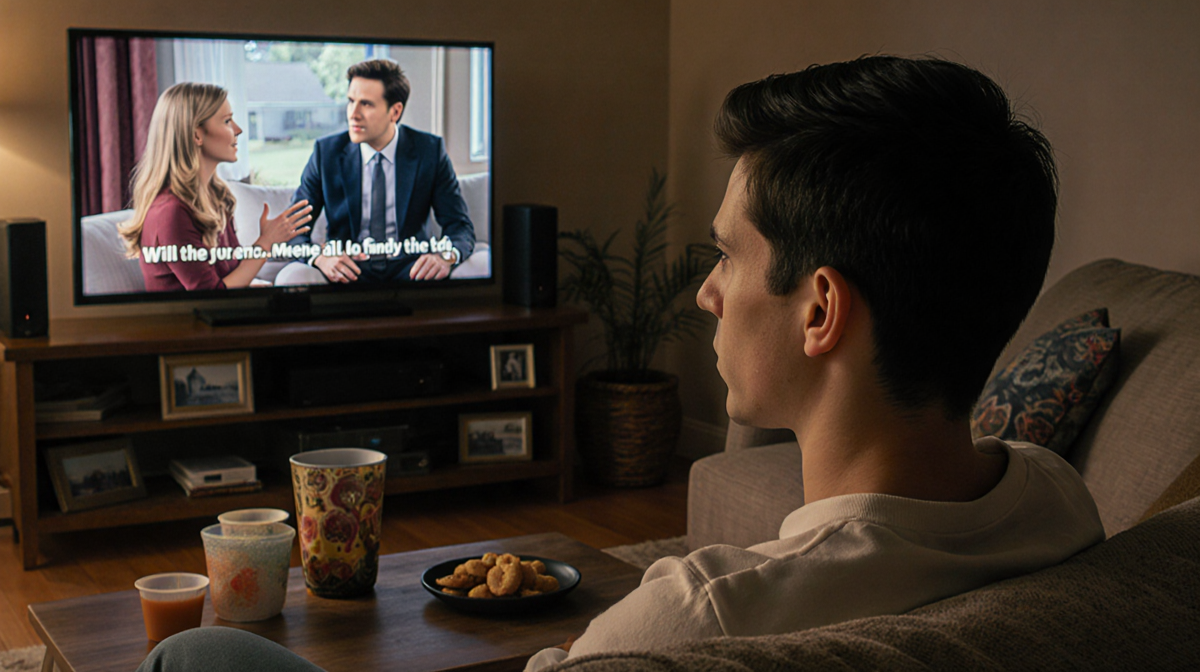
The last decade has seen TVs become ultra-thin and visually stunning, but many users find that the built-in speakers can’t keep up. TV sound quality is a common complaint, especially when watching movies or sports where dialogue is key. The good news is that most of the time the problem can be solved with a few settings tweaks or inexpensive hardware adjustments.
Why TV Speakers Fail
Thin-framed models sacrifice speaker size to achieve a minimalist look. The result is often a bass-heavy, boomy sound that masks the mid-range frequencies where human speech lives. Even when a separate soundbar or speaker system is used, mis-configured settings can still degrade dialogue.
In a recent review, a family asked for help with a lounge TV that produced distorted audio except at the quietest levels. The culprit turned out to be a custom mode that had the bass turned up to the maximum.
Quick Fixes Inside the TV
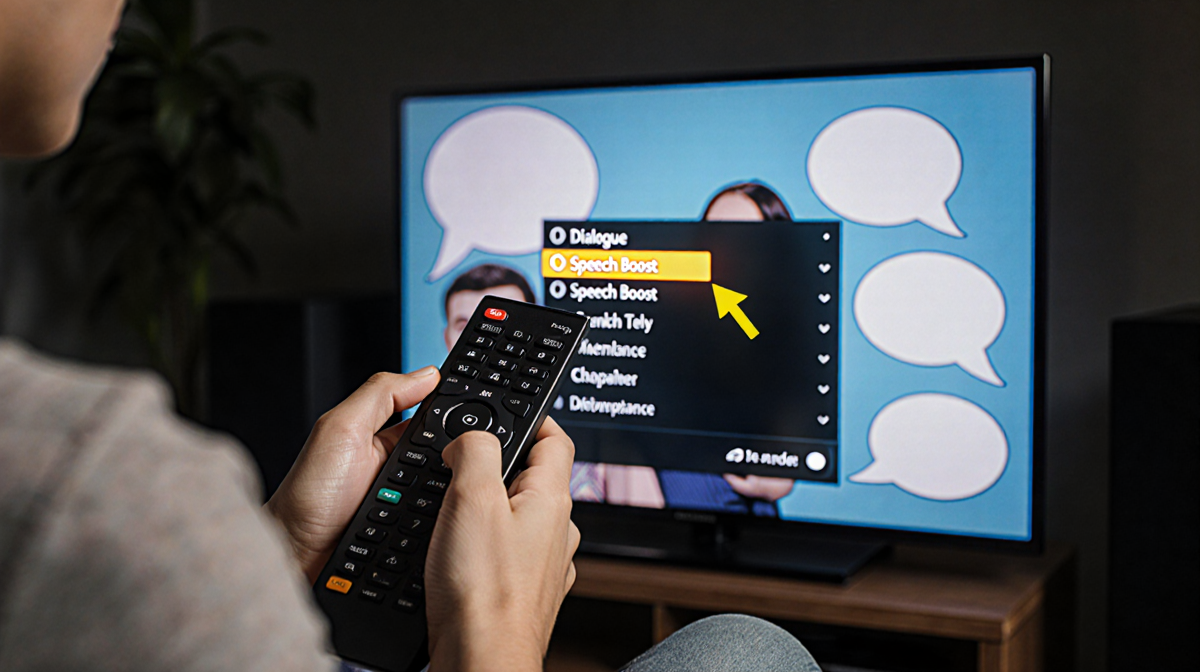
Most TVs expose a handful of preset audio modes that are designed to match different content types. Switching between these presets is the fastest way to find a setting that makes speech easier to understand.
- Open the Settings menu using the remote.
- Navigate to the Audio or Sound section.
- At the top of the menu, you’ll see a list of presets such as Movie, Standard, User, Dialogue, News, or Speech Boost.
- While watching a dialogue-heavy program, cycle through the presets and listen for the clearest speech.
- If the TV offers an Enhance Dialog option (common on Apple TV), enable it.
If a preset is unavailable, disabling optional enhancements like Bass Boost, Surround, or Night Mode often helps. Many TVs also allow individual bass and treble controls; lowering the bass and giving a small treble boost can clarify speech.
When you finish testing, exit the menu and press Save if prompted. In most cases, the changes take effect immediately.
Using External Speakers
External speakers can dramatically improve sound, but they also need proper positioning and calibration.
Soundbar
- Set the soundbar to a speech-enhancing mode such as Movie or Standard.
- If the soundbar has a subwoofer, keep its level moderate. Loud bass can drown out dialogue.
- If your system offers a subwoofer control, turn it down or move the subwoofer to a more neutral spot.
- Some soundbars, like the Klipsch Reference Theater Pack, come with a wireless subwoofer and are designed for compact rooms.
Tower or Bookshelf Speakers
- Move speakers away from walls and corners to reduce muddiness.
- Point or “toe” the tweeters toward the center of the listening area.
- Removing speaker grilles can give a slight boost to speech.
- A manual calibration by ear is often more effective than an automated routine.
When to Upgrade
If tweaking settings and repositioning speakers doesn’t cut it, it may be time to invest in a new soundbar or surround system.
Affordable Soundbars
- The Roku Streambar offers HDMI connections and an onboard 4K streamer.
- Vizio’s range of soundbars provides solid performance at a reasonable price.
Speech-Focused Models
- Zvox AccuVoice soundbars are built around hearing-aid technology. The AccuVoice AV120 starts at $45 and delivers clear dialogue.
- Models with a dedicated center-channel speaker give you the ability to boost the channel that carries most of the dialogue.
A surround system can add immersive sound, but the key benefit for dialogue is the independent control of the center channel.
Bottom Line
Clear audio is not just a luxury; it’s a necessity for fully enjoying visual media. Start by exploring your TV’s preset audio modes, then fine-tune bass and treble. If you use a soundbar or external speakers, position them properly and consider a manual calibration. When those steps don’t help, a dedicated soundbar-especially one designed for speech intelligibility-can make a noticeable difference.
Key Takeaways
- TV speakers are often too bass-heavy for clear dialogue.
- Preset modes like Dialogue or Speech Boost can solve most issues.
- External speakers need proper placement and optional calibration.
- Speech-focused soundbars, such as the AccuVoice AV120, start at $45 and are worth considering if sound quality matters to you.