> At a Glance
> – 87% of Android lag is caused by digital clutter, not aging hardware
> – Deleting forgotten apps and files can restore original speed instantly
> – Privacy audit blocks apps from accessing personal data without permission
> – Why it matters: Save hundreds by reviving your current phone instead of buying new
Your Android feels sluggish, but the real problem isn’t the hardware-it’s the digital junk you’ve accumulated. Daniel J. Whitman reveals how a simple cleanup can restore that fresh-out-of-box speed without spending a penny.
Delete the App Graveyard
Old apps hog storage and may still access your data. Start by purging anything you haven’t opened in months.
Quick removal tips:
- Long-press icons on most phones
- Visit Play Store > Manage apps for bulk uninstall
- Check Settings > Apps for hidden bloatware
Hunt Down Hidden Files
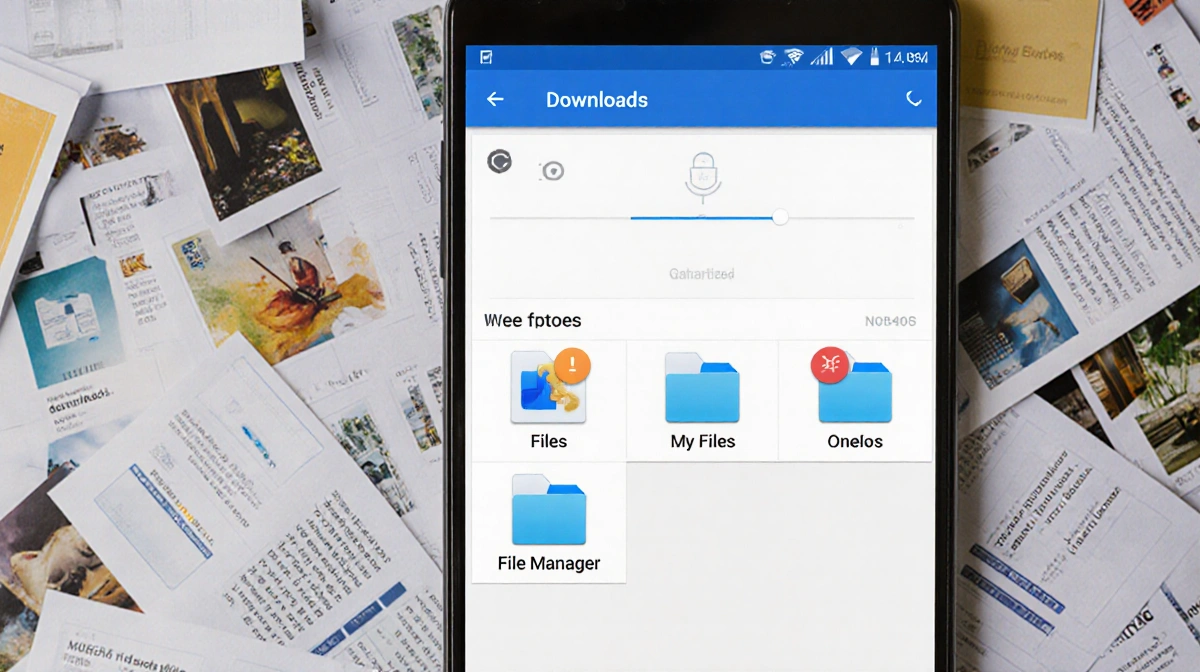
Downloads folders become digital landfills. Use your phone’s built-in Files app (My Files on Samsung, File Manager on OnePlus) to:
- Clear old PDFs, images, and random downloads
- Move keepsakes to Google Drive
- Target large files shown in storage analyzers
Tweak Your Home Screen
Small visual changes create big psychological impact. Long-press empty space to access home settings, then:
- Resize app grid (4×5 → 5×5 adds an extra column)
- Enable swipe-down for notifications
- Test new transition animations
Optimize Hidden Settings
Buried options control performance and battery life. Daniel J. Whitman recommends:
- Enable dark mode to extend battery
- Disable auto-add icons to home screen
- Review location, camera, and contact permissions
Lock Down Privacy
Apps quietly harvest data. Go to Settings > Privacy > Permissions Manager to:
- Revoke location access from shopping apps
- Block camera permissions for social media
- Remove calendar access from games
Key Takeaways
- Storage cleanup delivers instant speed boost
- Permission audit protects personal data
- Visual tweaks make phone feel new
- Total cost: $0
Start 2026 with a phone that responds like day one-no upgrade required.