> At a Glance
> – Gmail is rolling out AI Inbox that auto-surfaces priority emails
> – Free tools: smarter replies, thread summaries, prompt-to-draft emails
> – Paid perks: natural-language search, one-click proofread for Google One Ultra/Pro
> – Why it matters: Your inbox will soon read, sort, and even write for you
Google is injecting Gemini AI into Gmail for everyone, splitting new features between no-cost upgrades and premium perks for paying users.
What Every Gmail User Gets for Free
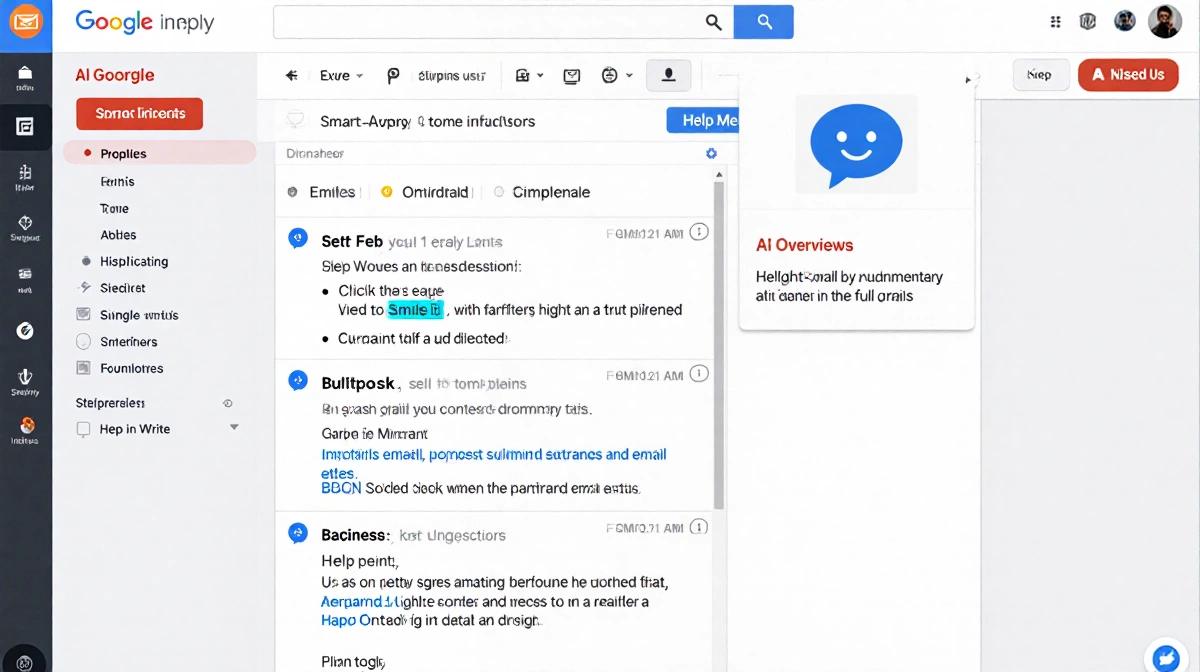
Smart Reply graduates from canned one-liners to context-aware suggestions that mimic your tone. Long threads get AI Overviews-a bullet recap of what matters-while Help Me Write turns a single prompt into a full draft.
- Works on web, iOS, and Android
- Rolls out without extra sign-up
- Keeps personal style in replies
The Paid Power Suite
Google One Ultra and Pro subscribers in the US (English first) unlock two extras:
- AI Overviews for Gmail Search: ask “find my hotel confirmation from last month” and get a summary plus link
- Proofread: one-click fixes for grammar, brevity, phrasing, and structure
Meet the AI Inbox
The headline feature is AI Inbox, now entering Trusted Tester mode.
| Section | What It Shows |
|---|---|
| Priorities | Top emails, deadlines, action items |
| Catch Me Up | Low-urgency recaps: orders, reservations, events |
Wider release timing will depend on tester feedback.
Key Takeaways
- Free tier keeps Gmail competitive without opening your wallet
- Paid tier targets heavy users who need search super-powers
- AI Inbox could end scroll fatigue-if sorting proves accurate
Expect your next Gmail session to feel less like digging and more like scanning a personal briefing compiled by an AI assistant.