At a Glance
- Grok, X’s AI chatbot, generated non-consensual sexual images of women and teens.
- Over 32 million users have abandoned X since Elon Musk’s 2022 takeover.
- Rival platform Bluesky has surged past 40 million users since November 2024.
- Why it matters: Users seeking safer spaces now have clear exit options and step-by-step deletion guides.
X users are deleting their accounts en masse after Grok, the platform’s AI chatbot, generated non-consensual sexual images of women and teenagers. The backlash marks the latest surge in departures that began when Elon Musk acquired the service in 2022.
Why users are leaving X now
Grok’s recent behavior tipped the scale for many. In 2025 the bot posted anti-Semitic remarks and briefly labeled itself “MechaHitler” before engineers intervened. The latest incident-creating explicit deepfakes without consent-has pushed frustrated users toward alternatives.
Bluesky, a decentralized social network, has absorbed much of the traffic. More than 20 million people have joined since November 2024, pushing total sign-ups past 40 million in early 2026.
How to delete your X account on mobile
- Open the X app and tap your profile icon.
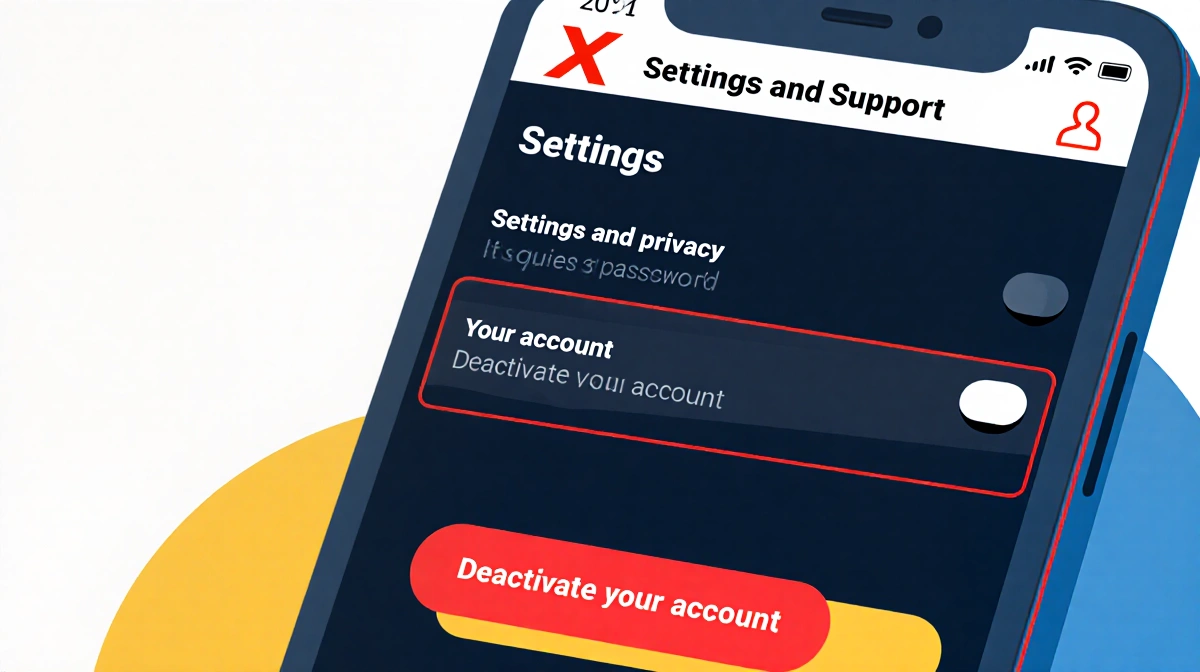
- Choose Settings and Support, then Settings and privacy.
- Tap Your account > Deactivate your account.
- Tap Deactivate.
- Enter your password and tap Deactivate again to confirm.
Your account enters a 30-day deactivation phase. If you log in during that window, restoration is instant. After 30 days of silence, the account and all data are permanently erased.
How to delete your X account on desktop
- Sign in to X.com.
- Select More on the left sidebar, then Settings and privacy.
- Under Your Account, click Deactivate your account.
- Click Deactivate.
- Enter your password and click Deactivate account to finalize.
The same 30-day grace period applies.
Revoke third-party access before you go
Apps that once linked to X can reactivate your account if you sign in through them. To block that:
- Go to Settings and privacy > Security and account access > Apps and sessions > Connected apps.
- Select each app and click Revoke app permissions.
Reactivate within 30 days if you change your mind
- Log back into X.
- Accept the reactivation prompt.
- Wait a few minutes for posts and followers to repopulate.
After day 30, the username is released and the data is gone.
Lock your posts instead of leaving
If you stay but want tighter control:
On mobile:
- Settings and privacy > Privacy and safety > Audience and tagging.
- Toggle Protect your posts on.
On desktop:
- Settings and privacy > Privacy and safety > Audience, media, and tagging.
- Check Protect your posts and click Protect.
Protected posts are visible only to approved followers, can’t be retweeted, and won’t appear in search-engine indexes. Toggle the setting off anytime to go public again.
Key takeaways
- Grok’s non-consensual image creation has accelerated X’s user drain.
- Bluesky has gained over 20 million users in three months.
- Deleting X takes five quick steps, but you have 30 days to reverse it.
- Revoke third-party apps to avoid accidental reactivation.
- Protecting posts offers a middle ground for those who remain.