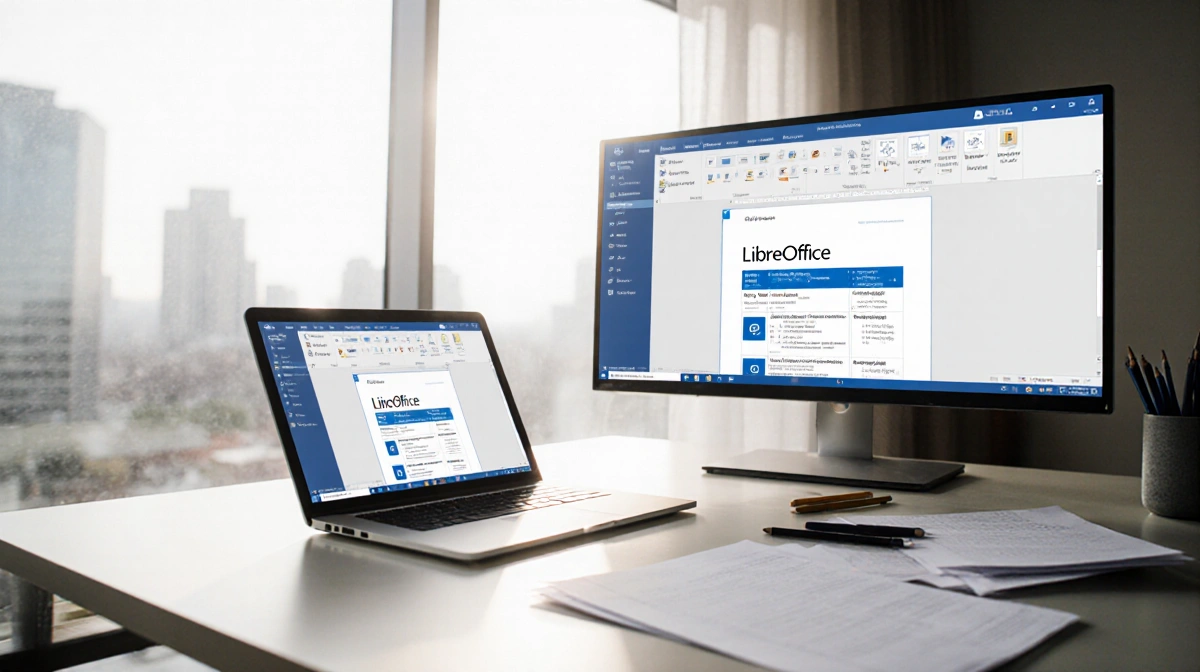
After years of paying for Microsoft 365, I finally switched to LibreOffice to save money. The free, open-source suite offers similar programs and strong privacy protections, though it lacks cloud integration and mobile apps.
At a Glance
- LibreOffice is a free, open-source office suite launched in 2010 by The Document Foundation
- Includes six programs matching Microsoft 365’s core functionality
- No data collection or cloud storage, keeping documents private and local
- Why it matters: You can replace your paid office subscription without losing essential features
LibreOffice traces back to 1985’s StarWriter and became an independent project in 2010. Since then, governments worldwide have migrated to cut software costs. The suite provides Writer (Word), Calc (Excel), Impress (PowerPoint), Draw (Visio), Base (Access), and Math for formulas.
Key Advantages
Privacy Protection
LibreOffice collects zero user data without consent and doesn’t create user profiles. By contrast, Microsoft 365 gathers hardware, software, and IP address information. Documents save locally with optional password protection or GNU Privacy Guard encryption.
File Compatibility
The suite opens Microsoft Word, Excel, and Apple Pages files. Complex documents exchanged repeatedly between LibreOffice and Microsoft 365 may require format adjustments. Using common formats like .doc prevents rendering issues.
Customization
The LibreOffice Extension Center offers free plugins including MLA templates, language spellcheckers, and even games. Users can tailor functionality through hundreds of extensions.
Cost Savings
LibreOffice is completely free with no subscription fees. Google Docs also offers free office apps but requires a Google account, sharing personal data.
Platform Support
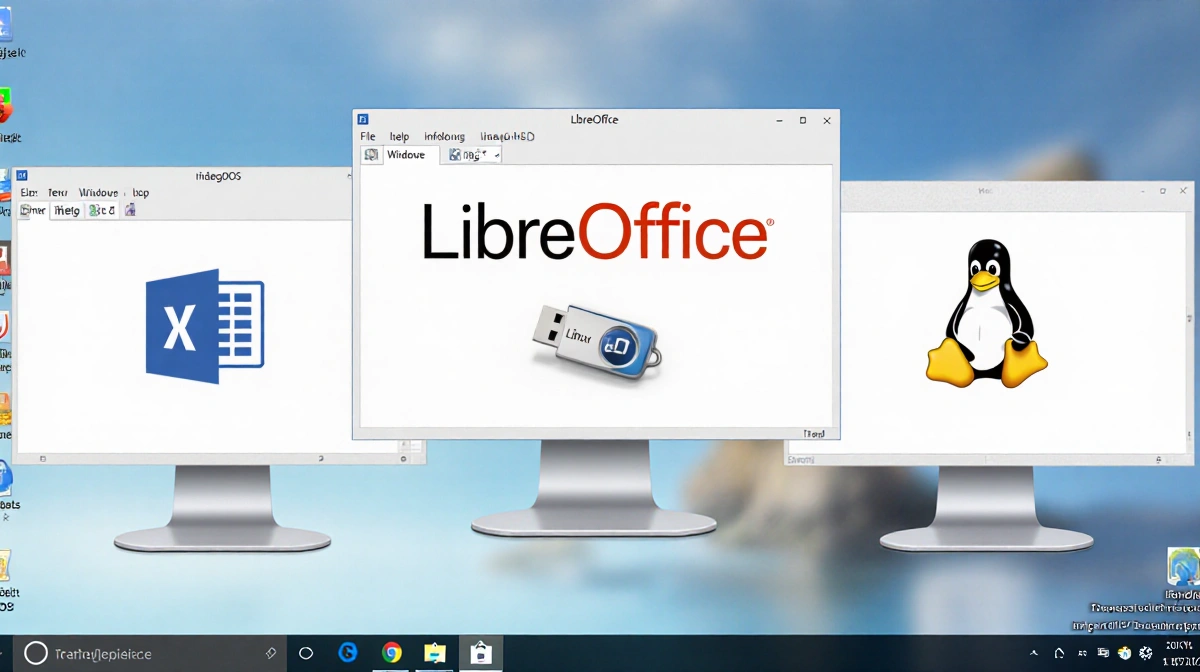
LibreOffice installs on Windows, macOS, and Linux desktops. A portable version runs from flash drives without installation. However, no mobile apps exist currently – only an Android viewer with experimental editing support.
Limitations
Learning Curve
New users may find the interface overwhelming compared to Google Docs’ simplicity. Writer displays numerous formatting options simultaneously, though these mirror Microsoft Word’s Insert and Layout tabs.
No Cloud Access
Native cloud integration doesn’t exist, preventing real-time collaboration. Users must manually transfer files via flash drives, email, or third-party cloud services.
Support Gap
The Document Foundation provides no individual technical support. Users rely on community forums and bug reports, unlike Microsoft’s direct customer service.
Who Should Switch
LibreOffice suits users wanting free software with strong privacy controls and customization options. Reddit users praise its open-source nature and feature parity with Microsoft Word.
Skip LibreOffice if you need seamless cloud collaboration, mobile editing, or prefer simplified interfaces without learning curves.