
> At a Glance
> – Hidden iOS setting creates vacation-only phone
> – Blocks work apps, silences non-essential alerts
> – Auto-activates at airports or hotels
> Why it matters: Your iPhone becomes a travel tool, not a source of anxiety
Your next vacation starts the moment your iPhone stops buzzing with work notifications. iOS Focus Modes let travelers silence productivity apps while keeping airline, maps, and messaging available.
Build Your Travel Mode
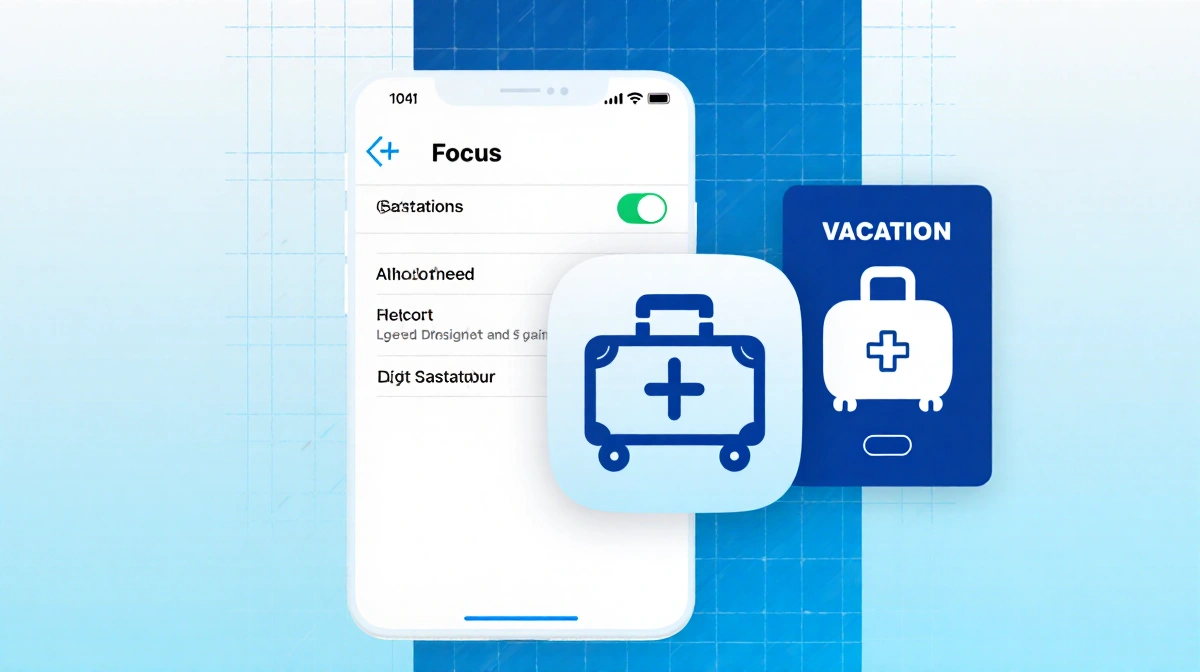
Open Settings → Focus → + → Custom. Name it “Vacation” or “Travel” and assign a suitcase icon. This single toggle becomes your digital passport.
Notifications
- Allow: Messages, airline apps, Maps, Find My, Uber/Lyft, WhatsApp
- Silence: Slack, Gmail, Outlook, Calendar
- Essential contacts: family, travel partners, sitters
Advanced
- Link to custom home screen
- Hide work inbox in Mail
- Hide work calendar in Calendar
- Auto-activate at airport or hotel
Automations
Location: arrives at airport/hotel
App: opens Netflix/Kindle
Cross-device: iPad, Watch, MacBook sync
Key Takeaways
- iPhone becomes travel-only device
- Work apps hidden, travel apps visible
- Activates automatically at destinations
- Works across Apple ecosystem
Your next vacation starts when your phone stops working against you.