At a Glance
- Over half of iPhone owners haven’t updated to iOS 26 or later
- iOS 26.2 fixes two WebKit zero-days that may have been actively exploited
- The update adds Liquid Glass customization, offline lyrics, and safety alerts
- Why it matters: Unpatched devices remain vulnerable to code-execution attacks that could steal data
More than 50 percent of iPhone users are still running a version older than iOS 26, leaving their devices open to two zero-day vulnerabilities that Apple says may already be under attack. The company released iOS 26.2 on December 12 to close those security holes and introduced a slate of new features across Apple Music, Podcasts, and system apps.
Critical Security Fixes
iOS 26.2 patches two dozen bugs, including two WebKit flaws that Apple warns could enable “extremely sophisticated attack[s] against specific targeted individuals.” Both bugs live in the browser engine that powers Safari and allow arbitrary code execution when a device processes malicious web content.
Apple discovered one flaw; the Google Threat Analysis Group, which hunts government-backed hacking campaigns, found the other. Because the bugs were exploited before a patch existed, they qualify as zero-days. While targeted attacks are unlikely for most users, Apple urges everyone to update.
To install the release, open Settings → General → Software Update → Update Now and follow the on-screen prompts.
Liquid Glass Gets Adjustable
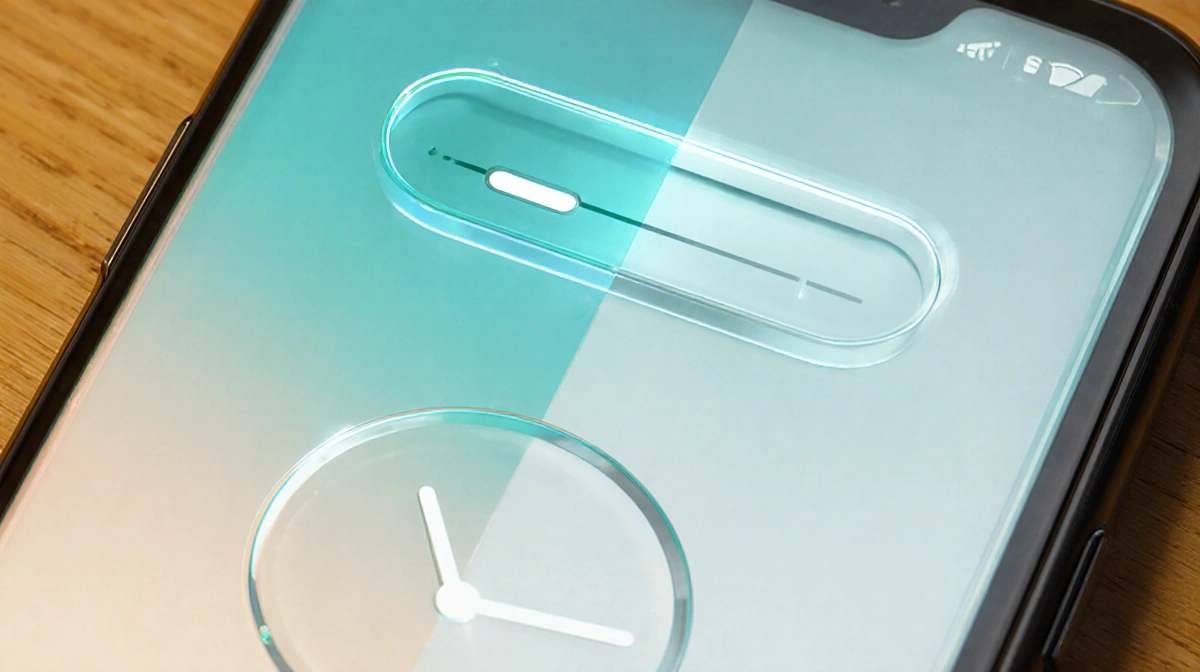
Apple’s Liquid Glass design language, introduced with iOS 26 in September, now offers a lock-screen slider that controls clock opacity. Slide left for a translucent clock; slide right for a solid look. The same update applies Liquid Glass visuals to the Level tool inside the Measure app.
User reaction remains split-Reddit threads cite readability gripes while others praise the modern aesthetic-but the redesign is clearly staying.
Apple Music Adds Offline Lyrics
Subscribers who download tracks can now view lyrics without an internet connection. The change follows iOS 26’s earlier addition of lyric translations. The downloaded lyrics toggle appears automatically when a song is saved for offline playback.
Podcast Upgrades
The Podcasts app gains:
- Auto-generated chapters marked by hash lines on the progress bar
- Direct links to other podcasts mentioned in an episode, accessible from both the player and the transcript
News App Navigation
Apple News finally adds a top-mounted menu bar that jumps to Sports, Politics, Business, Food and other sections. Previously, users had to scroll the Today feed or dig into the Following page to reach topical groupings.
Reminders Can Sound Alarms
Flag a reminder as Urgent and the Reminders app prompts you to set an alarm or timer. The linked alert supports snooze and appears as a Live Activity until dismissed.
Enhanced Safety Alerts
A new Settings → Notifications → Enhanced Safety Alerts menu lets U.S. users toggle:
- Earthquake Alerts
- Imminent Threat Alerts for floods, natural disasters and other emergencies
- Improve Alert Delivery, which shares approximate location to speed notifications
During emergencies, iPhones can receive safety warnings and relay them anonymously to nearby Apple devices.
Health App Sleep Score Tweaks
iOS 26.2 and WatchOS 26.2 raise the point thresholds for nightly Sleep Score categories:
| Category | Old Range | New Range |
|---|---|---|
| Very Low | 0-29 | 0-40 |
| Low | 30-49 | 41-60 |
| OK | 50-69 | 61-80 |
| High | 70-89 | 81-95 |
| Very High | 90-100 | 96-100 |
Scores factor in sleep duration, bedtime consistency and interruptions.
Additional iOS 26.2 Changes
- Apple Music: Favorite Songs playlist surfaces in Top Picks
- Games: Library filters by category and size; real-time leader-board banners; better controller support for Backbone and Razer devices
- AirDrop: Verification codes when transferring files to unknown contacts
- Home: Multipack accessory pairing with a single setup code
- Accessibility: Optional screen flash for incoming notifications
- Freeform: Resizable table cells that hold text, images and drawings
- Bug fixes: Prerelease albums now play at release time; corrected enterprise-management labels in Privacy settings
Key Takeaways
- Update immediately to close two actively exploited zero-day bugs
- iOS 26.2 adds user-requested features like offline lyrics and News navigation
- Liquid Glass customization expands, signaling Apple’s long-term commitment to the aesthetic
- The release bundles dozens of smaller enhancements across first-party apps