At a Glance
- iPhones running iOS 15 or later include a built-in white-noise generator called Background Sounds
- The library now spans 10 loops including rain, ocean, fire and café babble
- Parents can trigger the sounds from Control Center or by triple-clicking the side button
- Why it matters: Skip buying a separate white-noise machine and soothe babies for free
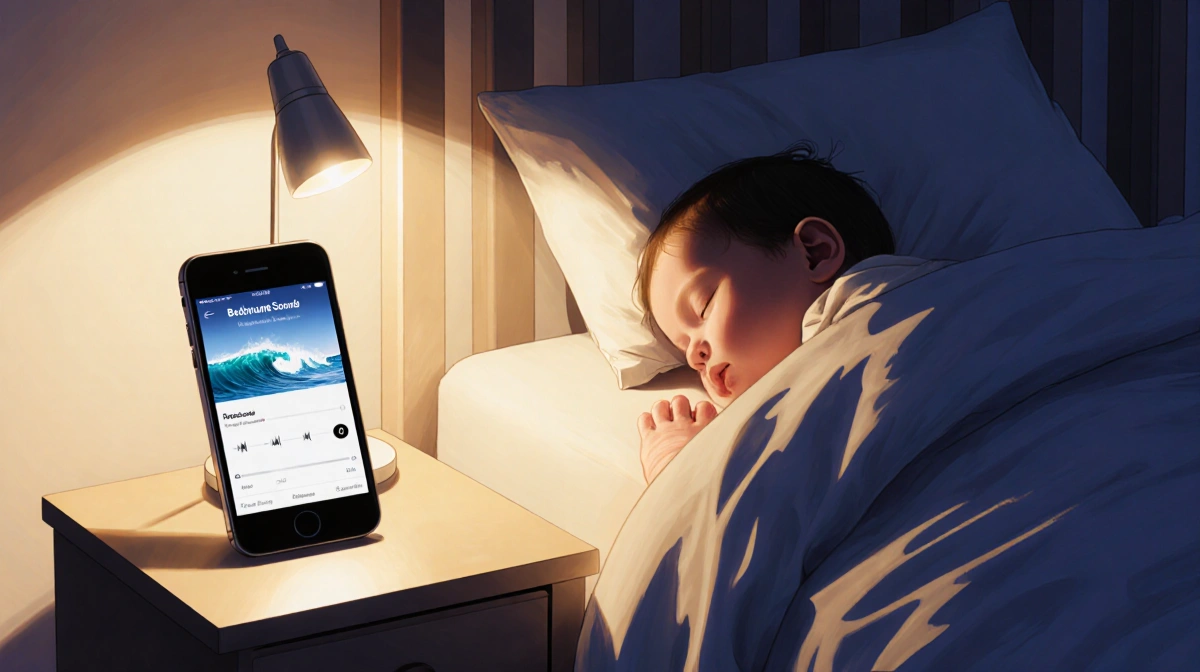
Apple slipped a sleeper hit into iOS 15 that new parents are only now discovering: a full-featured white-noise generator buried in Accessibility settings. The tool, quietly updated through iOS 26, turns any iPhone into a sound machine without extra apps or cost.
How Background Sounds arrived and grew
When Background Sounds debuted in 2021, users had six continuous loops: three natural recordings (rain, stream, ocean) and three white-noise tones (bright, balanced, dark). Apple expanded the catalog to eight in 2024 with the additions of “night” and “fire.” iOS 26 padded the lineup further, introducing “rain on roof” and “babble,” the latter mimicking a busy coffee shop.
Two taps from Control Center
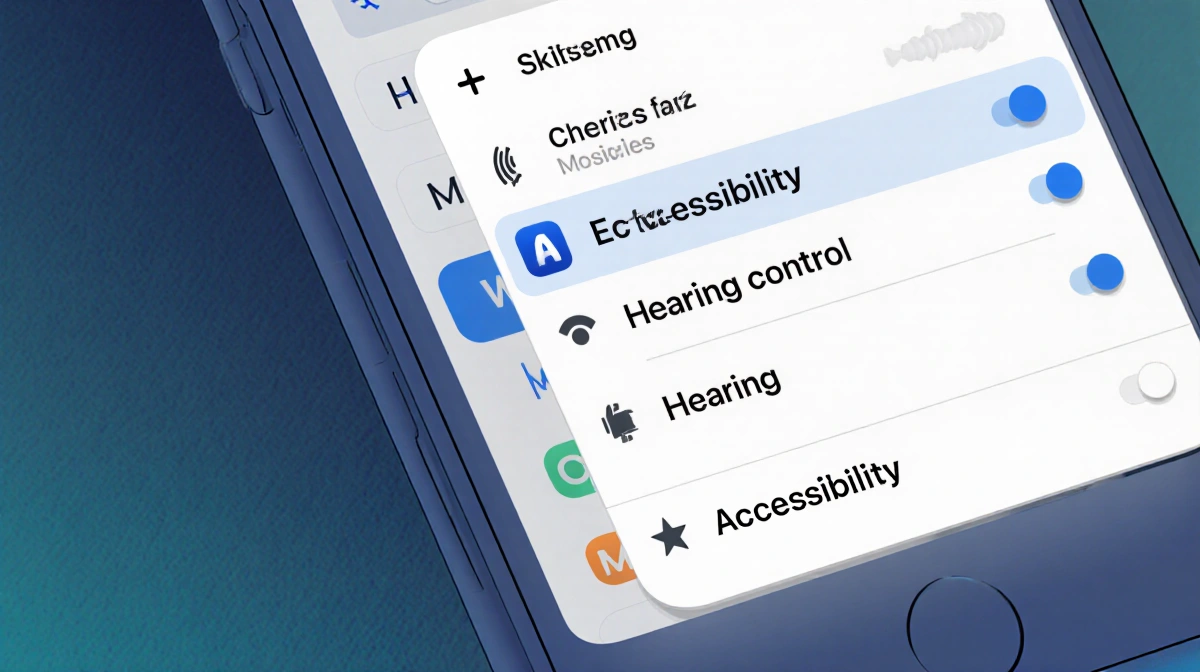
Marcus L. Bennett shows readers how to avoid digging through Settings each bedtime. Add the Hearing control once and toggle sounds from anywhere on the phone.
- Open Control Center
- Tap the plus (+) in the top-left corner
- Choose Add a Control
- Select Hearing control (ear icon) under Hearing Accessibility
Once added, tapping the ear icon reveals Speaker, Background Sounds and Live Listen options. Touch the musical-note symbol to start playback instantly, or tap the words Background Sounds to open a mini-menu for switching sounds or adjusting volume.
Triple-click shortcut for 3-a.m. wake-ups
Accessibility Shortcuts offer a hardware option when the screen is too bright to navigate.
- Go to Settings → Accessibility → Accessibility Shortcut
- Tick Background Sounds
A triple-press of the side button now toggles the feature on or off from any screen, handy for one-handed activation while holding a restless infant.
Fine-tune playback in Settings
Deeper controls live in Settings → Accessibility → Audio & Visual → Background Sounds. Here you can:
- Flip the main toggle to start playback
- Choose a new sound from the full list
- Enable Use When Media Is Playing so the white noise continues under music, videos or podcasts
- Decide whether sounds stop automatically with the Stop Sounds When Locked toggle
iOS 26 layers in two extra tools:
- Equalizer: tweak tone, contour and left-right balance
- Stop Sounds with a Timer: set a shut-off time or countdown so the audio fades after baby drifts off
Why parents are ditching standalone machines
The American Academy of Pediatrics notes that consistent ambient sounds help soothe infants and lengthen sleep stretches. With iPhones already on nightstands, Background Sounds removes the need for a second plug-in device and gives caregivers volume control that lives in the same ecosystem as lullaby playlists or meditation apps.
Key Takeaways
- Every iPhone on iOS 15 or later already contains a free white-noise machine
- Sounds can play solo or under other media, locking to the phone or continuing when the screen sleeps
- Fastest access is a Control Center toggle or triple-click of the side button
- New in iOS 26: equalizer and sleep-timer shut-off options