> At a Glance
> – iPhone 11 or newer (except 2020/2022 SE) can be located even when powered off
> – Enable Find My iPhone, Find My Network, and Send Last Location in Settings
> – Use another Apple device or icloud.com/find to track your missing phone
> – Why it matters: Back-to-work season means more misplaced phones-protect yourself now
Losing your iPhone during post-holiday chaos is stressful, but Apple’s Find My Network turns every iPhone into a crowdsourced locator beacon. Follow these steps now so you’re ready the moment it vanishes.
Enable Before You Lose It
Open Settings, tap your name, then Find My > Find My iPhone. Toggle on:
- Find My iPhone
- Find My Network
- Send Last Location
Swipe down from the top-right corner and hold the power button; you should see “iPhone Findable After Power Off” under the slider. If the device hasn’t reported its location to Apple in seven days, you’ll see “No location found” instead.
Two Ways to Track Your Phone
With another Apple device:
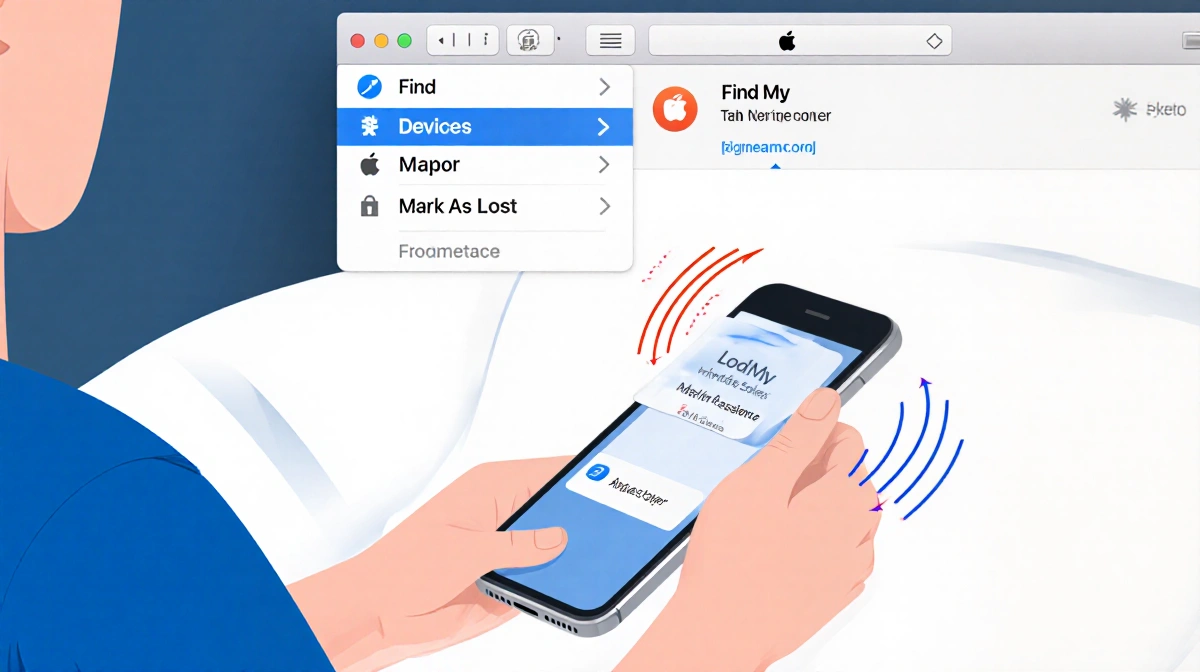
- Open the Find My app and choose the Devices tab
- Select your missing iPhone; Play Sound or tap Directions if it’s nearby
- If stolen, tap Mark As Lost to lock it, suspend Apple Pay, and display your contact info
Without an Apple device:
- Visit icloud.com/find and sign in with your Apple ID
- Choose your iPhone from the Devices list for the same Play Sound, Mark As Lost, or Erase options
Travel Security Tip
Before you travel abroad, disable Control Center on the lock screen to stop thieves from turning off data or enabling Airplane mode:
- Settings > Face ID & Passcode (or Touch ID & Passcode)
- Under Allow Access When Locked, toggle off Control Center
Key Takeaways
- iPhone 11 and newer models (excluding 2020/2022 SE) can be found even with a dead battery
- You must enable all three toggles-Find My iPhone, Find My Network, Send Last Location-before the phone goes missing
- Use icloud.com/find if you don’t have another Apple device handy
- Disable lock-screen Control Center while traveling to block quick settings tampering
Set up these safeguards today so the next time your iPhone slips between couch cushions or stays behind in a taxi, you’ll locate it in minutes, not hours.