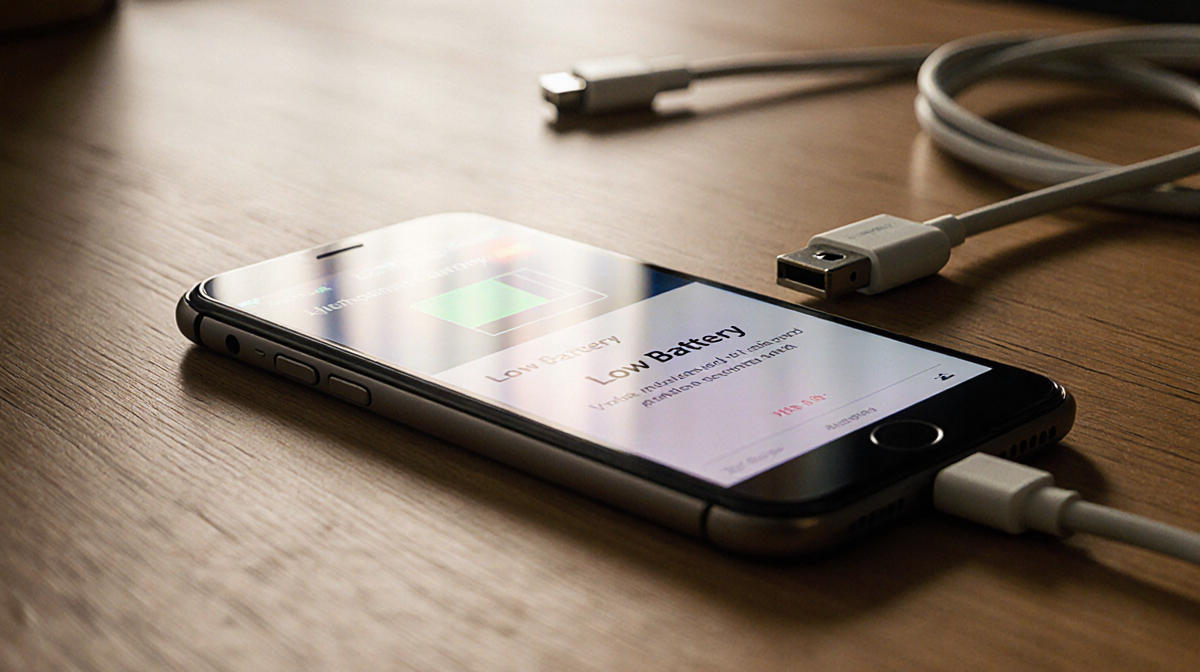
Phone batteries don’t die from staying plugged in overnight, but heat and extreme charge levels can accelerate wear over time.
**At a Glance
- Keeping a phone battery at 100% for long periods stresses the cell.
- Modern devices use smart charging to pause at 80%–85% until the user needs the full charge.
- Heat from usage or a hot environment is the biggest threat to battery longevity.
- Why it matters: Knowing how to charge wisely can extend a phone’s usable life by years.
A quick glance at the science behind lithium-ion batteries shows that the myths about overnight charging are largely outdated. While it’s true that many phones will stop drawing power once they hit 100%, the battery still experiences voltage stress and heat that can shorten its overall lifespan.
The Science of Battery Wear
Lithium-ion cells age fastest at the extremes: 0% and 100%. Holding a battery near full charge for extended periods increases voltage stress on the cathode and electrolyte, which can lead to chemical degradation. Many manufacturers implement trickle charging-the phone pauses at a certain level and resumes charging only when needed.
Heat is the real culprit. When a phone is plugged in and running demanding apps-gaming, streaming, or editing 4K video-it produces heat that speeds up chemical wear inside the battery. Even a short burst of high temperature can push the battery into unsafe zones.
Apple’s Approach to Charging
Apple describes lithium-ion batteries as consumable components that naturally lose capacity over time. To slow that decline, iPhones use Optimized Battery Charging. The feature learns a user’s daily routine and pauses charging at about 80% until just before the user typically unplugged, reducing the time spent at high voltage.
Apple also advises keeping devices between 0°C and 35°C (32°F-95°F) and removing certain cases while charging to improve heat dissipation. The official Apple battery support page provides detailed guidance.
Samsung and Other Android Makers
Samsung offers a similar feature called Battery Protect in the One UI battery and device care settings. When enabled, it caps charging at 85%, which helps reduce stress during long charging sessions.
Other Android makers-Google, OnePlus, and Xiaomi-include comparable options, often called Adaptive Charging, Optimized Charging, or Battery Care. These systems dynamically slow power delivery or limit charge based on user habits, making it safe to leave a phone plugged in for extended periods without fear of overcharging.
| Brand | Feature | Charge Cap | Description |
|---|---|---|---|
| Apple | Optimized Battery Charging | ~80% | Pauses at 80% until just before unplugging |
| Samsung | Battery Protect | ~85% | Caps charging at 85% during long sessions |
| Adaptive Charging | Variable | Slows delivery based on usage patterns | |
| OnePlus | Battery Care | Variable | Limits charge to protect battery |
| Xiaomi | Battery Care | Variable | Similar adaptive strategy |
Conditions That Accelerate Wear
Even with these safeguards, certain scenarios can still accelerate battery wear:
- High temperatures: Leaving a phone charging in direct sunlight, inside a car, or under a pillow can push temperatures into unsafe zones.
- Heavy use while charging: Gaming or 4K video editing while plugged in can cause temperature spikes.
- Uncertified accessories: Cheap or uncertified cables and adapters may deliver unstable current, stressing cells.
- Older batteries: A battery that’s several years old is more sensitive to heat and voltage stress.
Smart Charging Tips
- Enable the built-in optimization tools: Turn on Optimized Battery Charging on iPhones, Battery Protect on Samsung devices, and Adaptive Charging on Google Pixels.
- Keep the phone cool: Apple says batteries perform best between 62°F and 72°F (16°C-22°C). If the phone feels hot, remove its case or move it to a shaded spot.
- Avoid hot environments: Don’t charge the phone in a car on a sunny day or under a pillow.
- Use quality accessories: Stick to chargers and cables from the phone manufacturer or trusted brands. Cheap fast-charge kits can deliver inconsistent current.
- Don’t obsess over topping off: Lithium-ion batteries prefer frequent, shallow charges rather than deep full cycles. It’s fine to plug in during the day for short bursts.
## Bottom Line
Leaving a phone plugged in overnight or on a desk all day will not destroy its battery. Modern phones are designed to protect themselves, and features like Optimized Battery Charging or Battery Protect do most of the heavy lifting. The key to extending battery life is managing heat, using quality chargers, and letting the phone’s software do its job. A few mindful habits today can keep a phone running strong for years to come.