At a Glance
- PayPal and Venmo have launched a new feature that lets users send money directly between the two apps.
- The rollout is underway, but users must adjust privacy settings before sending.
- PayPal can discover Venmo users via phone number; a new restriction will be available in November.
- Why it matters: The move expands payment options while raising new privacy concerns.
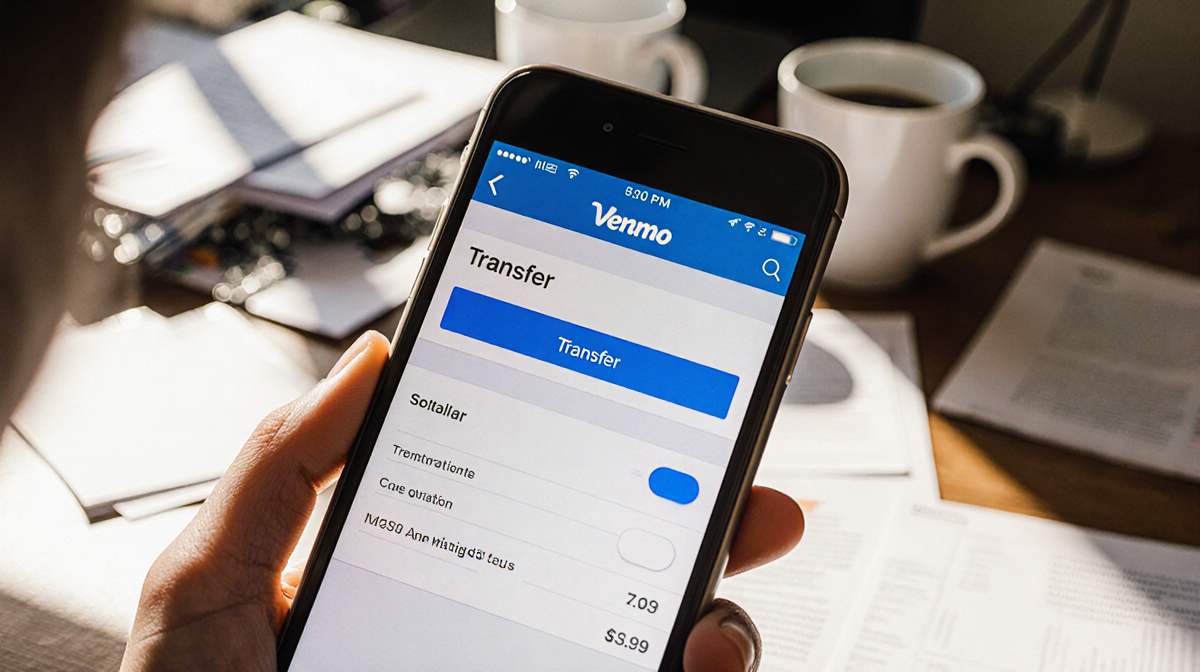
The latest update from two of the biggest names in digital payments means you can now transfer money straight from PayPal to Venmo, or the other way around, without leaving the app. The feature is rolling out now, and it’s important to tweak your privacy settings before you start sending cash.
How the Feature Works
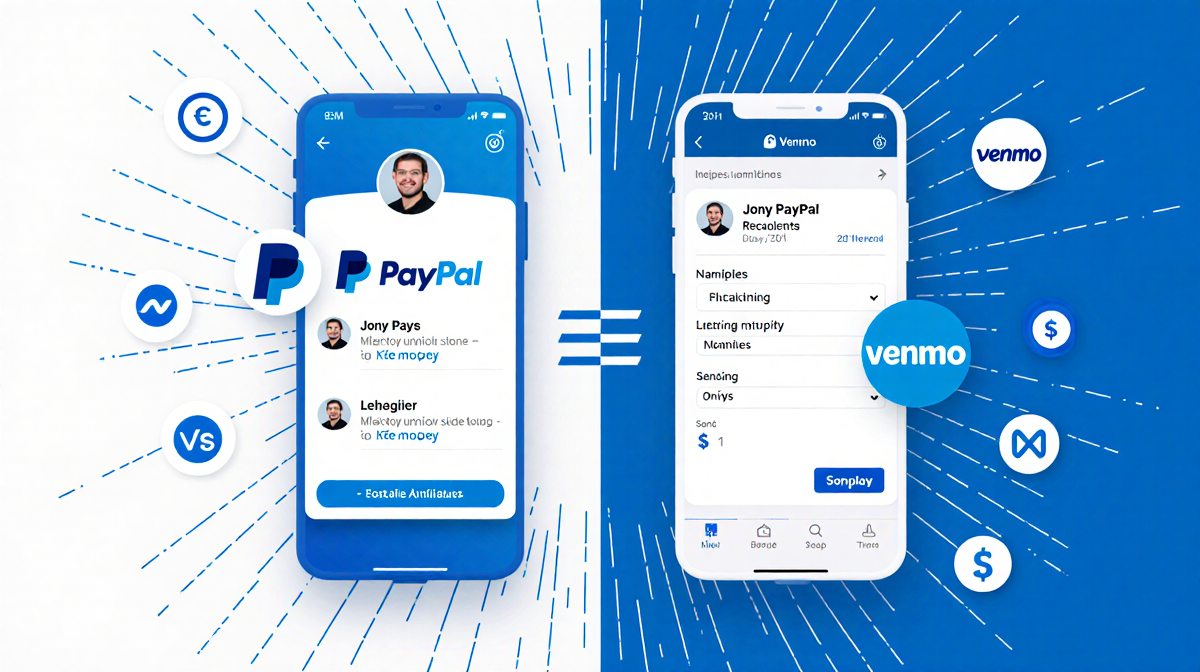
The collaboration between PayPal and Venmo has been in development since PayPal acquired the company in 2014. The new integration lets you:
- Open your PayPal app and search for a Venmo user.
- Open your Venmo app and search for a PayPal user.
- Tap the recipient’s profile and send money with a few taps.
Because the two services are now linked, your contact lists are shared across platforms. That means if a PayPal user has your phone number, they can find your Venmo profile, and vice versa.
Privacy Settings You Should Change
PayPal users can discover any Venmo user if they have the correct phone number. This could make it easier for scammers or spammy contacts to locate you. Venmo has announced a privacy feature that will let you limit who can find you on PayPal.
To adjust the setting now:
- Open the Venmo app.
- Tap the gear icon to open Settings.
- Select Privacy.
- Go to Find Me.
- Choose who can find you on PayPal.
However, the option to restrict visibility will not be active until the November update. Until then, you can only review the setting but cannot enforce it.
What to Expect in November
The upcoming November update will activate the Find Me restriction for PayPal. Once live, you can:
- Toggle the switch to allow only friends, contacts, or no one to locate you via PayPal.
- Reduce the risk of unwanted solicitations.
- Maintain control over how your Venmo profile is discovered.
Because the feature is still in development, the exact mechanics may change. Keep both apps updated to receive the newest settings.
Best Practices for Safe Transfers
Even with the new direct-payment capability, it’s wise to follow these guidelines:
- Verify recipients: Double-check usernames and profile pictures before sending.
- Use transaction notes: Add a brief note to keep a record of what the payment is for.
- Monitor account activity: Regularly review recent transactions in both apps.
- Enable two-factor authentication: Add an extra layer of security to both PayPal and Venmo.
By combining the new cross-platform transfer with strong privacy controls, you can enjoy the convenience of instant payments while protecting your personal information.
Key Takeaways
- PayPal and Venmo now allow direct money transfers between the two platforms.
- Users can search for each other’s profiles across apps.
- PayPal can find Venmo users via phone number; a restriction will launch in November.
- Adjust your Venmo privacy settings now and plan to enforce them when the update arrives.
- Follow best practices to keep your payments safe and your profile private.