At a Glance
- Phishing scams stole $70 million in 2024.
- Attackers use AI-driven tactics and short links.
- Experts warn about spoofing, QR codes, and phone-number scams.
- Why it matters: Millions risk financial loss and malware.
Phishing emails and texts have become more sophisticated, especially with the rise of AI. The FBI Internet Crime Complaint Center reports that scammers stole $70 million in 2024 alone. This surge means that everyday users must be vigilant about links that look legitimate but are designed to steal data or install malware.
What Are Phishing Links?
Phishing links are URLs embedded in emails, texts, or social media messages that redirect users to fake websites or trigger malware downloads. They often mimic trusted brands, using similar domain names or the “https” prefix to appear secure. The goal is to trick recipients into revealing personal information or installing malicious software.
How Scammers Send Them
Scammers use a mix of channels:
- Email: Classic spoofed messages that claim unpaid tolls, job offers, or holiday gifts.
- Text (SMS): Messages that include clickable phone numbers or URLs, sometimes disguised as bank alerts.
- Social media DMs: Compromised accounts that send investment offers or friend requests with embedded links.
- QR codes: Printed on menus or posted online, directing to cloned sites or malware.
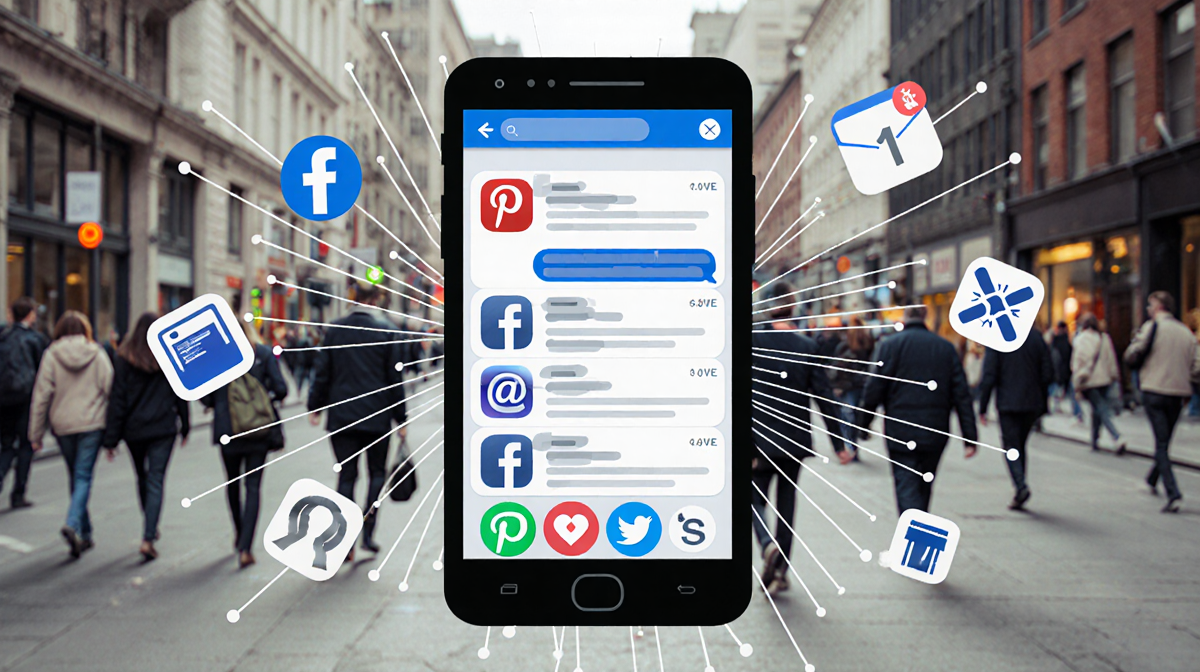
Each method relies on social engineering and the victim’s trust in the sender.
Recognizing Scam Links
Check the URL
- Look for an “@” symbol or multiple URLs joined by a question mark.
- Hover over the link (on a computer) to see the true destination.
- Beware of “typo-squatting” such as “PayPa1.com” instead of “PayPal.com.”
> “Smartphones do their best to block scam links, so attackers use tricks to make their links clickable,” said Joshua McKenty, CEO of Polyguard.ai.
Remember Frequent URLs
Major brands rarely change their domain names. If a link claims to be from a well-known bank but uses a different subdomain (e.g., Chase-Banking-App.com), it is likely unsafe.
Short Links
Shortened URLs (e.g., bit.ly, shorturl) often appear secure because they display the https prefix. The safest approach is to avoid clicking them unless you are certain of the source.
QR Codes
> “QR codes have become the new stealth weapon,” said Dave Meister, cybersecurity spokesman for Check Point. “Scammers overlay fake codes on real ones or embed them in emails.” Before scanning, confirm that the code is from a trusted source.
Protecting Yourself
- Install reputable anti-virus software on all devices.
- Keep operating systems and apps updated to patch vulnerabilities.
- Use a reputable firewall to block suspicious traffic.
- Enable two-factor authentication on all accounts.
- Verify the sender’s identity by calling or emailing the official contact number.
If you suspect a message is a scam, copy the link into a notes app and examine it carefully before clicking.
What If I Already Clicked?
- Run anti-virus scans to detect and remove malware.
- Clear browser cache and delete unknown apps.
- Contact your bank or credit card issuer if you visited their site on a compromised device.
- Report the incident to the Federal Trade Commission and local law enforcement.
> “If you clicked a spam link and were scammed out of money, report it to the Federal Trade Commission so they can spread the word about the scam,” said Joshua McKenty.
Timeline of 2024 Phishing Trends
| Date | Event | Impact |
|---|---|---|
| January 2024 | AI-driven phishing campaigns increased | $10 million stolen |
| March 2024 | Rise in QR code scams on public transport | 5 % rise in malware infections |
| July 2024 | Short link abuse in social media DMs | $15 million stolen |
| December 2024 | Holiday-season phishing spikes | $70 million total stolen |
Key Takeaways
- Phishing scams cost $70 million in 2024.
- AI and short links make detection harder.
- Verify URLs, avoid unknown short links, and use security software.
- Report any suspicious activity to authorities.
By staying informed and cautious, users can protect themselves from the growing threat of phishing attacks.