At a Glance
- Freelance tax season is complicated because there is no employer withholding and multiple income streams.
- H&R Block Self-Employed lets you import 1099s, track all sources, and find deductions in one place.
- The software offers AI help, live chat, and a refund guarantee if a mistake changes your refund.
Freelancers face a unique set of tax challenges that can turn a simple filing into a stressful task. The good news is that a dedicated tool can make the process easier, faster, and more accurate. H&R Block’s Self-Employed software is designed to do just that.
Understanding Freelance Tax Challenges
Freelance work has many benefits, but it also means you’re responsible for tracking income, calculating quarterly payments, and paying self-employment tax. Because tax rules change year to year, it can feel overwhelming. In addition, you must report all income, even if you don’t receive a 1099 form.
H&R Block Self-Employed Overview
H&R Block Self-Employed accommodates multiple income sources within a single return. It is built for people who get paid by more than one employer, platform, or client. The interface is intuitive, easy to use, and stays up-to-date with the latest tax rules and regulations.
Importing 1099s Made Simple
When you receive a 1099-NEC as a PDF, the platform extracts the information for you. If you have printed copies, you can snap a photo with the H&R Block app and import it quickly. Smart import tools pull income details straight into the return, reducing manual entry and the chance of mistakes.
- Upload PDFs directly – the system reads the form and populates the fields automatically.
- Photo via the app – capture a clear image and let the software recognize the numbers.
- Smart import – the data is matched to the correct tax line, saving time and effort.
Tracking Income from Multiple Sources
Whether you drive for Uber, deliver for DoorDash, or run a YouTube channel, the software walks you through reporting income from each source. All data is stored in one place, so you don’t have to switch between different platforms. The return stays organized even when you have dozens of gigs.
Deductions Explained
The IRS allows self-employed filers to deduct expenses that are “ordinary and necessary.” H&R Block Self-Employed guides you through this process by asking questions about your work and expenses, then determining which deductions might apply.
- Rideshare and delivery drivers can deduct mileage and vehicle-related expenses.
- Digital creators may deduct the cost of video equipment, lighting, or editing software.
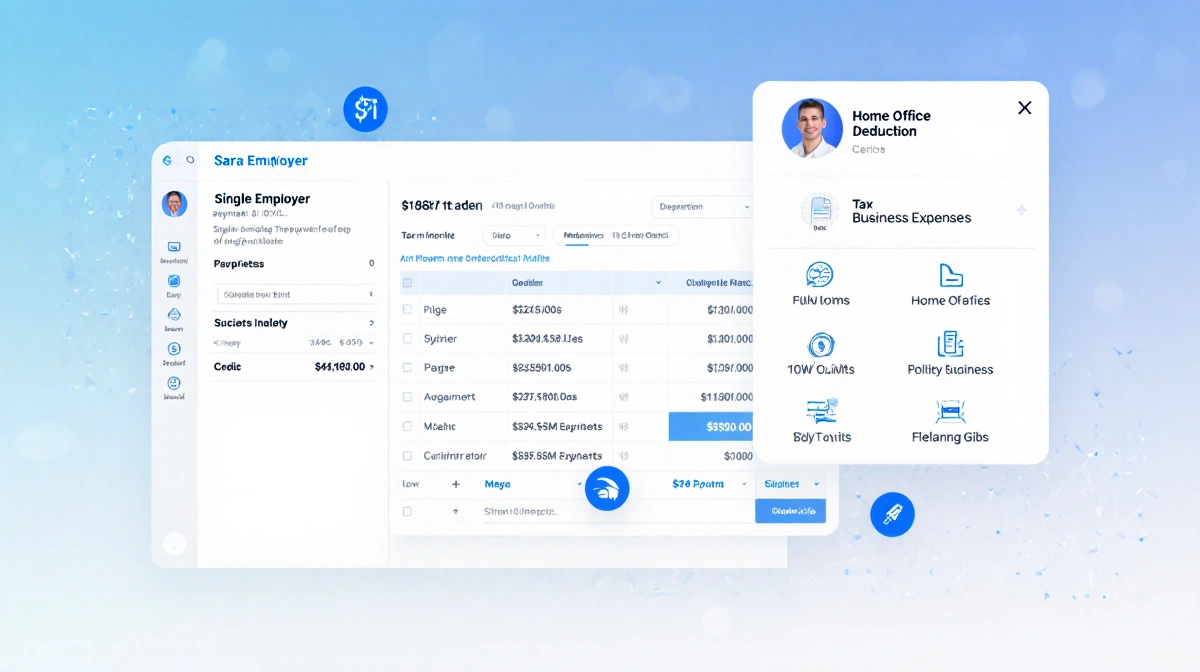
- Home office: If part of your home is used regularly and exclusively for business, you may deduct related expenses. The software asks a few simple questions to calculate the amount.
Support Options
Even with the best software, some questions remain. H&R Block Self-Employed offers two key support options: AI Tax Assist and Expert chat. AI Tax Assist gives instant answers to common questions, such as which forms are required. Expert chat connects you to a live tax professional for guidance when you need help but don’t want to hand off your return.
Maximum Refund Guarantee
If an error in your return entitles you to a larger refund or a smaller liability, H&R Block will refund the fees you paid for your tax prep. You can also amend the return at no additional charge. The guarantee gives you peace of mind when you trust the software with your data.
Why H&R Block Stands Out
Freelancers face unique tax challenges, from managing multiple income streams to identifying eligible deductions. H&R Block stands out because of:
| Feature | What It Means |
|---|---|
| Smart easy-import tools | Import 1099s from PDFs or photos |
| Guided deduction questions | Tailored advice for drivers, creators, and home-office users |
| AI Assist & live chat | Immediate help while you file |
| Maximum Refund Guarantee | Fees refunded if a mistake changes your refund |
These tools and support options give freelancers a flexible, specialized solution that fits the way they earn income and keeps them confident about their taxes.
How It Works for Different Freelancers
| Freelancer Type | Income Sources | Key Deductions | Import Tool |
|---|---|---|---|
| Rideshare Driver | Uber, Lyft | Mileage, vehicle | PDF/Photo |
| Delivery Driver | DoorDash, Instacart | Vehicle | PDF/Photo |
| Digital Creator | YouTube, Patreon | Equipment, software | PDF/Photo |
| Home-Office Worker | Consulting, freelancing | Home office | PDF/Photo |
Getting Started
Begin by creating an account on the H&R Block website. Follow the on-screen prompts to enter your basic information and choose the Self-Employed product. The wizard will guide you through each step, from income import to deduction questions.
Once your account is set up, you can start importing 1099s. If you have a PDF, click “Upload PDF” and let the system read the form. If you prefer a photo, open the H&R Block app, take a picture, and the software will extract the data.
Managing Quarterly Payments
Freelancers must estimate and pay federal and state taxes each quarter. The software calculates the required amounts based on your reported income and deductions. You can view the payment schedule and set reminders to keep your payments on time.
Staying Updated on Tax Rules
Tax laws change frequently, and the software automatically updates its rules database. This means you never have to manually look up new regulations. The updates are applied when you open the program, ensuring your return is always compliant.
Importing 1099s: Step-by-Step
- Log in to your account. 2. Select “Import 1099.” 3. Choose PDF or photo upload. 4. Review the extracted data. 5. Confirm and save to your return.
## Tracking Mileage for Drivers
Drivers can enter mileage manually or import a mileage log. The software calculates the deduction based on the standard mileage rate. You only need to provide the total miles and the purpose of each trip.
Choosing Home Office Deductions
When you answer the home office questions, the software calculates the percentage of your home used for business. It then applies that percentage to your eligible home expenses, such as utilities and rent.
Using the App for Photo Uploads
The H&R Block app is available on iOS and Android. It uses image recognition to read 1099s and other tax forms. After capturing a photo, the app sends the data to your account for instant import.
Reviewing Your Return Before Filing
Before you submit, the software highlights any potential errors or missing information. It also shows a summary of your tax liability and the refund amount. Reviewing this final checklist helps you avoid surprises.
Final Thoughts
H&R Block Self-Employed offers a comprehensive solution for freelancers. By simplifying income tracking, guiding deductions, and providing robust support, it turns a complex tax season into a manageable task. The maximum refund guarantee further reduces the risk of costly mistakes.
Key Takeaways
- Freelance tax season can be daunting because you must track all income and pay self-employment tax.
- H&R Block Self-Employed lets you import 1099s, report multiple income streams, and find deductions in one place.
- The software offers AI help, live chat, and a refund guarantee, making it a solid choice for gig workers and full-time freelancers.
- Setting up is quick, and the platform keeps you compliant with the latest tax rules.
Now you know how a dedicated tax tool can simplify your filing and potentially save you time and money.