> At a Glance
> – Any retired iPhone or Android can become a live-streaming security camera
> – Alfred Camera app delivers motion alerts, cloud storage, and two-way audio at no cost
> – Extra phones, a power source, and a $5-20 wide-angle lens are the only supplies needed
> – Why it matters: Zero-cost home monitoring without buying new hardware
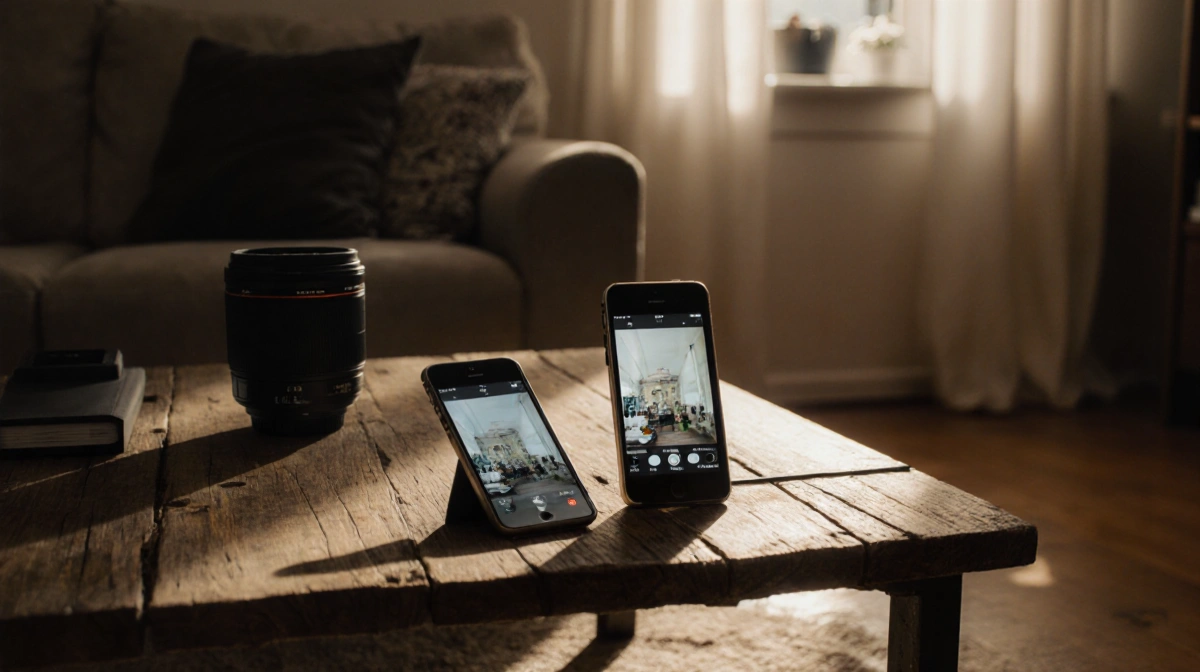
That forgotten handset in your junk drawer can watch your front door, pets, or valuables for free. Download one app, mount the device near an outlet, and you’ve got a DIY security feed you can check from your current phone.
Pick Your App and Pair the Phones
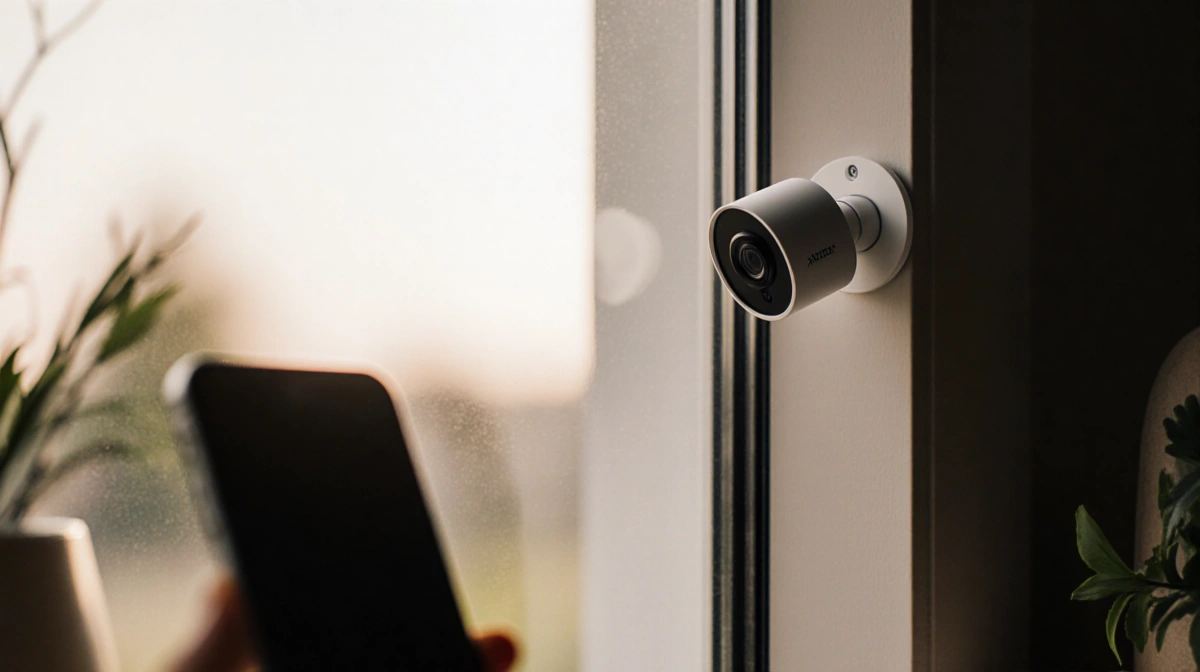
Alfred Camera works across Android and iOS, so platform mix-and-match is fine. Install the app on both the old handset (choose “Camera”) and the one in your pocket (choose “Viewer”), then sign each into the same Google account.
Free tier features:
- Live remote view
- Motion-triggered alerts
- Cloud clips storage
- Front/rear camera switching
- Two-way talk
Premium unlocks HD recording, zoom, 30-day storage, and ad removal.
Not a fan of Alfred? Try:
- Faceter (Apple & Android)
- EpocCam (iPhone only)
- iVCam (Windows-centric)
Find the Right Spot and Keep It Powered
Point the lens at entryways, pet zones, or valuables. A compact tripod or suction mount hides the rig in plain sight. Because the phone streams 24/7, park it within reach of a charger; a 10-ft cable gives placement flexibility.
Add a clip-on wide-angle lens ($5-$20) for broader coverage.
Avoid furnace vents or sun-baked windows-heat plus constant charging shortens component life.
Stay Secure While You’re Secure
Old hardware eventually stops receiving patches, so:
- Factory-reset the handset first
- Allow automatic updates while available
- Set a recycle date (most brands support five-to-seven years)
| Risk Factor | Quick Fix |
|---|---|
| Out-of-date OS | Enable auto-updates until support ends |
| Personal data | Full wipe before install |
| Heat damage | Keep away from vents/direct sun |
Key Takeaways
- Any spare smartphone + Alfred Camera = free indoor security
- Motion alerts, cloud clips, and live view cost nothing
- Mount near power, add a wide-angle lens, and avoid heat
- Retire the camera phone when security updates stop
Repurpose today and you’ll both declutter and gain peace of mind-without spending a cent on new gear.